

Department SLA Dashboard
Use /app/admin/workflows/departments to monitor department-level workflow throughput and SLA breach performance.
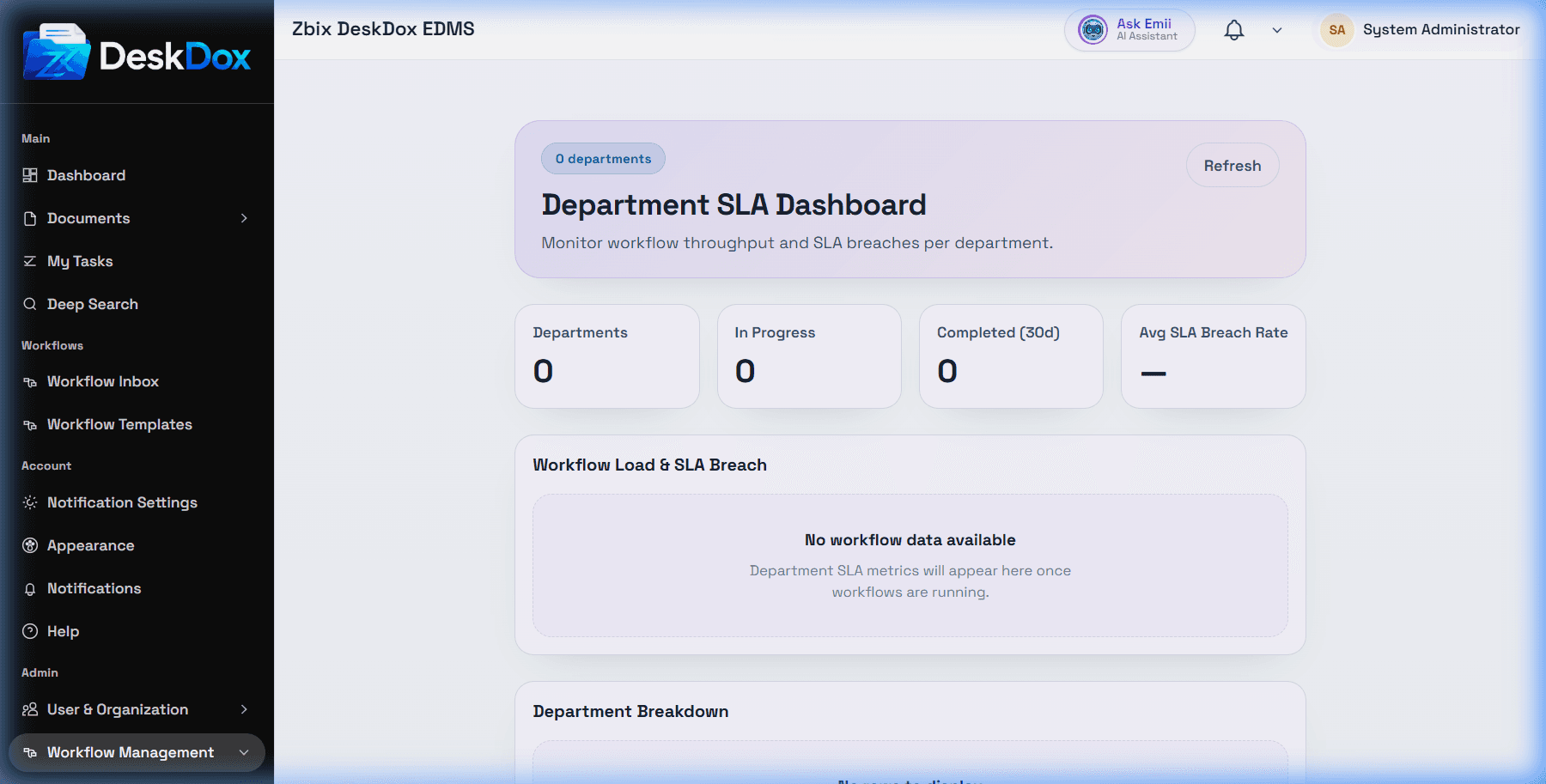
What the dashboard shows
DeskDox includes summary cards for Departments, In Progress, Completed (30d), and Avg SLA Breach Rate. The chart is labeled Workflow Load & SLA Breach, and the table includes Department, In Progress, Completed (30d), Rejected (30d), Avg Completion, and SLA Breach.
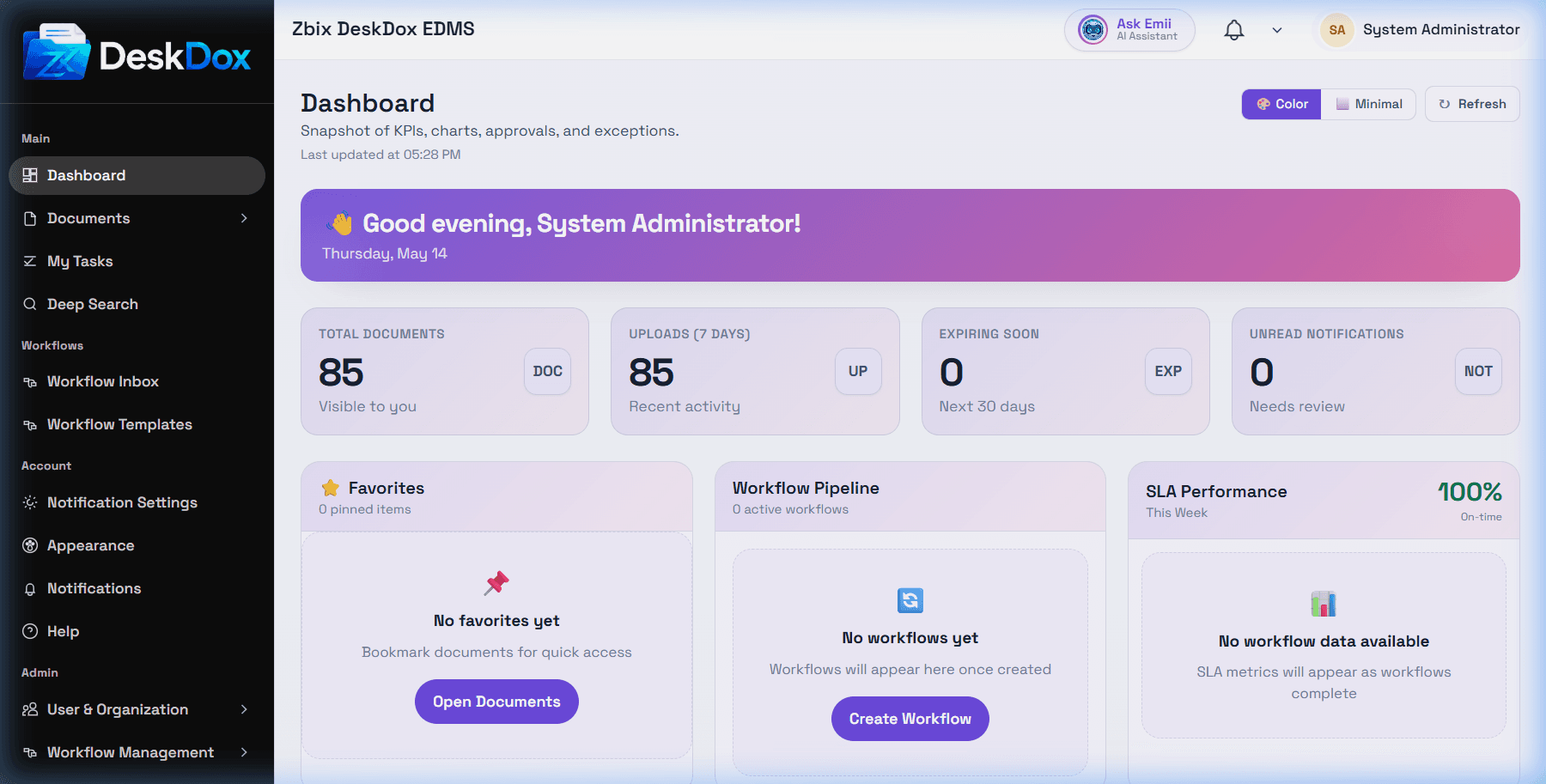
An SLA breach means a workflow item missed the configured SLA target. The department dashboard groups those results by department and reporting window, so its values may differ from an individual task due date or a workflow template setting.
Empty or unexpected data
No workflow data available means department SLA metrics are not available for the current data set. Check whether workflows are running, departments are assigned, SLA settings exist on workflow steps, analytics have refreshed, and your role can view the dashboard.