Notification and SLA Troubleshooting
Use this checklist when notifications, due dates, escalations, calendars, dashboard metrics, or overdue task views do not match expectations.
Notifications missing
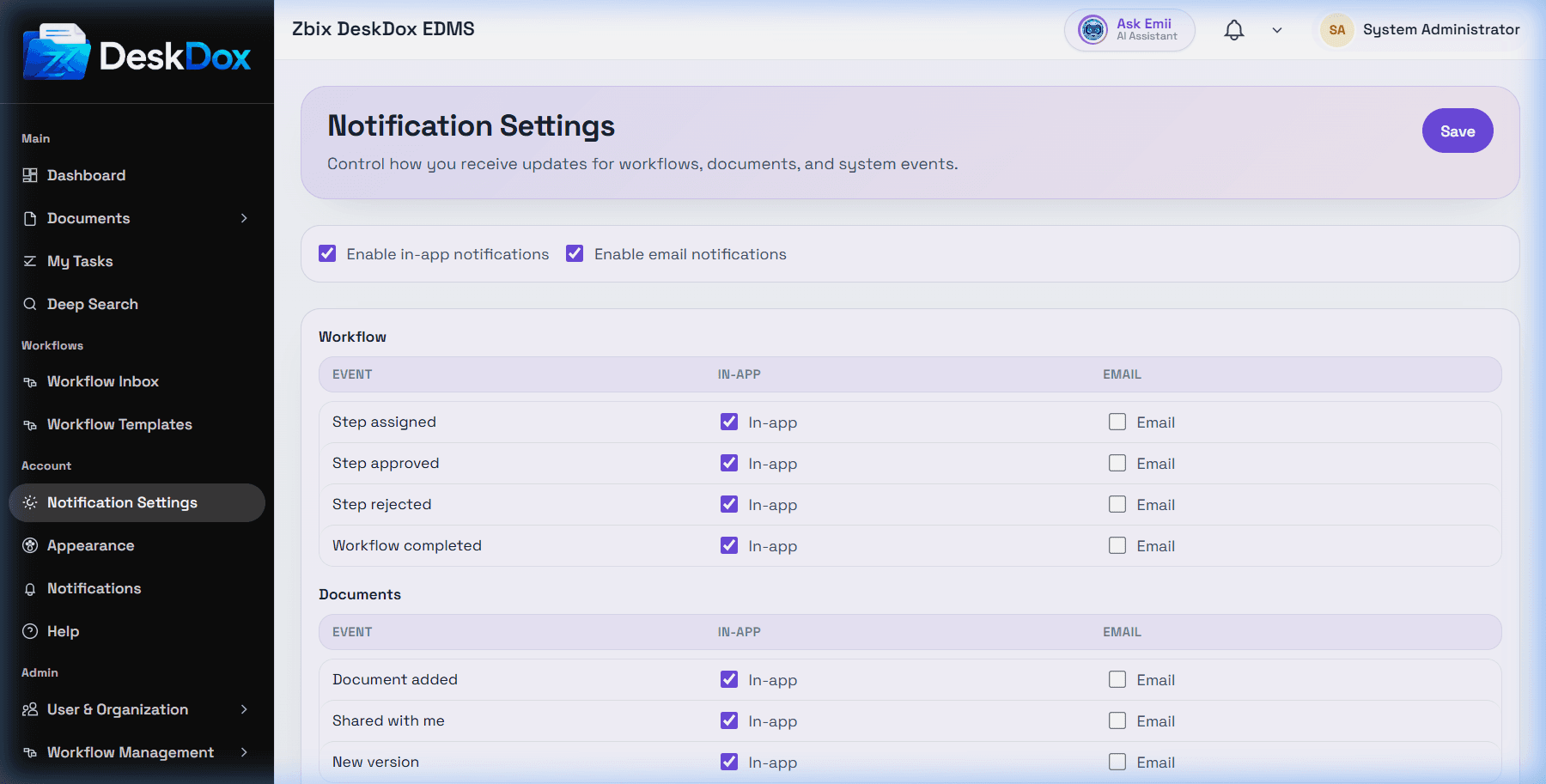
Check whether the notification exists under /app/notifications, whether the selected filter hides it, whether your notification preferences enable the channel, and whether the event applies to your user, role, department, document, or workflow assignment. Email and mobile delivery also require service configuration.
Wrong SLA due date
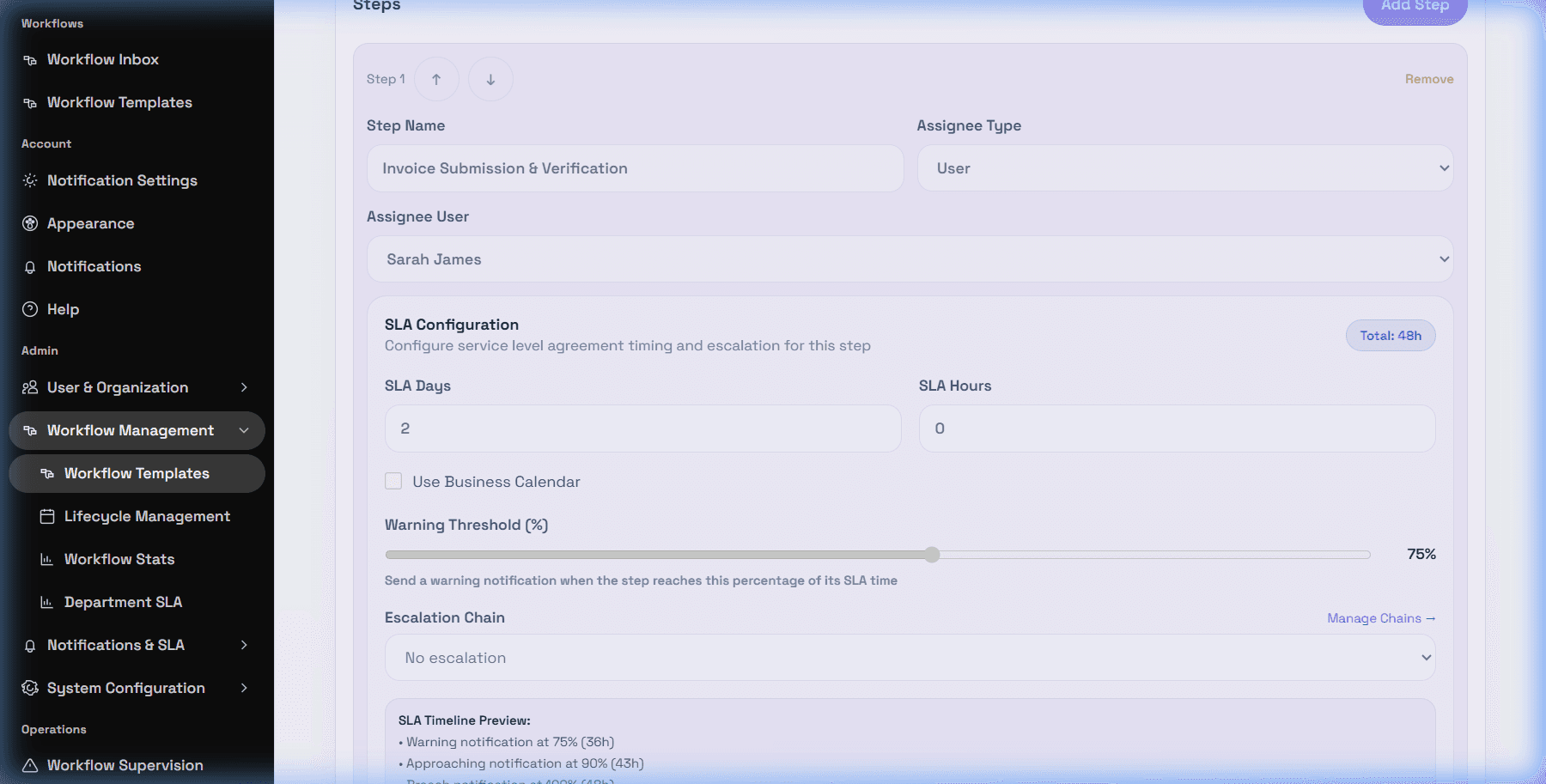
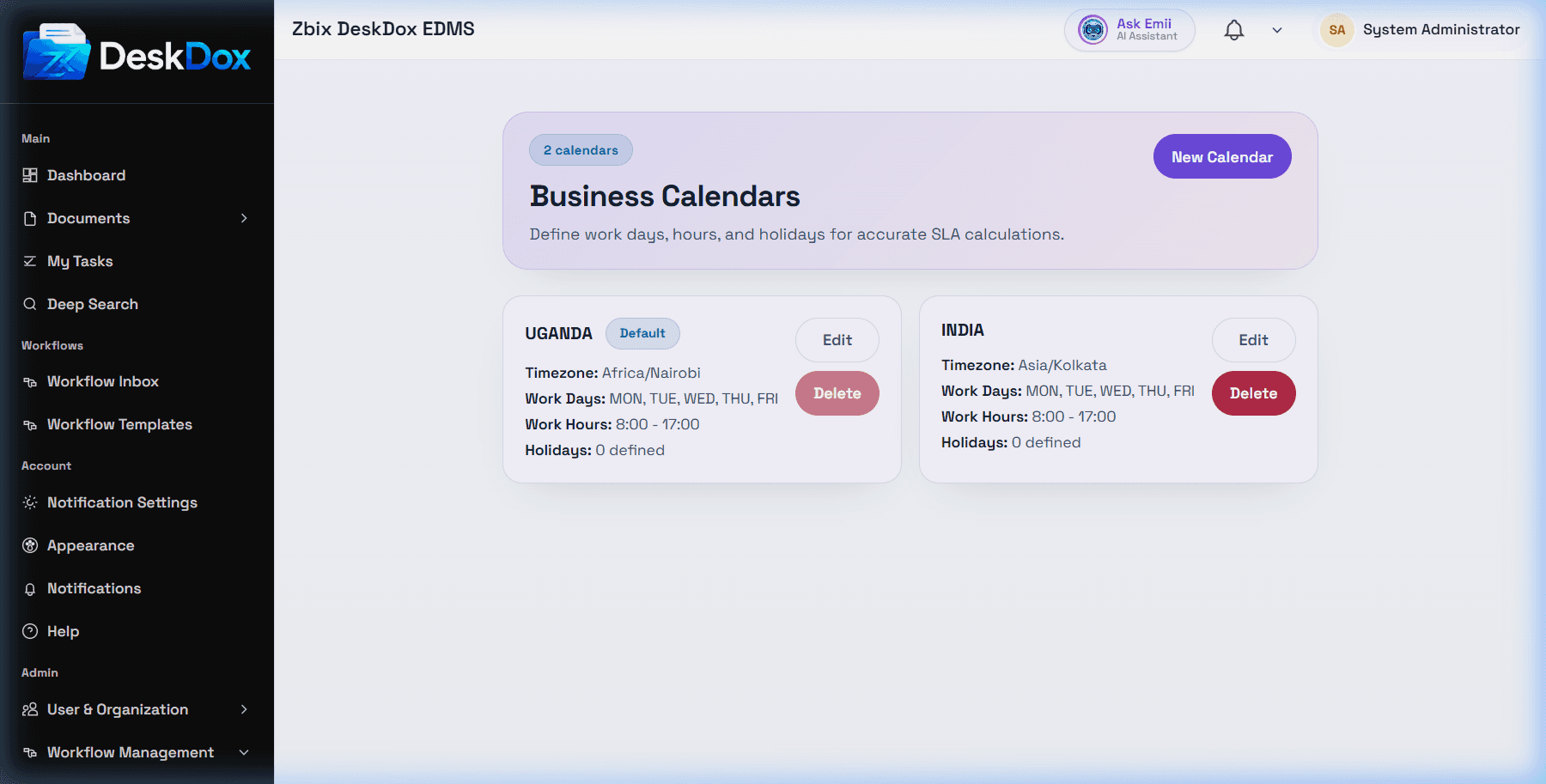
Check the workflow template step's SLA Days, SLA Hours, Use Business Calendar, selected Calendar, and Warning Threshold (%). If the due date counted a weekend or holiday, verify the business calendar Work Days and holiday entries.
Escalation not firing
Verify that the task breached SLA, the workflow step has an escalation chain selected, the chain is active, levels exist, recipients are valid, and the selected channel is configured. Do not assume email, mobile, WhatsApp, audit events, or scheduled job behavior unless confirmed in your deployment.
Dashboard or overdue task data missing
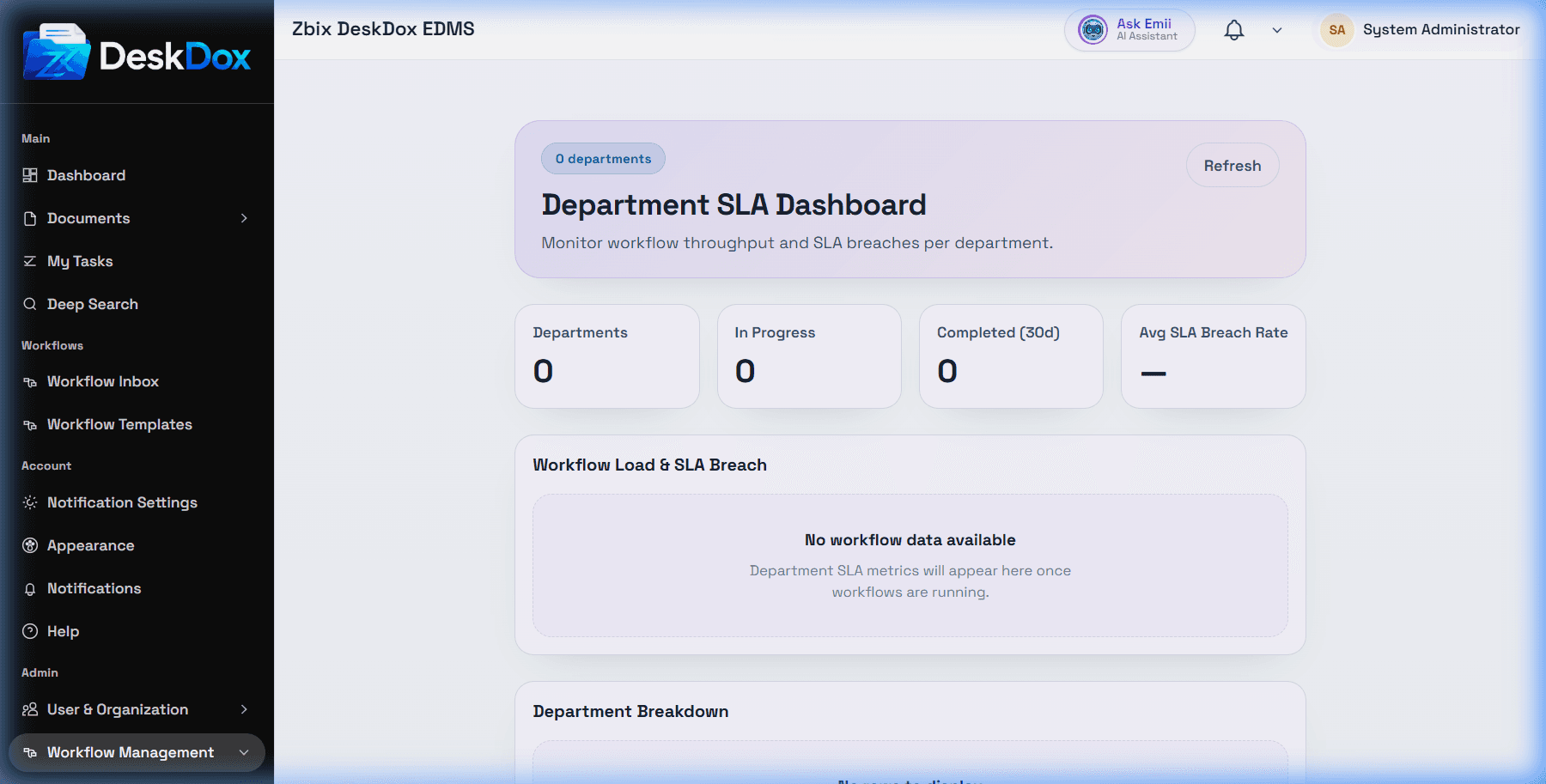
For the department SLA dashboard, confirm workflows are running, departments are assigned, SLA data exists, and analytics have refreshed. For overdue tasks, check assignment, permissions, task status, filters, and Show overdue first.