

Access Control Overview
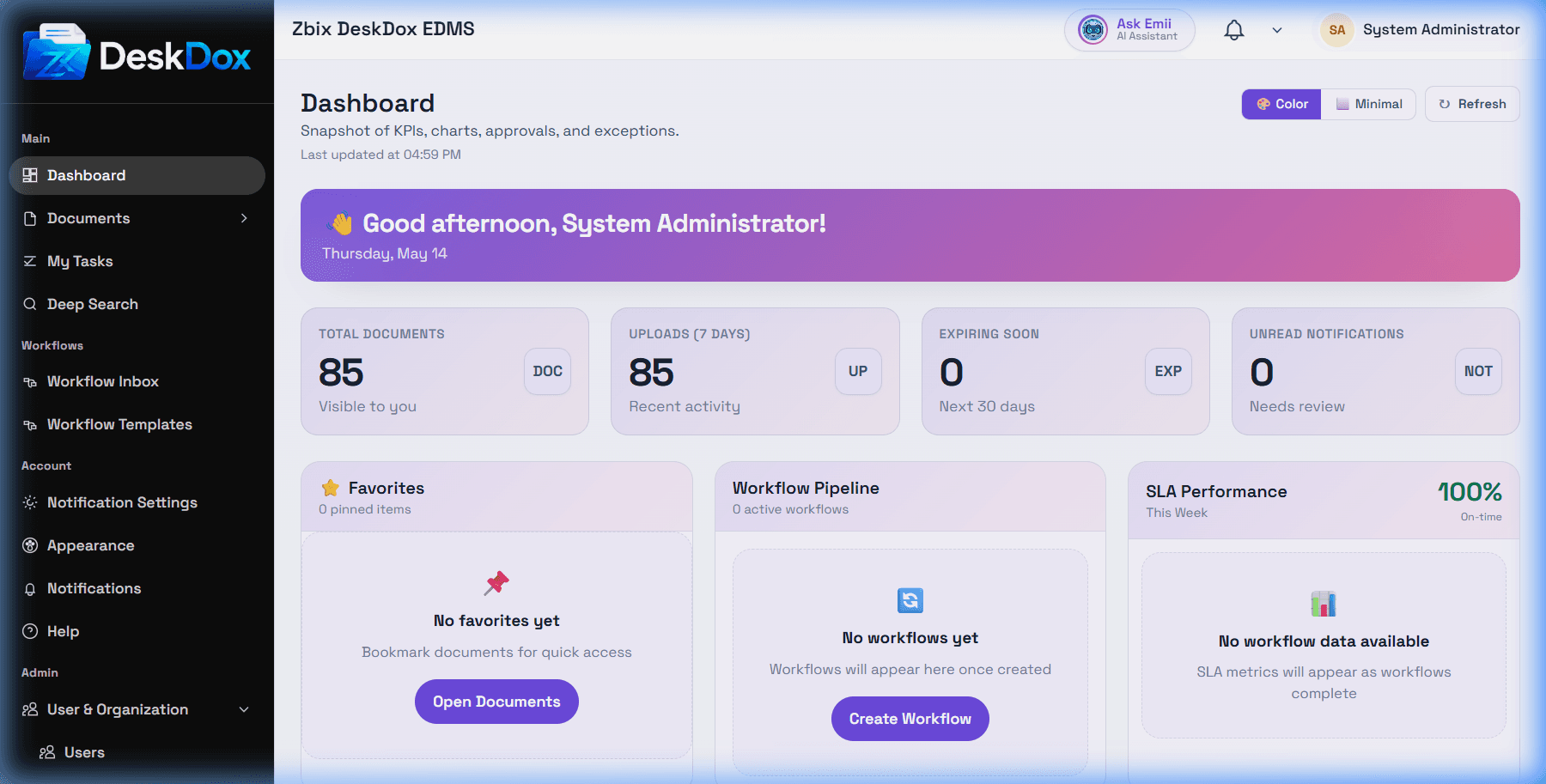
DeskDox access control is the set of user, role, department, permission, folder, document, and audit controls that decide what a signed-in person can see or do.
The browser-confirmed admin routes are Users at /app/admin/users, Roles at /app/admin/roles, role permissions at /app/admin/roles/:id, Departments at /app/admin/departments, and the security Audit Log at /app/admin/system/settings/audit.
Core concepts
Users are individual accounts. A user can be active or inactive, can belong to a department, and can have more than one role.
Roles are permission sets. DeskDox uses role-based access control, or RBAC, so a role can grant access to modules, screens, and actions. DeskDox includes built-in/protected role identities in system service/app/services/role_identity.py for system_admin, edms_admin, edms_auditor, edms_user, task_admin, workflow_admin, manager, approver, and department_head. The same source also defines demo_admin as a demo administrator role and admin as a legacy compatibility role.
Departments group users by organization, branch, team, or unit. Department assignment matters because DeskDox uses department membership participates in folder access decisions, and the user creation UI requires a department for normal users.
Permissions control actions such as viewing, creating, editing, deleting, administering, managing workflow templates, viewing workflow statistics, and managing lifecycle policy where those permissions are implemented.
Admin permissions and document access are different
Admin access controls who can manage users, roles, departments, and system settings. Document and folder access controls which folders or documents a user can view, upload to, edit, share, or manage. A user can have a role that allows a module but still lack access to a specific folder or document.
Why screens differ between users
DeskDox may hide menus, buttons, tabs, row actions, and admin pages when the current user lacks the needed role, permission, department scope, folder access, document access, workflow assignment, lifecycle permission, or license/configuration state. System service authorization should still enforce the final decision even if a UI action is visible.
Use least privilege: give the narrowest role and folder access that lets the user do their work. User, role, department, and permission administration is admin-only.