

Overdue Tasks and SLA Breaches
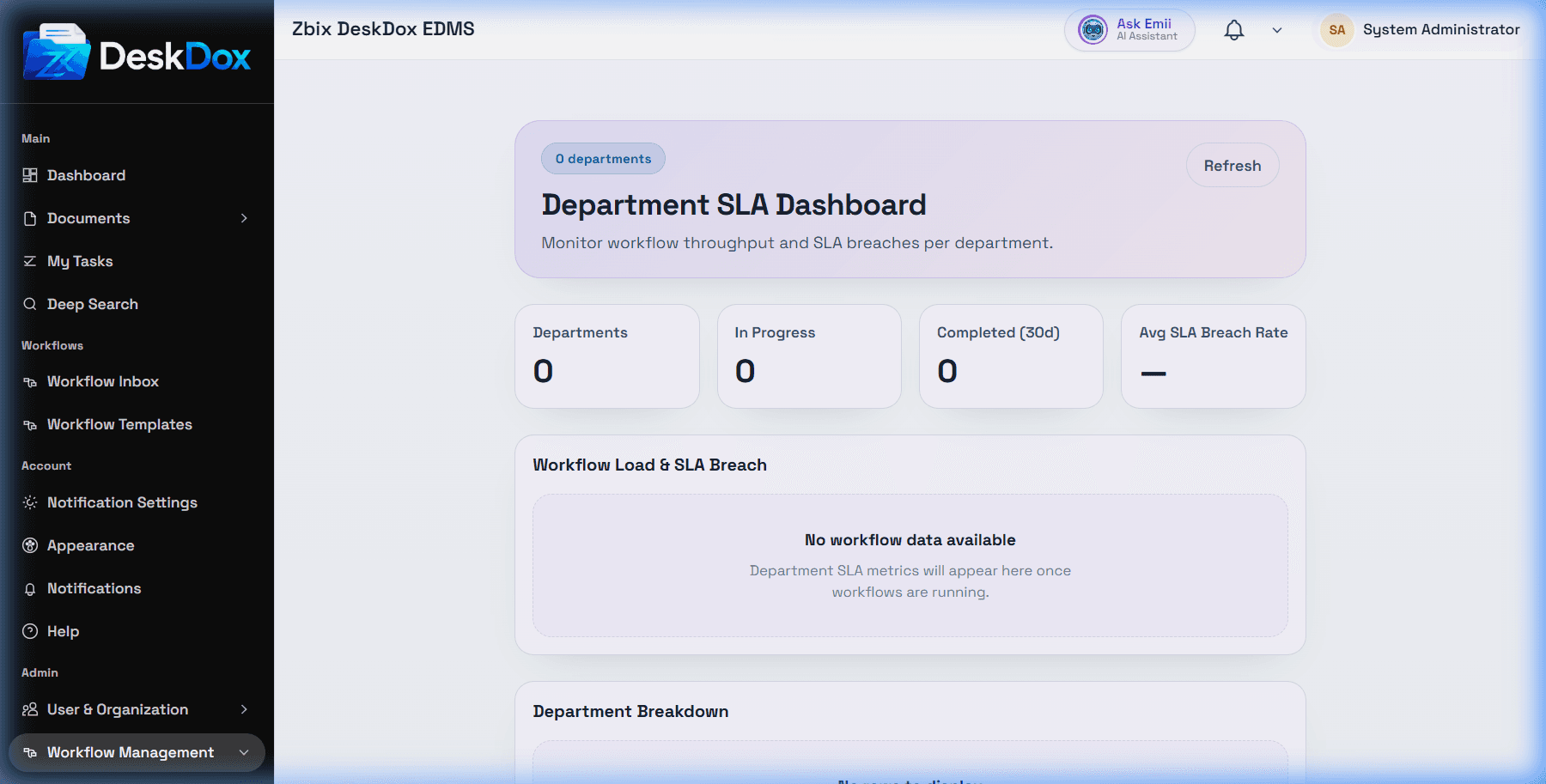
Open your task inbox to review work assigned to you. Use Show overdue first when available to prioritize overdue work. Administrators can use the Department SLA dashboard to monitor department-level workload and SLA risk.
What overdue means
A task is overdue when its due date has passed. An SLA breach means the configured SLA target was missed. Due dates can be affected by workflow step SLA settings, business calendars, working hours, holidays, and escalation configuration.
The Department SLA dashboard can show department-level indicators such as active workload, overdue work, breached SLA counts, and escalation visibility when workflow activity and SLA configuration exist.
What to do
Open the overdue task, review the document or workflow context, and complete the assigned action if it is still assigned to you. If the task is assigned to another user, role, or department, you may not be able to act on it. Admins should verify assignment, SLA configuration, calendar setup, escalation chain settings, and whether enough workflow activity exists for the SLA dashboard to show meaningful data.