

Role Permission Matrix
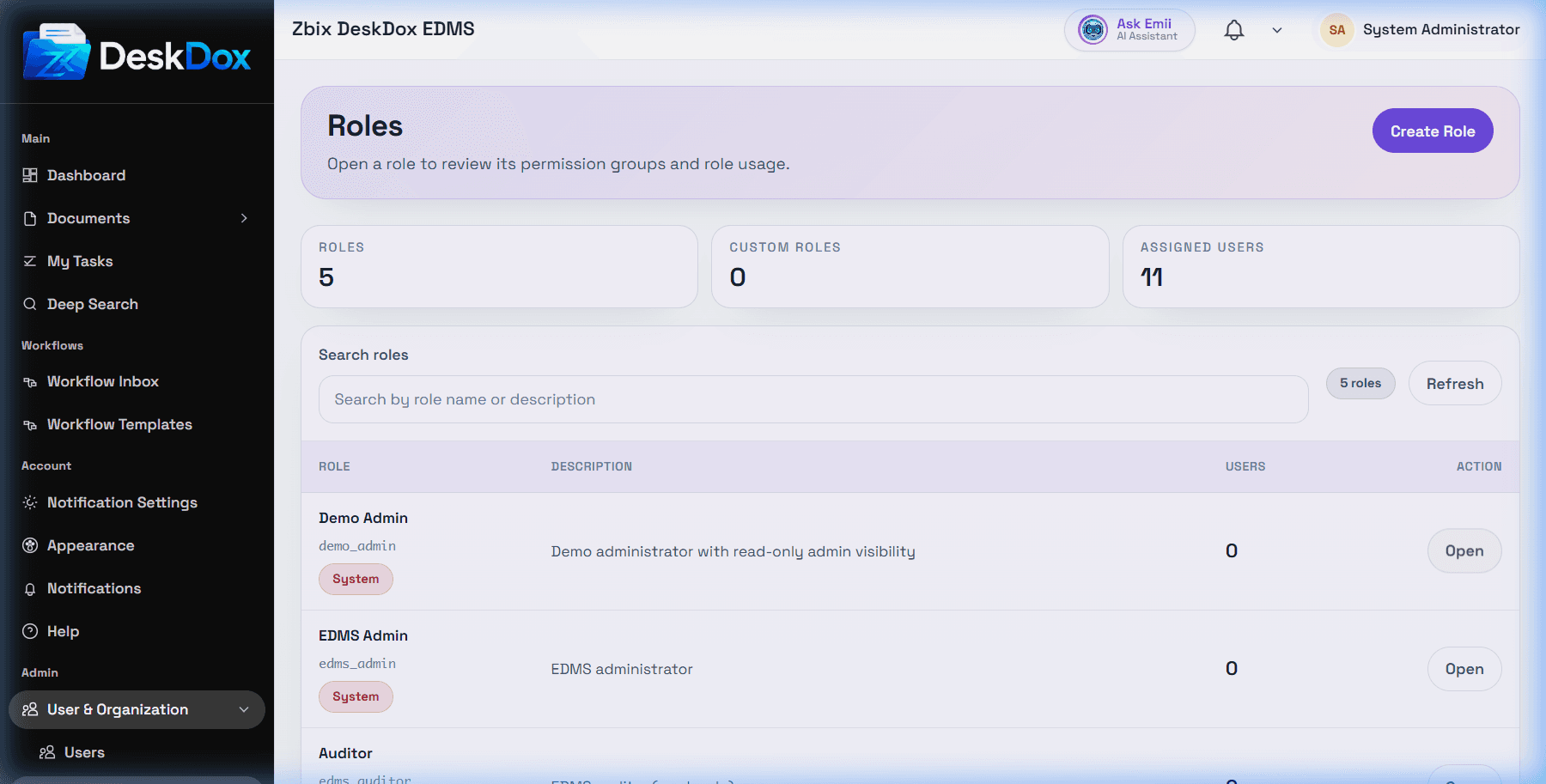
Open a role from /app/admin/roles, then use /app/admin/roles/:id to review and update permissions. The user list includes the permission matrix and DeskDox uses assignable permission groups, risk levels, selected permissions, and save confirmation for high-risk changes.
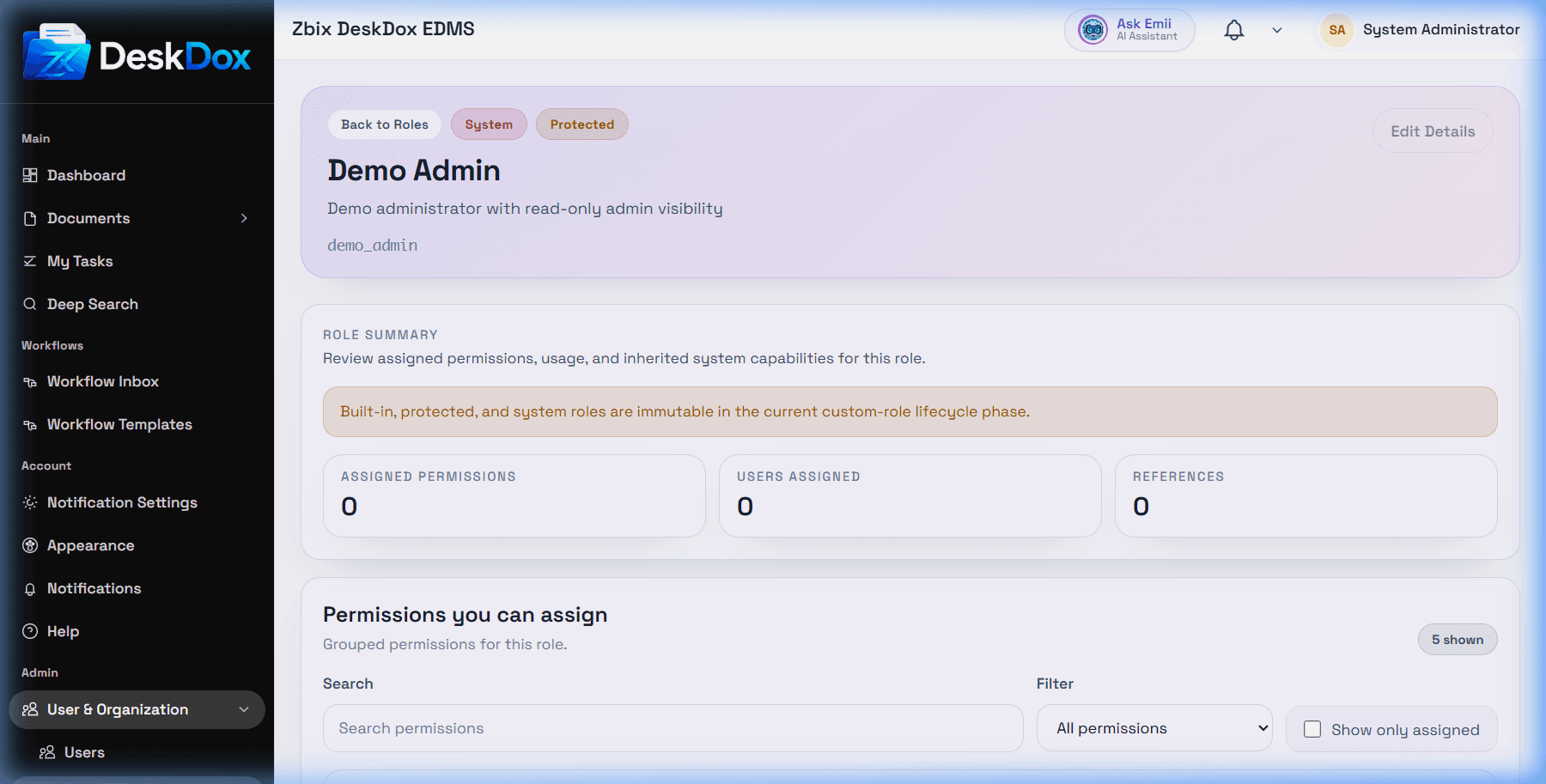
Permissions are grouped by functional area. Use Search permissions, All permissions, group filters, High risk only, Currently assigned, and Show only assigned to find permissions. Select or clear checkboxes, then use Save changes when it appears.
DeskDox includes workflow permissions including workflow.template_management and workflow.stats_view. Lifecycle policy management currently follows the workflow template management permission. Upload control may be affected by folder permission and document permissions, not only the role matrix; folder access also controls upload actions.
Treat user management, department management, role permissions, workflow administration, lifecycle policy management, delete, and admin permissions as high-risk. Apply least privilege and confirm affected users after saving.
UI visibility and system service authorization should both be enforced. If a role still cannot see a feature after permission changes, check whether the user actually has the role, whether the feature is license/configuration gated, whether the user needs a refreshed session, and whether folder/document/workflow/department scope also blocks the feature.