

Access Control Audit Log
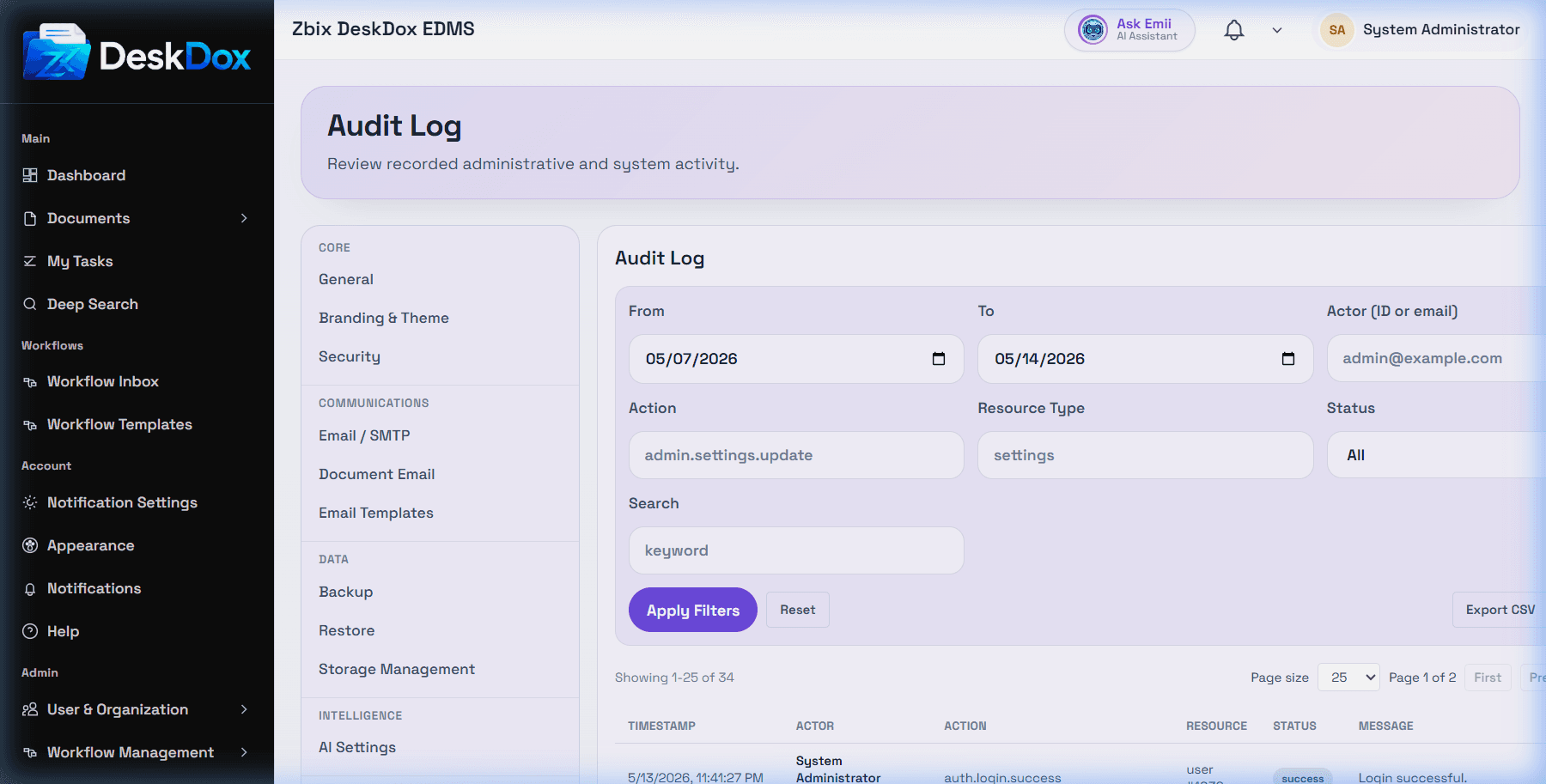
Open /app/admin/system/settings/audit to review the security audit log when your account has permission. The user list includes the route and screenshot.
DeskDox includes user creation, protected user updates, bulk user status changes, bulk role changes, reset-related audit/notification behavior, and department deletion create audit or admin-action records. User-specific audit is also available from the user row action when visible.
Role changes are partly source-code confirmed: custom role creation, role metadata updates, and role permission assignment updates use admin role endpoints and should be inspected through the security audit log if audit entries are present in your deployment. Do not assume every displayed field change appears unless the audit event is visible.
Admins can inspect who performed an action, what resource was affected, timestamps, and available metadata. If an expected event is missing, check the date range, filters, user-specific audit view, tenant/environment, and whether that exact action currently writes an audit event.