

Assign Roles to Users
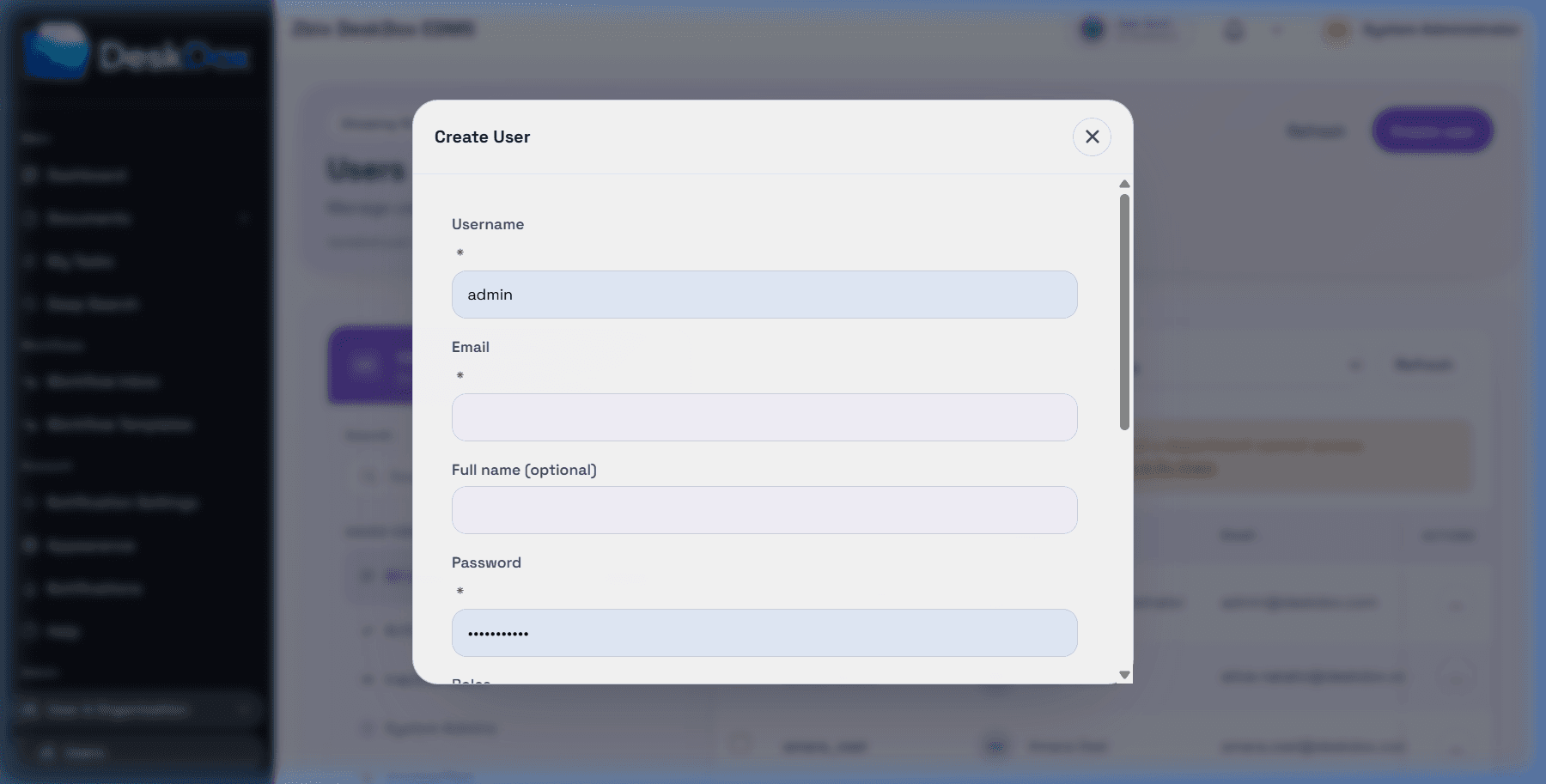
Open /app/admin/users, create a user or edit an existing user, then use the Roles checkboxes. You can assign multiple roles to one user when the checkboxes are available.
To add a role, check it and save. To remove a role, clear it and save. Bulk role changes are source-code supported through Change roles / Apply roles; bulk role update replaces the selected users' roles with the selected role set.
Role changes affect menus, buttons, admin screens, workflow access, lifecycle administration, and other permission checks only where the relevant role or permission is used. A role change may not grant folder or document access by itself.
If a role change does not appear to take effect, confirm the save succeeded, the user has the expected role names, the role has the expected permissions, the user has the needed department and folder/document access, and the user refreshed the page or signed in again if the current session still reflects older permissions.