

Create or Edit a User
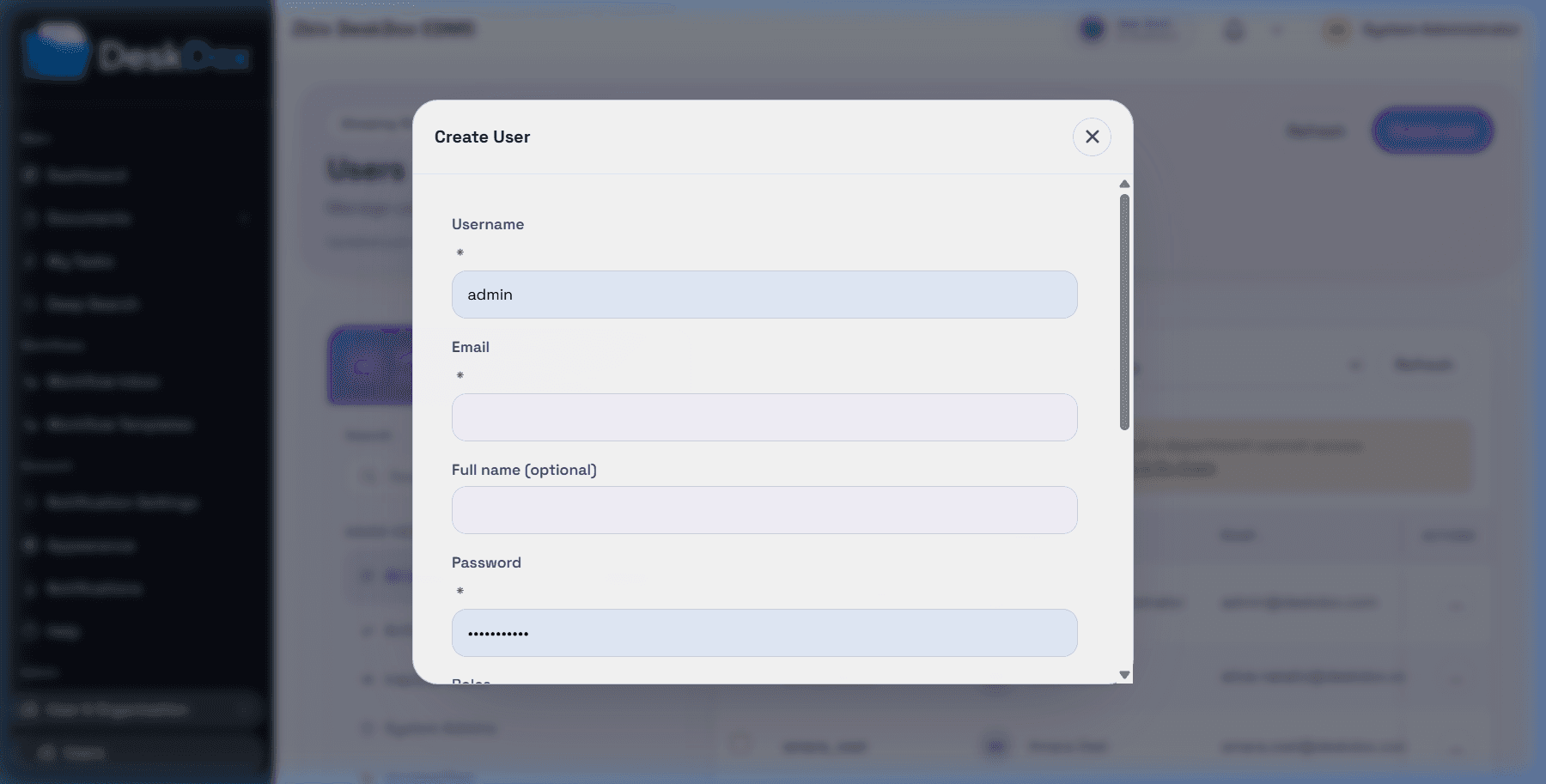
Open /app/admin/users and use Create user when it is visible. DeskDox includes that user creation is restricted to users with the required system administration or user-administration permission. Other admin users may be able to view or edit users depending on their user-admin permissions.
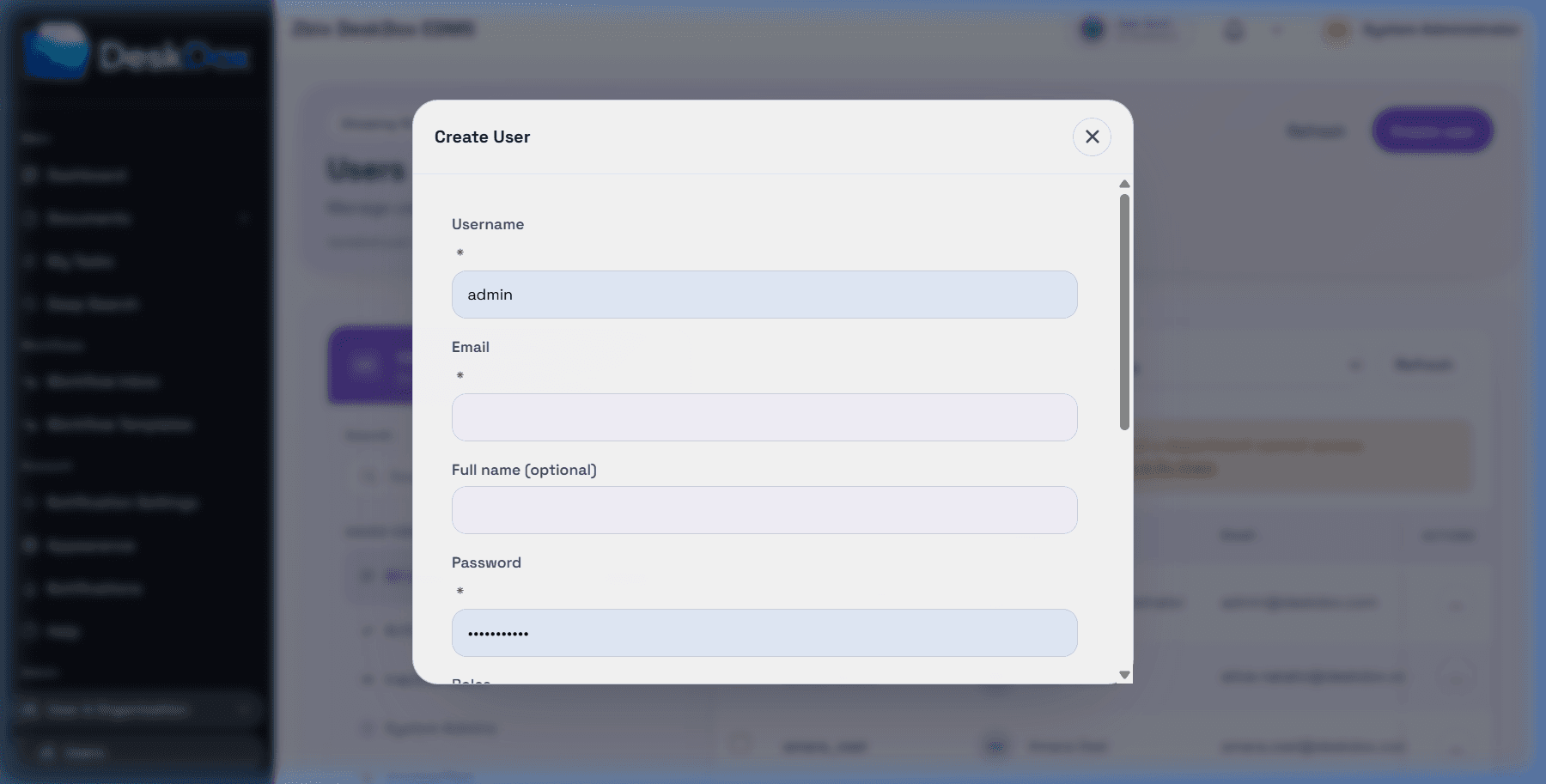
Required create fields in the UI include Username, Email, Password, roles, active status, and Department for normal users. DeskDox includes the system service also rejects creation of an active non-system_admin user without primary_department_id.
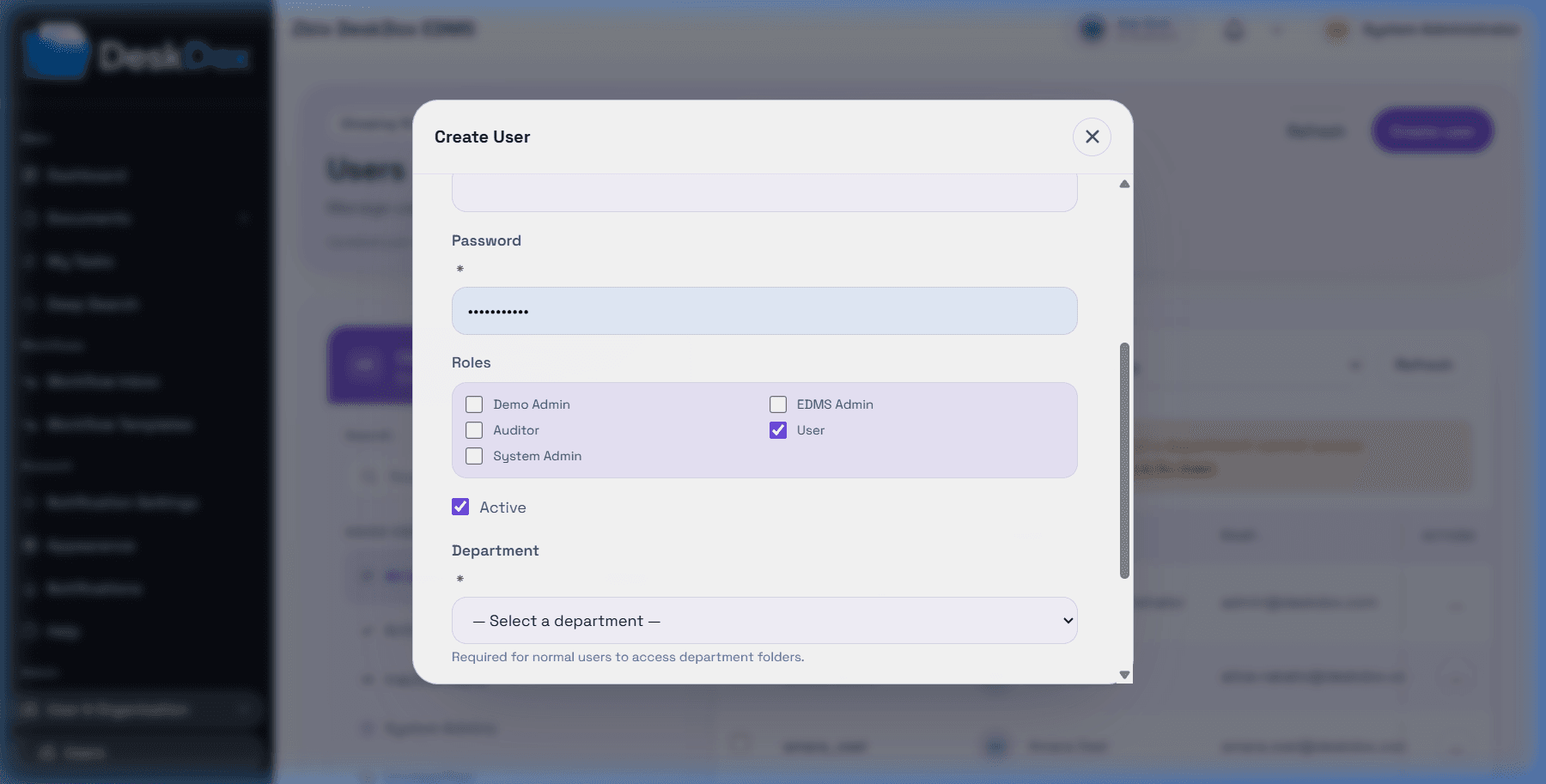
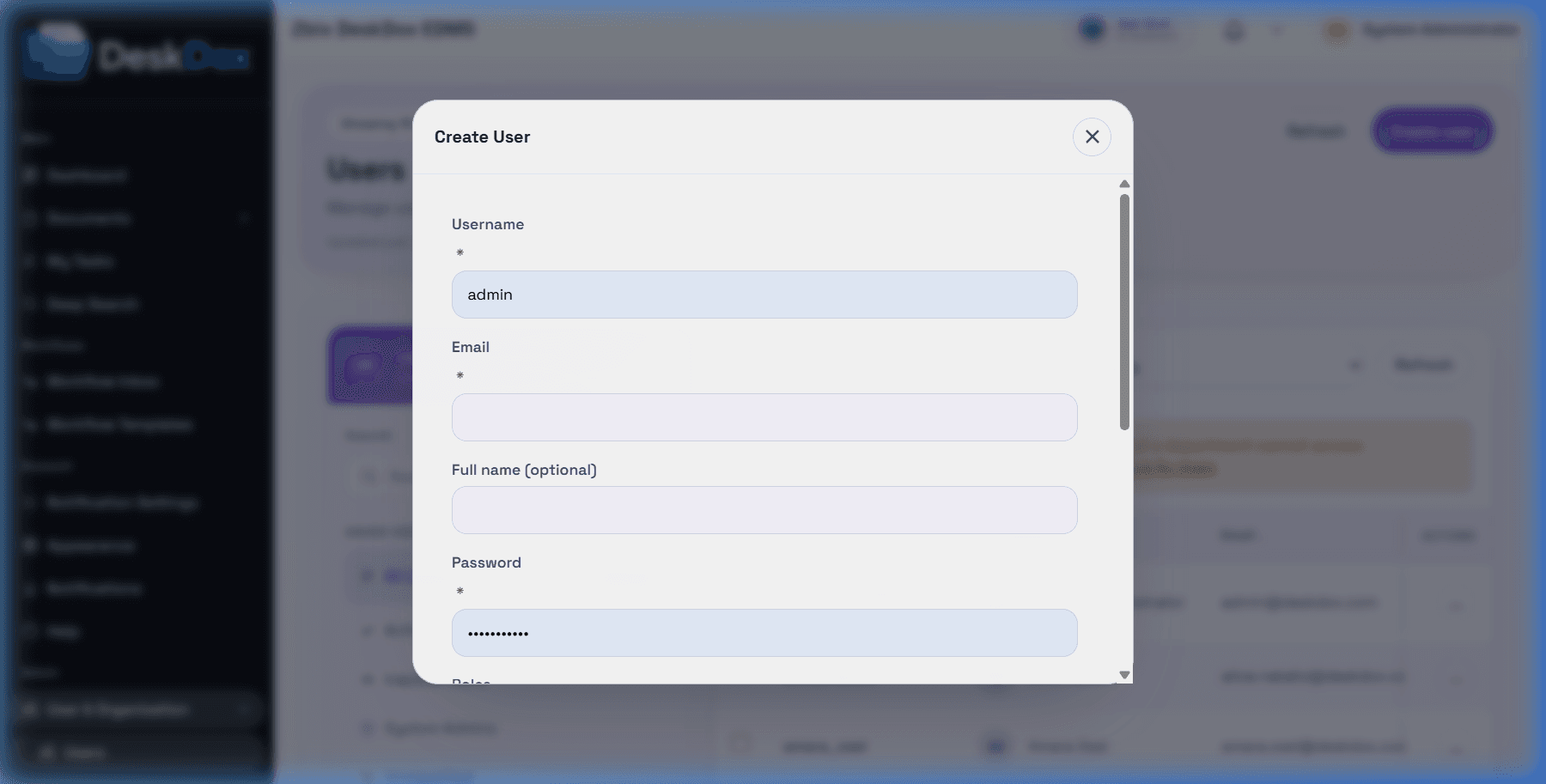
If Create user or Save fails, check required fields, email format, password length, duplicate username/email, selected role names, active status, and department assignment. The create form validates username, email, password, and department before sending the request.
Select the correct department from the department dropdown. The UI text says department is required for normal users to access department folders.
Roles are selected with checkboxes, so one user can have multiple roles. Use the least-privileged roles that cover the user's work.
When editing a user, admins can change profile details, active status, roles, department, and manager when those controls are available. DeskDox includes an active normal user cannot have the department removed during save. Use Cancel to close without saving visible changes.