

Departments List and Actions
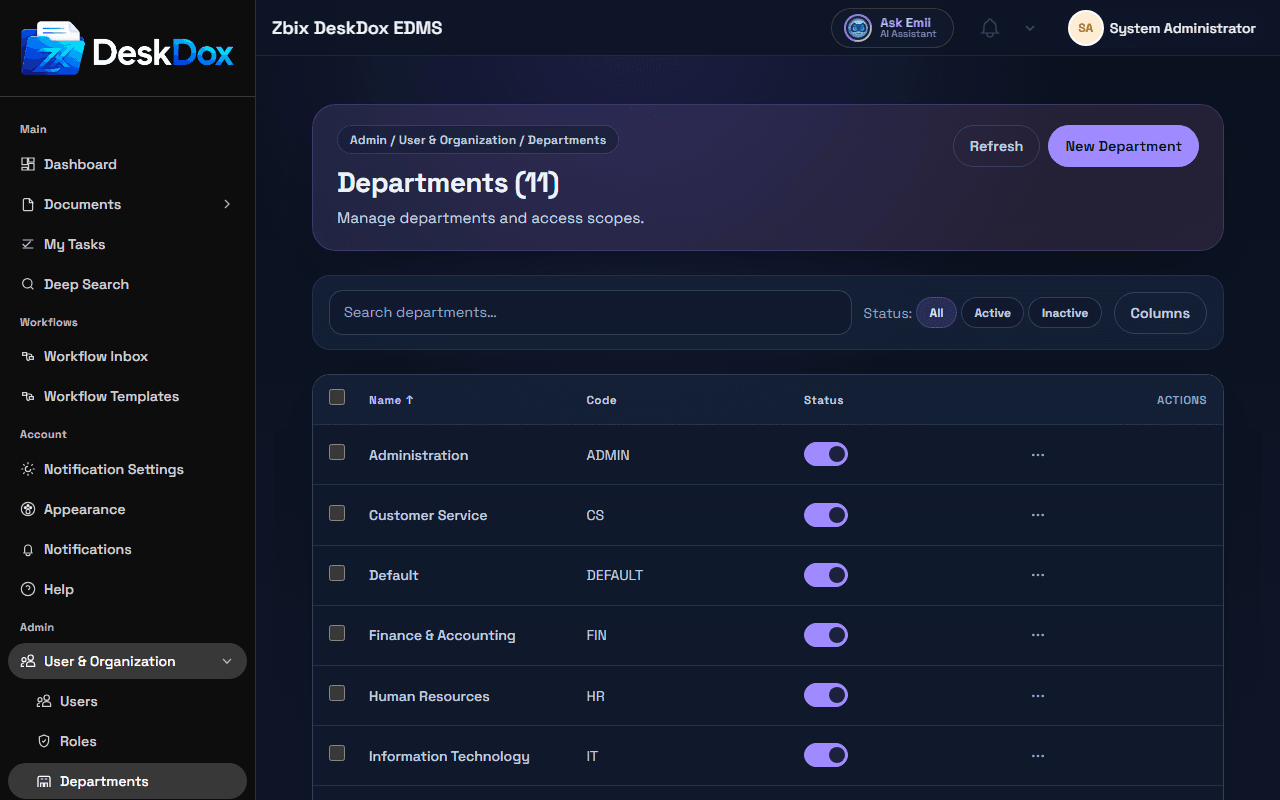
Open /app/admin/departments to view and manage departments. DeskDox includes search, active/inactive filtering, sorting, pagination, and admin-only access.
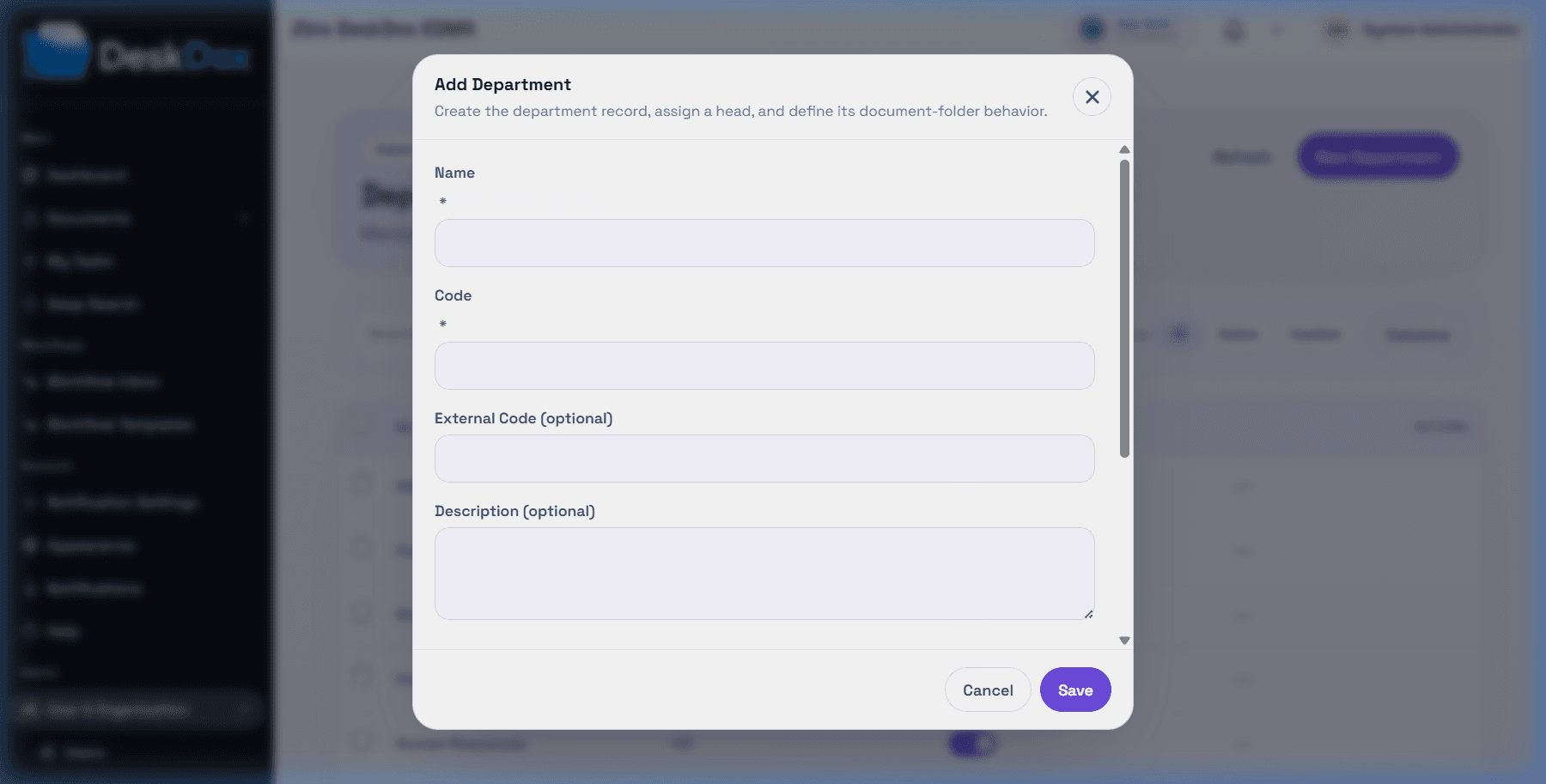
Use Create Department when visible to add a department. Depending on the form, fields can include name, code, external code, description, active status, folder options, and department head.
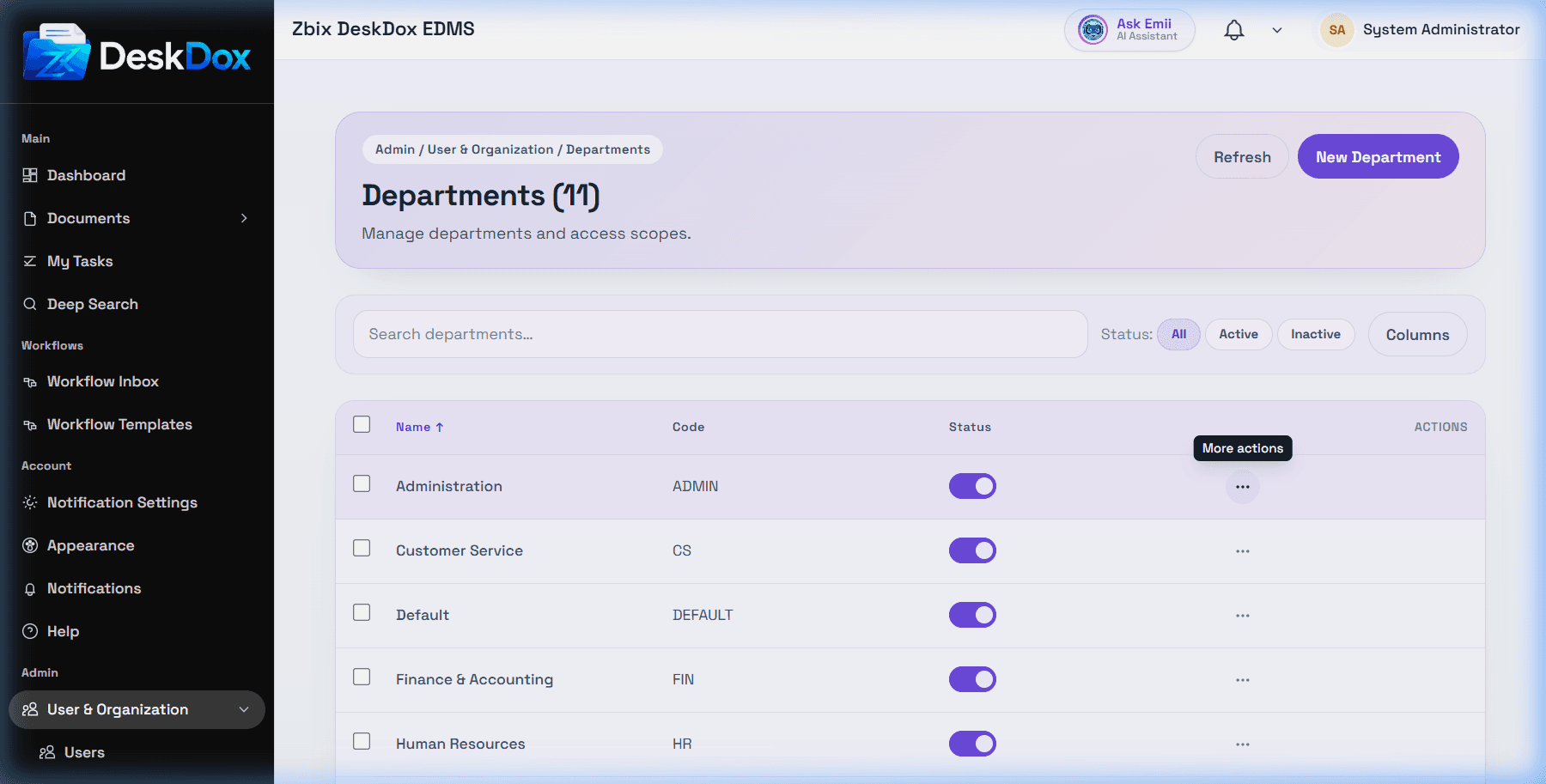
Use Edit to update department details. Use Activate or Deactivate to change status when available; DeskDox uses status updates.
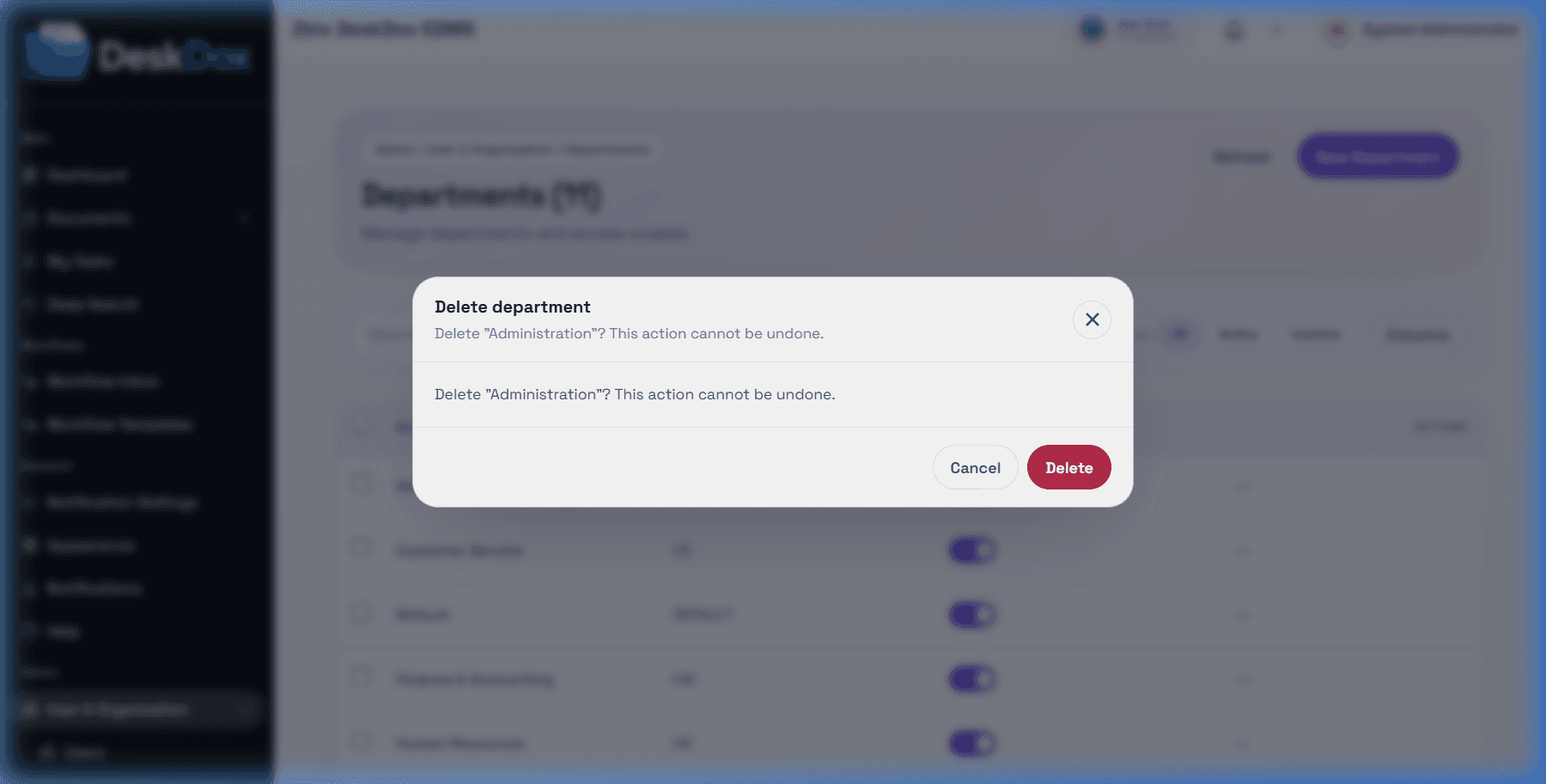
Use Delete only when the department is safe to remove. DeskDox includes department delete is blocked when users, folders, workflow steps, or workflow step templates still reference the department. If delete fails with "Department is in use", remove or reassign those references first.
If you cannot see departments, ask an administrator to confirm your admin role. If the list is empty, create the first department before creating normal users who need department folder access.