

Workflow User Side Overview
What this helps you do
Understand where assigned workflow work appears, why workflow tasks differ between users, and how workflow connects to documents.
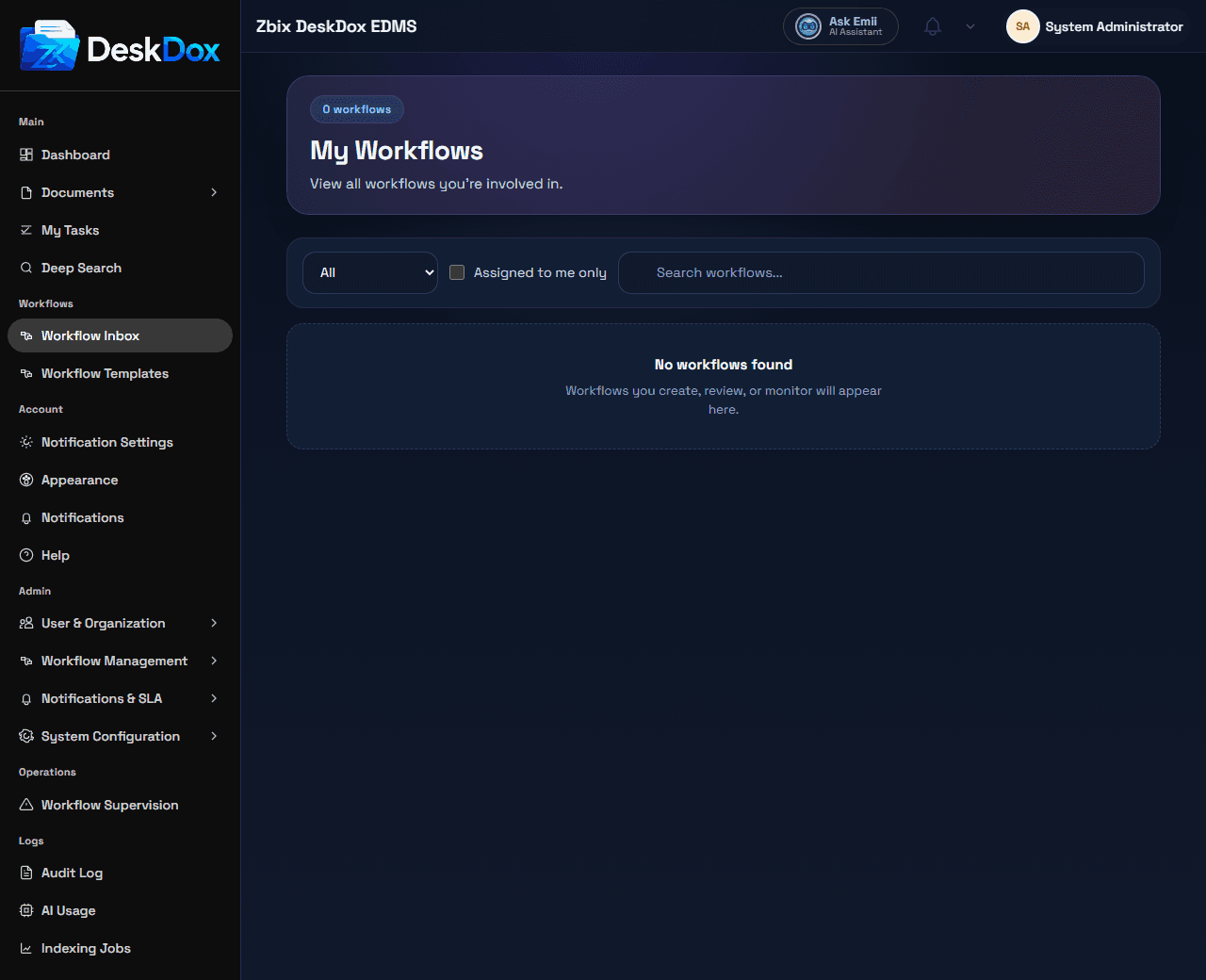
What user-side workflow is
User-side workflow is the part of DeskDox where reviewers, approvers, department members, and signers see work assigned to them. It is for acting on active workflow items, checking status, and reviewing documents that are moving through an approval or signing process.
Workflow tasks are different from admin workflow templates. A workflow template is the configured process that administrators create and manage. A workflow task is a live assignment created from a started workflow, usually tied to one document and one current step.
Where users see tasks
The user workflow area includes the task inbox, assigned tasks, pooled or department tasks, and task status. Use My Tasks, Workflow Inbox, or the visible workflow navigation entry to open work assigned to you or to a department you belong to.
Workflow tasks are related to documents. A task usually points back to the document being reviewed, signed, approved, rejected, or returned. The document may also show workflow information in the Document Detail Drawer Workflow tab when the tab is visible and you have access.
Why users see different workflow tasks
Workflow visibility depends on assignment, role, department, permissions, and task status. A task may be assigned directly to a user, assigned to a role, or assigned to a department. Some users may only see tasks they can act on, while administrators or workflow managers may see broader workflow information depending on permissions.
Completed, cancelled, skipped, rejected, or already-actioned tasks may move out of an active list or appear only under completed/all filters when those filters are available.
Empty workflow pages
When no approval tasks exist, the empty state says: "You have no pending approval tasks. If a workflow you expected is unavailable, open the document workflow tab or contact an administrator."
An empty page usually means there is no active task assigned to you. It can also mean the workflow has not started, the task belongs to another user/role/department, the workflow is completed or cancelled, or your role does not include the required workflow permission.
Related Emii questions
- "What is workflow used for?"
- "Where do I see my workflow tasks?"
- "Why can't I see a workflow task?"
- "Why are workflow tasks different for each user?"
- "Why is my workflow page empty?"