

Assign Users to Departments
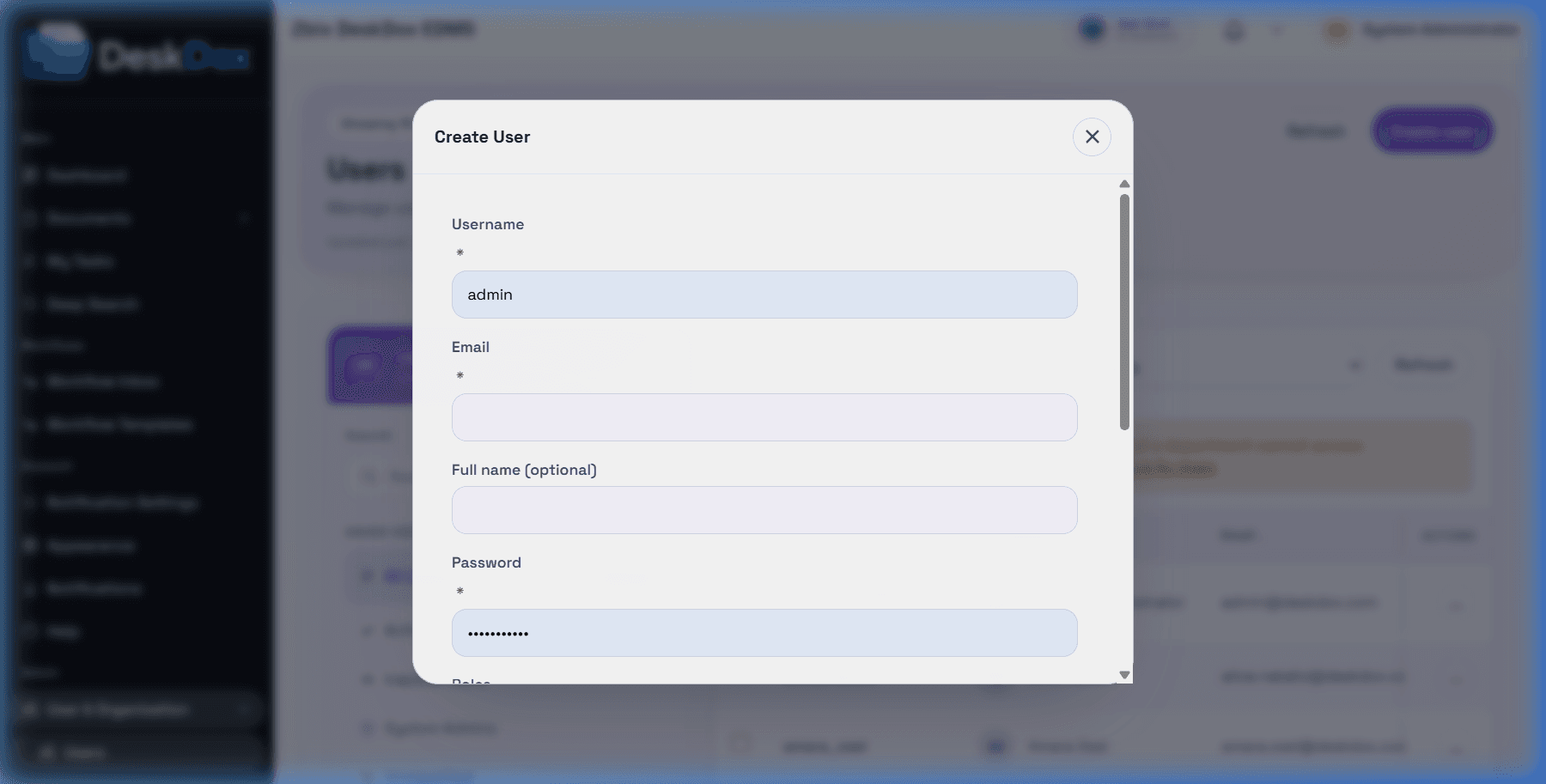
Open /app/admin/users, create or edit a user, then choose the department from the Department dropdown. The browser-confirmed UI makes department mandatory for normal user creation.
DeskDox includes active non-system_admin users require a department at creation. DeskDox also blocks saving an active normal user with no department. A system_admin can be department-exempt.
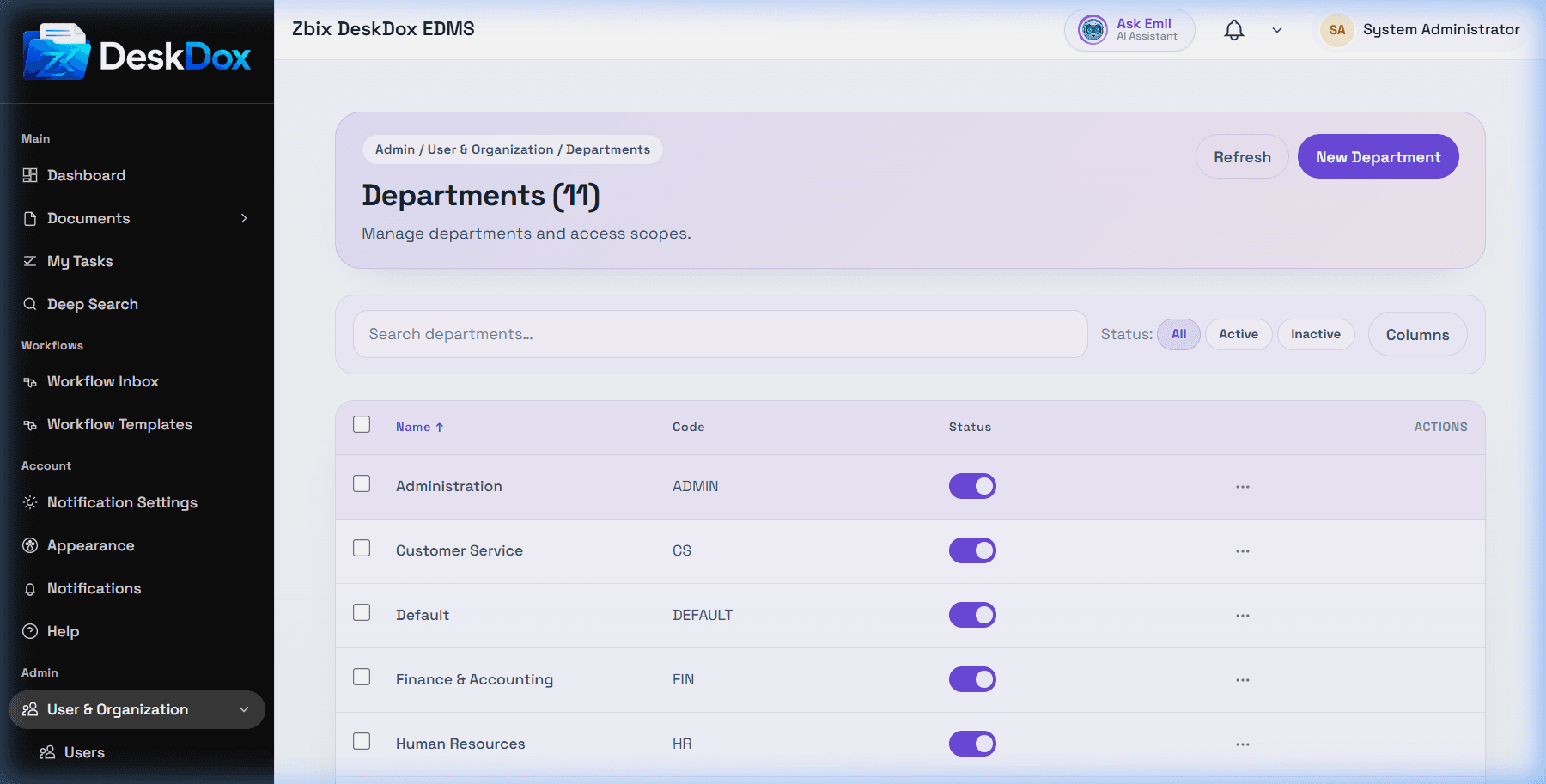
Changing a user's department can change what department-scoped folders or workflows they can access. DeskDox includes department membership participates in folder access logic, but exact folder results depend on folder ownership, explicit folder permissions, document permissions, workflow assignment, and admin status.
If a new user has no folder access after creation, check that the selected department is active, the department owns or is granted access to the expected folders, the user's role allows the needed action, and the user is looking in the correct folder.