

Roles List and Actions
Open /app/admin/roles to view the role catalog. The list shows role name, description, assigned user count, and whether the role is custom, system, or protected.
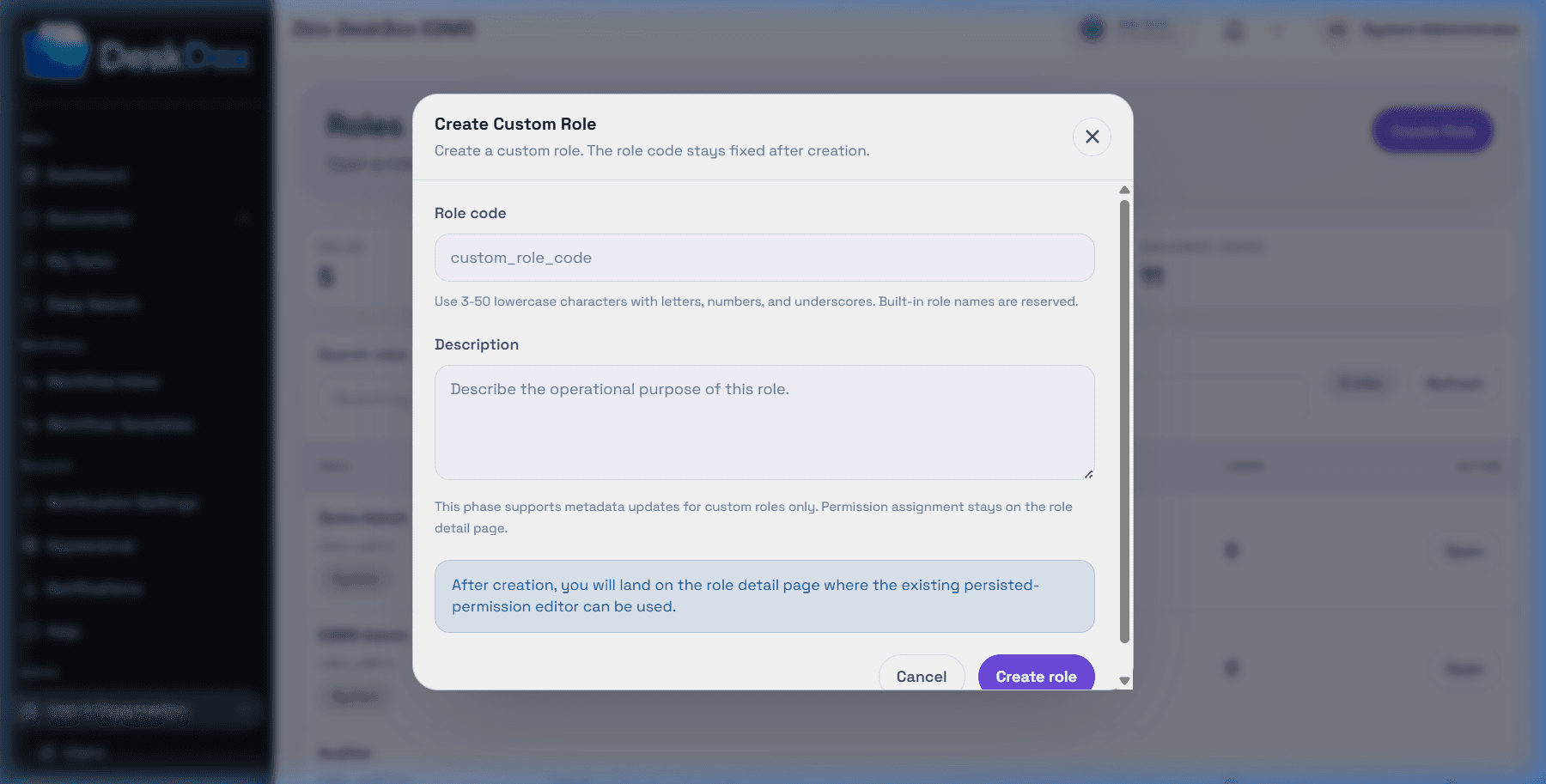
Use Create Role to create a custom role when the action is visible. DeskDox includes custom role creation and validates that the role name is 3-50 characters, starts with a letter, and uses lowercase letters, numbers, and underscores. Reserved built-in role names cannot be reused.
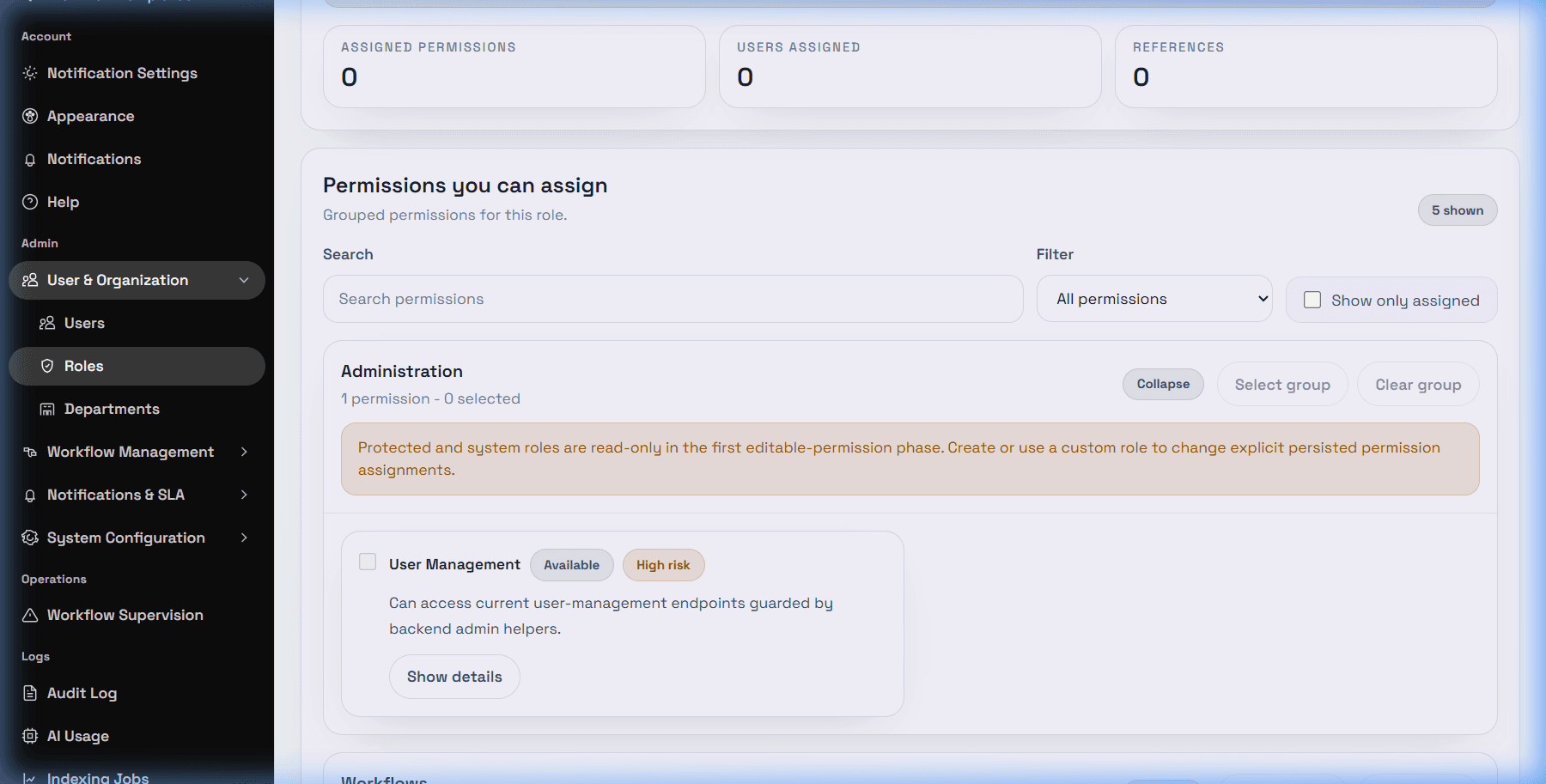
Use Open to review a role. Use Edit Details when enabled to update custom role description. DeskDox includes built-in, protected, and system roles are immutable in the current custom-role lifecycle phase.
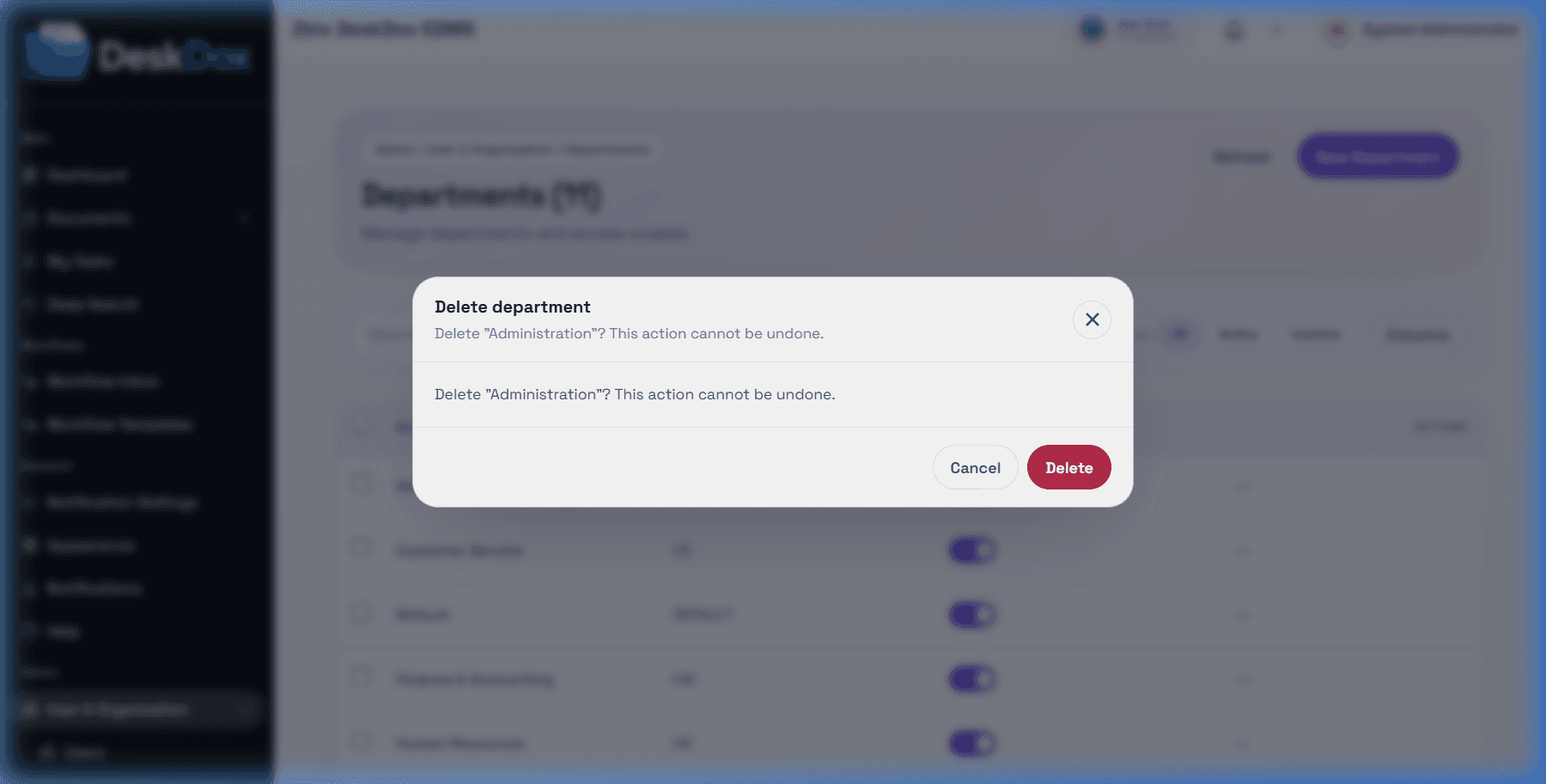
Destructive actions use confirmation prompts when they are available. Role delete or deactivate actions may be unavailable because roles can still be referenced by document shares and workflow assignee fields. Do not assume role delete is available unless the current UI exposes it in your environment.