

Permission-Based Visibility
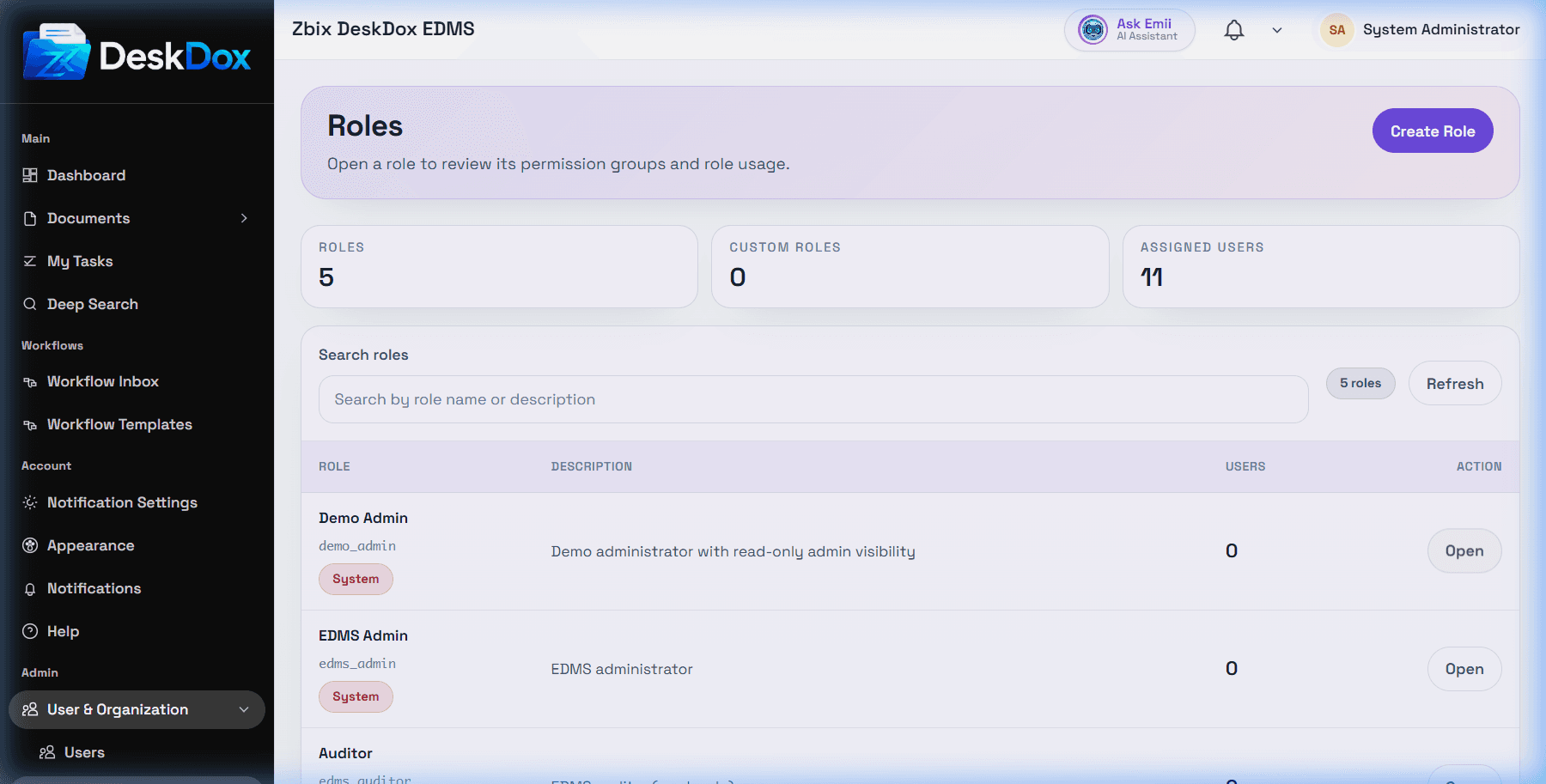
DeskDox hides or disables menus, buttons, tabs, and row actions when your account lacks the required role, permission, department scope, folder access, document permission, workflow assignment, lifecycle permission, or feature configuration.
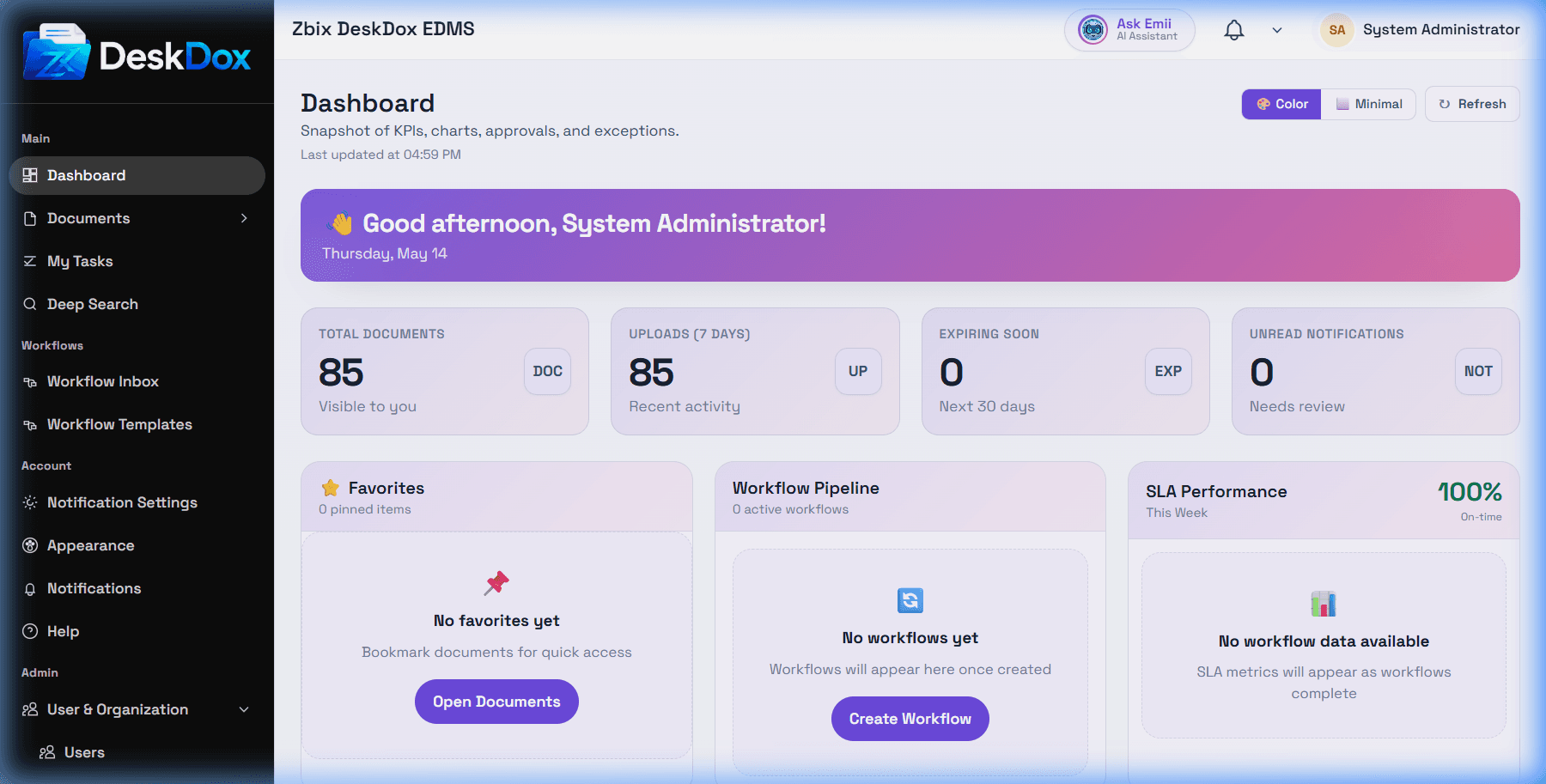
Common examples:
Upload Filescan be hidden when your role or destination folder does not allow upload.Adminsettings can be hidden when you are not an admin user.Manage Accesscan be hidden when you cannot manage permissions for that folder or document.Workflow Templatesor workflow admin screens can be hidden when you lack workflow administration permission.Lifecycle Managementcan be hidden when lifecycle administration follows workflow/admin permission gates and your role does not satisfy them.EditorDeletecan be hidden or disabled because of role, folder/document permission, lifecycle state, workflow state, ownership, or safety rules.
UI visibility is not the same as system service authorization. If an action appears but fails with forbidden or unauthorized, the system service rejected the operation. Ask an administrator to check your roles, role permission matrix, department, folder/document access, workflow assignment, and feature/license configuration.