

View Document Activity and Audit Trail
What this helps you do
Use the Activity and Audit tabs to review document history, including views, downloads, workflow events, permission changes, sharing events, and other compliance-relevant actions.
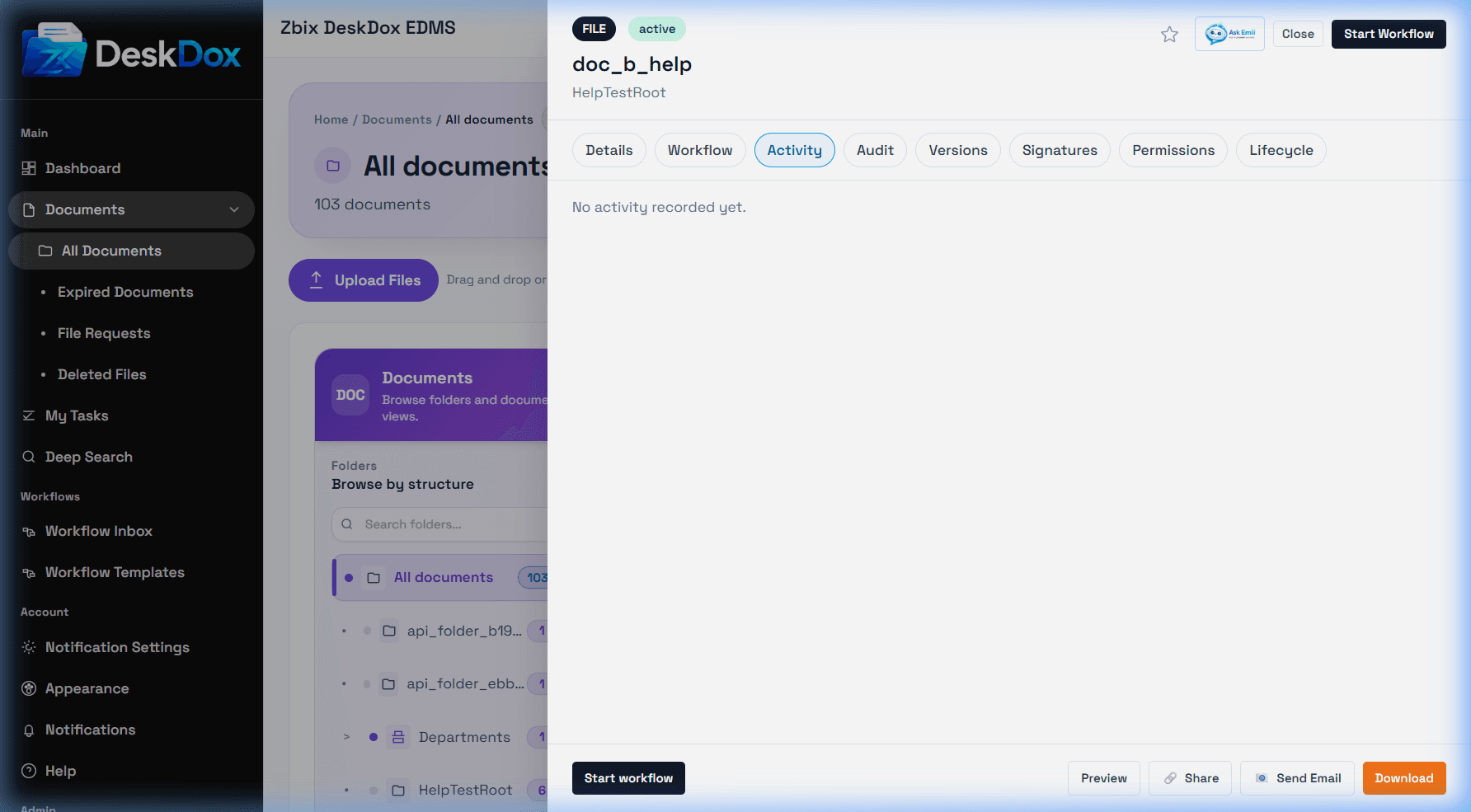
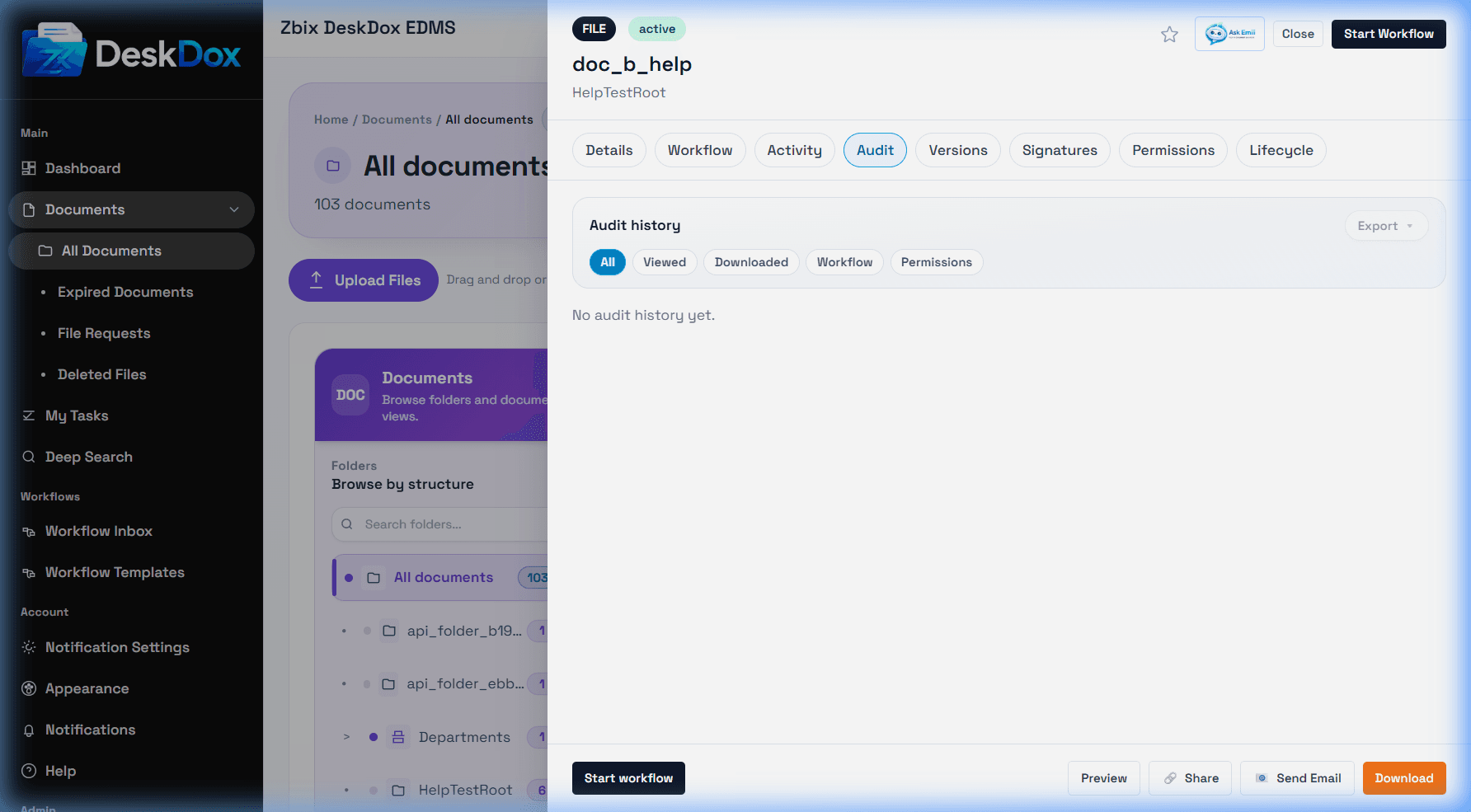
Activity and Audit tabs
Open the Document Detail Drawer, then select Activity for a readable event stream or Audit for audit-focused records. Filters may include All, Viewed, Downloaded, Workflow, and Permissions. Use Audit Export when available to export audit history.
Access and compliance
Audit visibility depends on permission. Some users can see basic activity but not full audit records. Administrators, auditors, records staff, or document owners may have broader access depending on tenant policy. Use these tabs to confirm who viewed or downloaded a document, who shared it, and when workflow or permission changes occurred.