

Signature Requests User Guide
What this helps you do
Find signature requests assigned to you and understand how signatures can relate to workflow tasks.
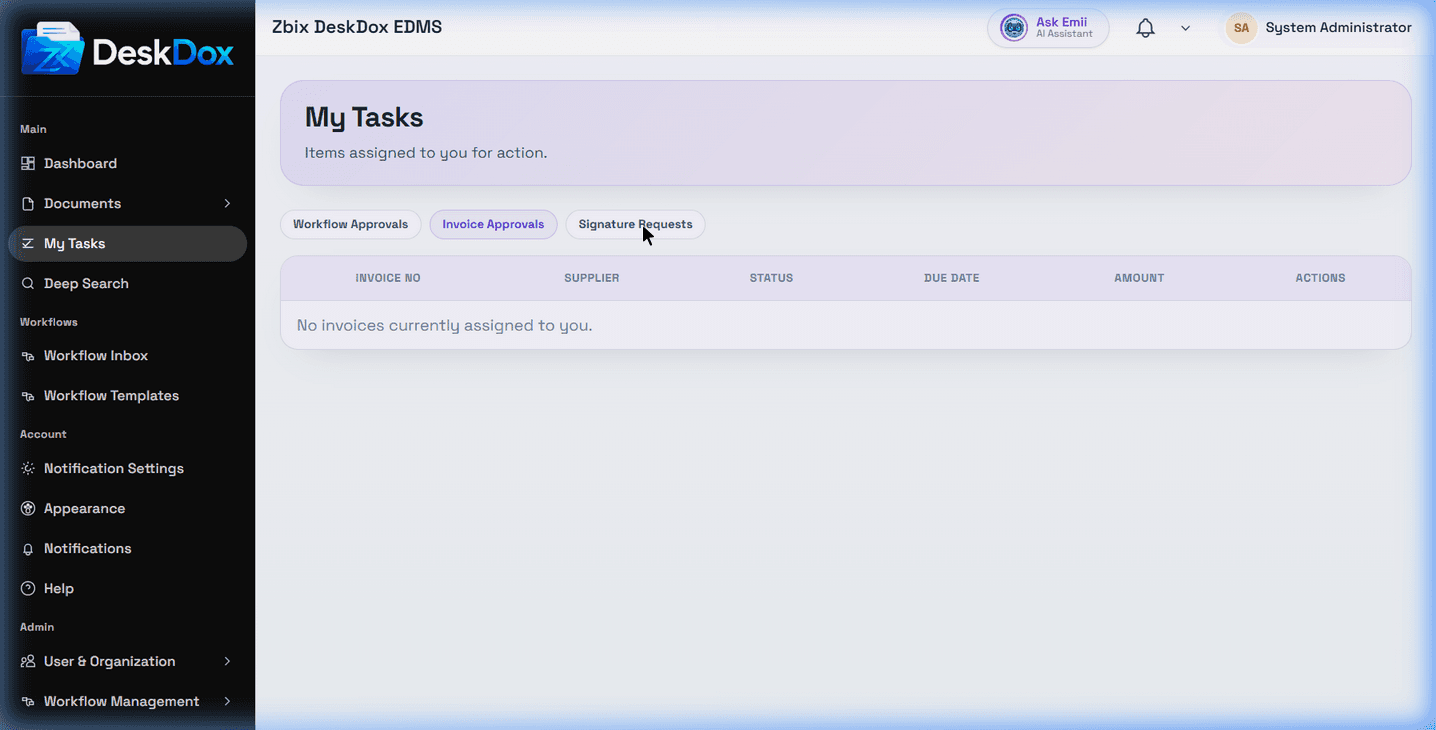
Signature Requests screen
The page shows Signature Requests as a tab on My Tasks at /app/invoices/my-tasks?tab=signatures. Use this tab to find pending signing work when the feature is enabled and visible to your account.
Signature requests are used when a document needs one or more users to sign. Signature statuses can include pending, requested, in_progress, and completed, and pending requests can show progress such as "1 of 2 signed" when visible.
Empty state
When no signature requests exist, the page explains that the screen shows a green checkmark and the text: "You have no pending signature requests".
Signing actions
The page can show a Sign Now button that opens a signature modal where users can draw, type, or upload a signature. Use signing actions only when they are visible and the request is assigned to you.
Signatures can also block workflow steps. The page can show the message "Signature required before you can complete this step." when a required signature has not been completed.
Relationship with document signatures
Signature requests are the task-side view for signing work. A document may also show signature information in its Signatures tab depending on document access, signature configuration, and permissions.
Why signature requests may not appear
A request may be missing because it is assigned to another signer, already completed, filtered out, not yet requested, linked to a document you cannot access, or hidden by configuration or permissions. Refresh the page after signing or after an administrator changes assignments.
Related Emii questions
- "Where can I see signature requests?"
- "Why can't I see a signature request?"
- "What does pending signature mean?"
- "How are signatures related to workflow?"
- "Why are signature requests empty?"