

Holidays and Non-Working Days
Holidays and non-working days are calendar exceptions that can pause or adjust SLA due-date calculations when a workflow step uses a business calendar.
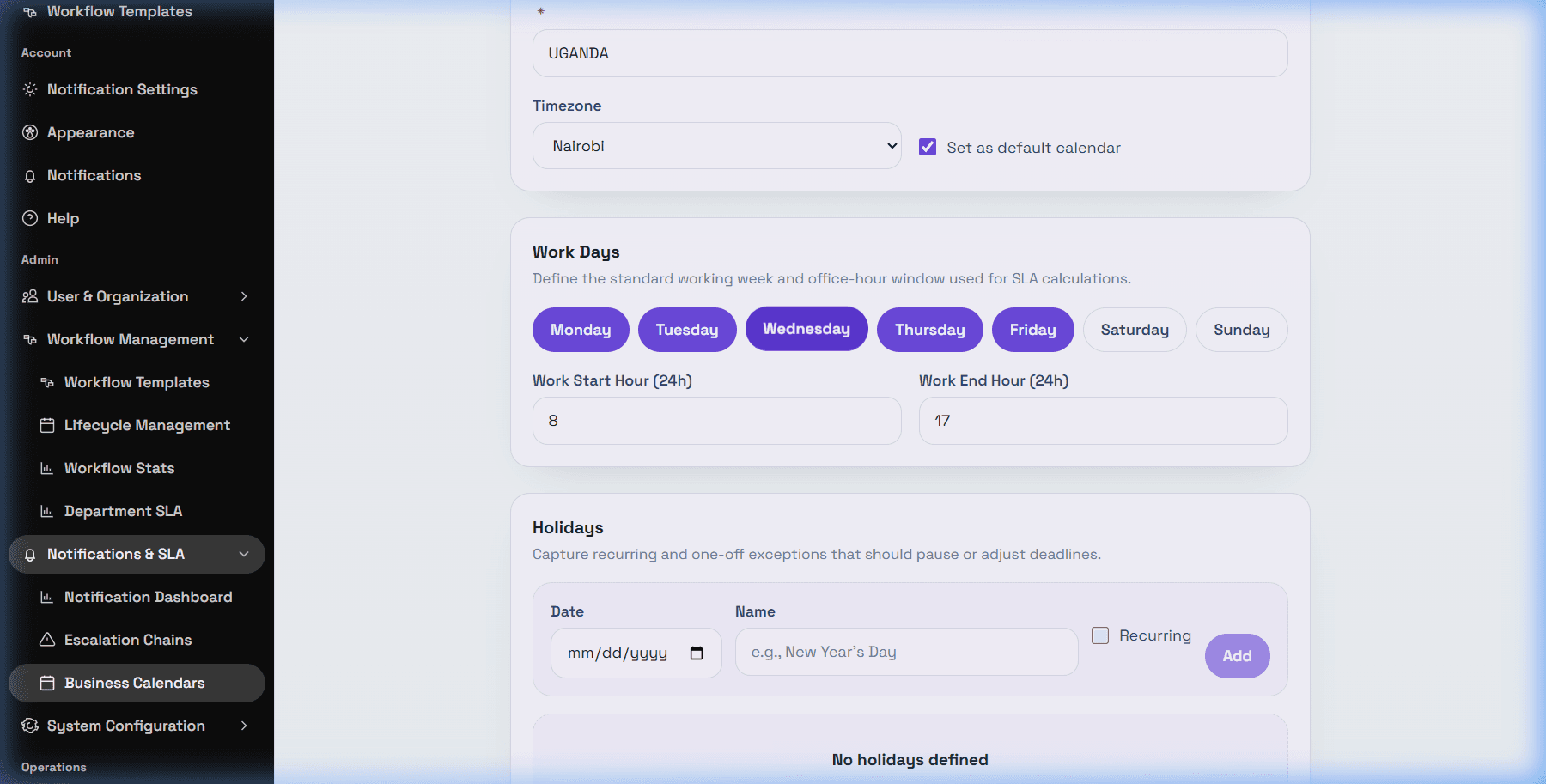
How to add a holiday
Open the business calendar, go to Holidays, select a Date, add a Name if useful, choose Recurring for holidays that repeat yearly, then select Add. Save the calendar after making changes.
Weekends or other non-working days are controlled by the Work Days selection in the same calendar. If Saturday or Sunday is selected as a work day, DeskDox may count that day for business-calendar SLA timing.
Troubleshooting wrong due dates
If a weekend or holiday was counted, check that the workflow step has Use Business Calendar enabled, the correct calendar is selected, the calendar's Work Days are correct, the holiday date exists, and the task started after the relevant template/calendar setup was applied.