

Notifications Overview
Notifications are DeskDox alerts for items that may need attention, such as workflow activity, document events, system events, reminders, and SLA-related workflow updates when those features are configured.
Where notifications appear
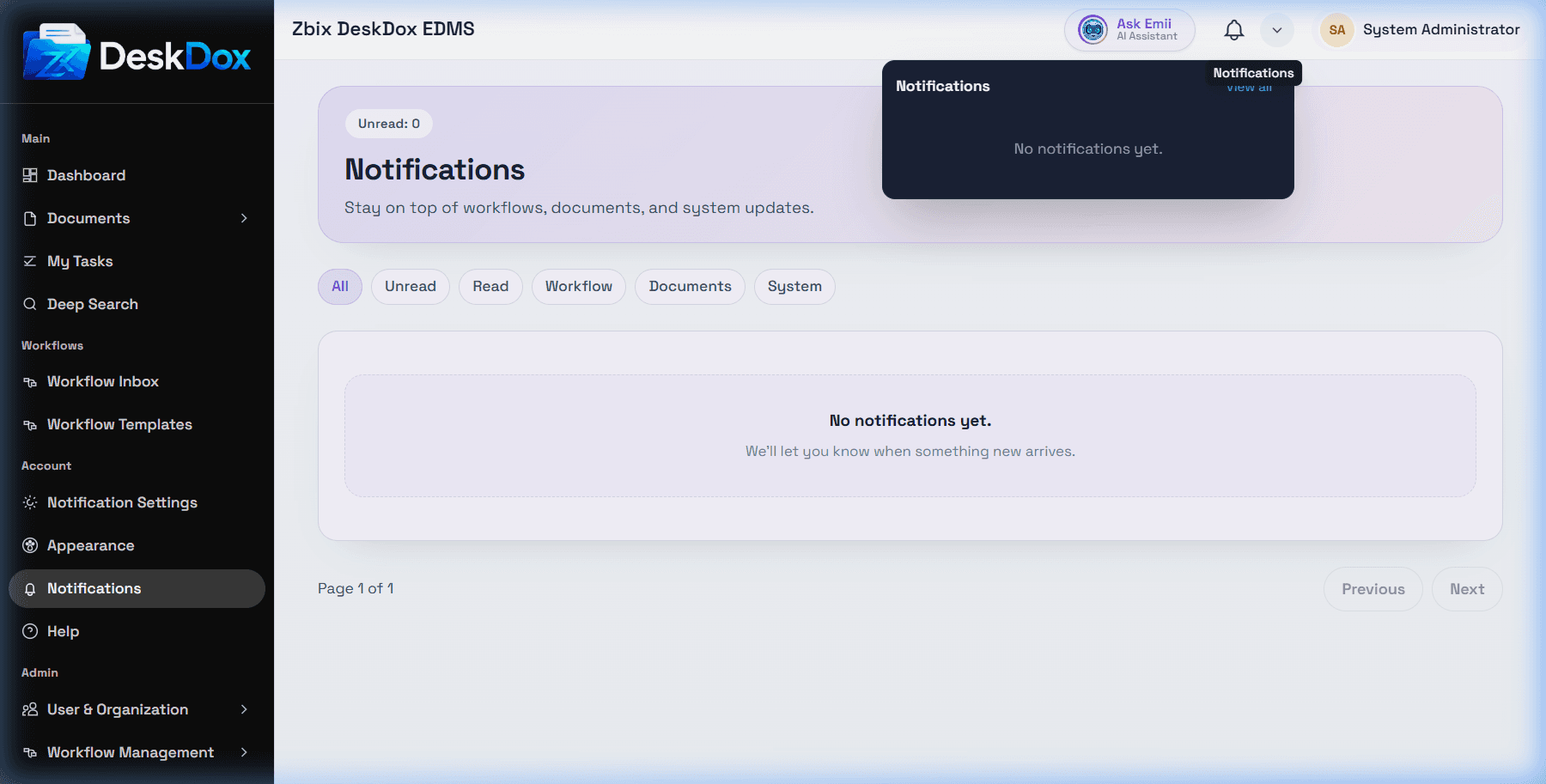
Use the topbar Notifications bell for quick access. The bell can show an unread count when unread notifications exist. The adjacent menu opens a dropdown with recent notification items, View all, and Mark all as read when there are unread items.
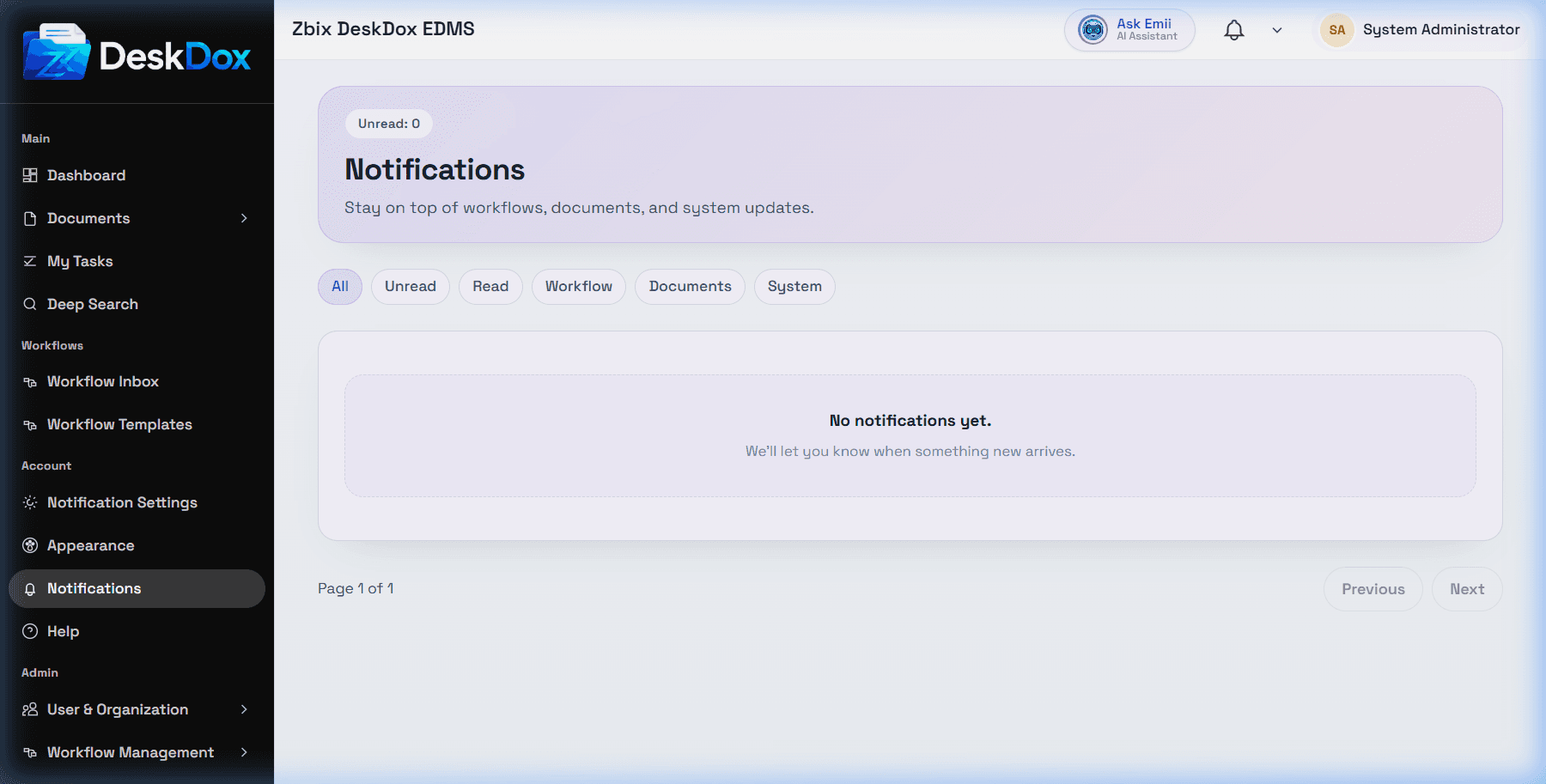
Use /app/notifications for the full notification center. In the environment the notification center had no active notifications, so the available screenshot shows the empty state rather than a populated history.
Relationship to workflow, SLA, and escalations
Notifications can be created by workflow assignments, document activity, system events, SLA warnings, SLA breaches, and escalation chains depending on configuration. Workflow SLA settings are configured on workflow template steps. Escalation chains can then define follow-up levels after a step breaches its SLA.
Notification delivery depends on the channel and configuration. In-app notifications are available in DeskDox. Email preferences are available, but actual email delivery depends on email service and queue configuration. Mobile or push delivery should be treated as configuration-dependent unless enabled in your deployment.
If notifications are missing
Check the notification center, your notification preferences, whether the event applies to your user or role, the linked document or workflow permissions, and whether the workflow/SLA/escalation feature is enabled. Administrators should also check email delivery configuration, notification rules, background jobs, and role or department assignment.