

Escalation Rules
Escalation rules are the individual levels inside an escalation chain. Each level defines when to escalate, which channel to use, and who should receive the escalation.
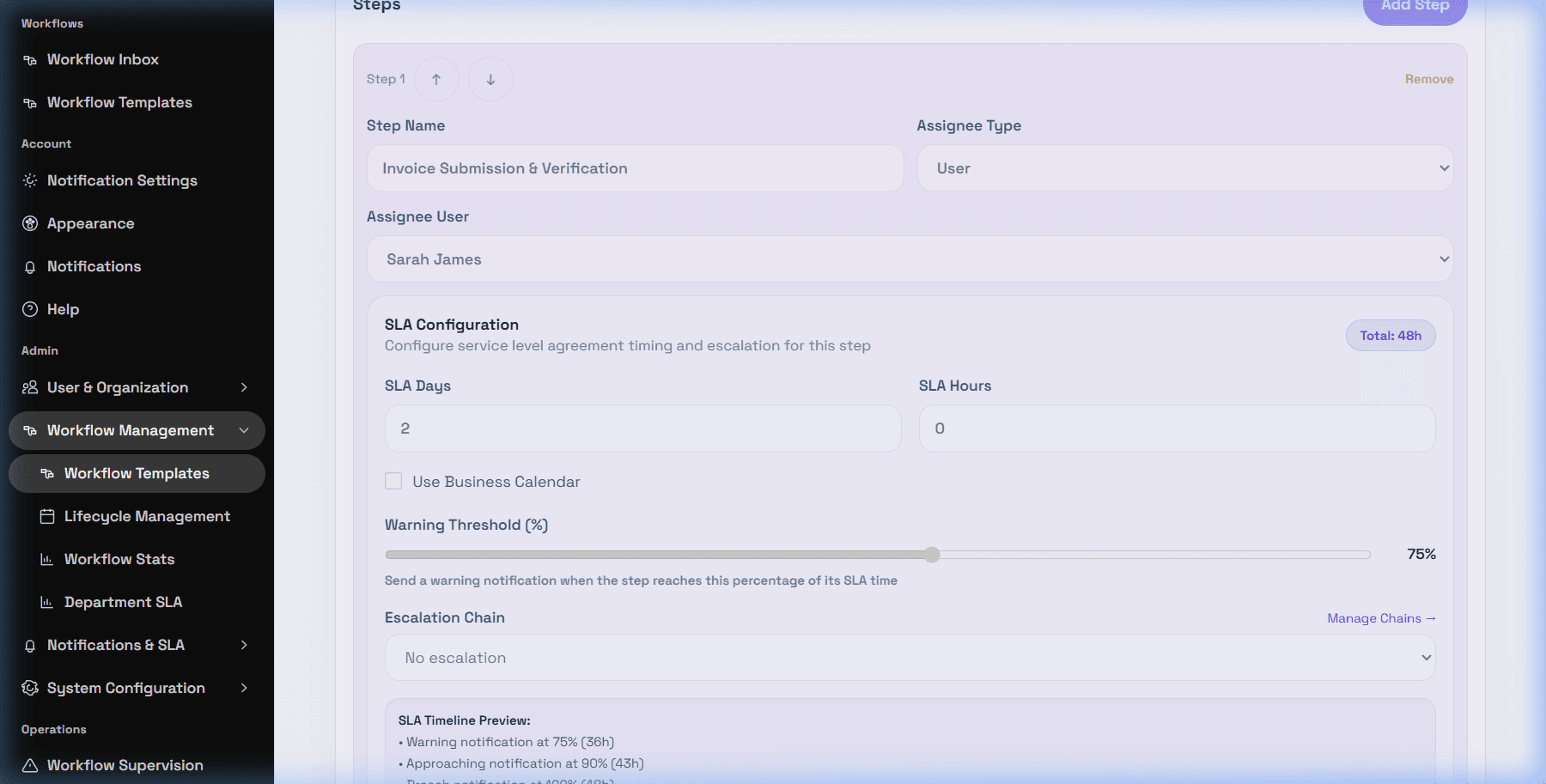
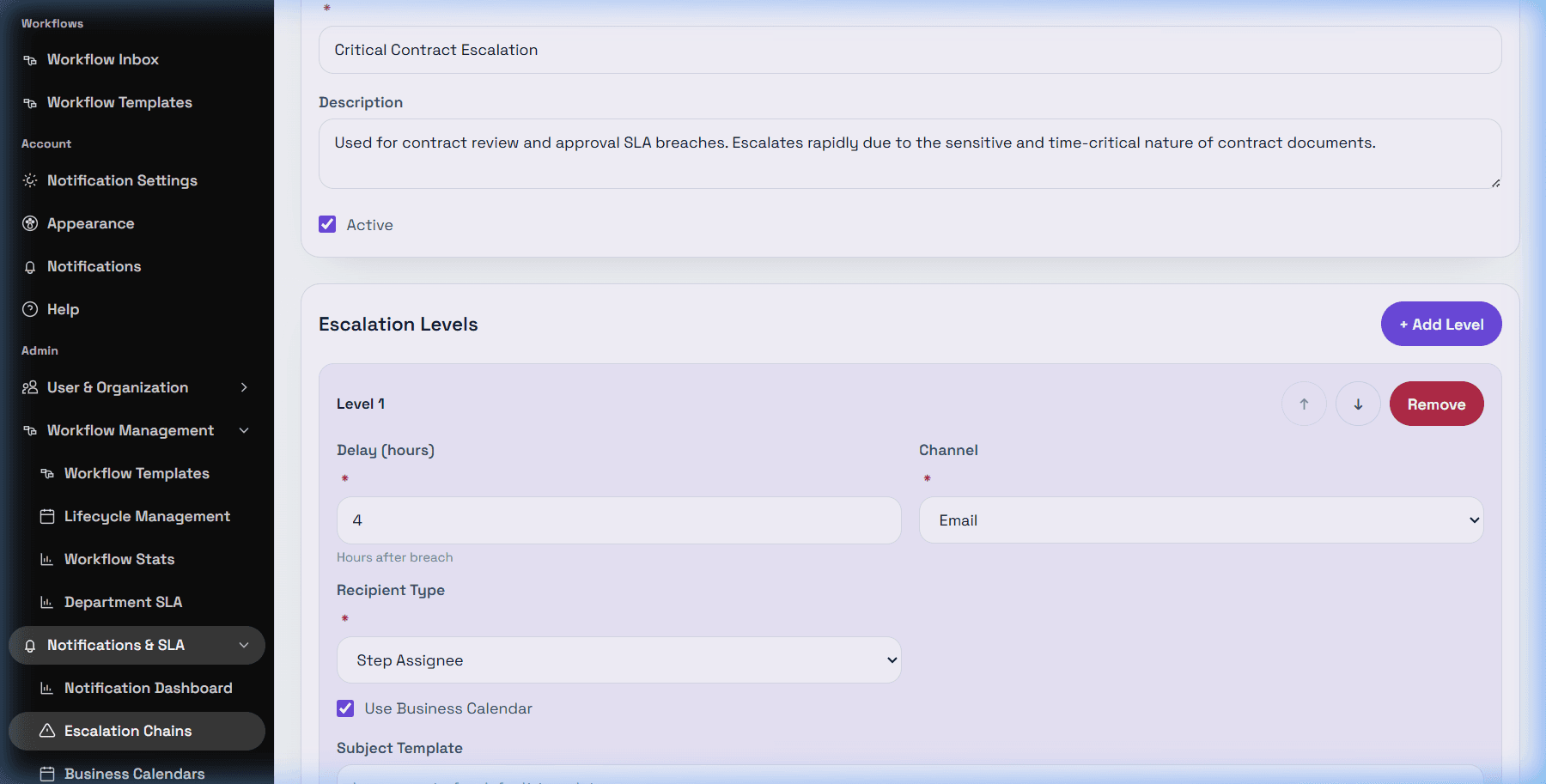
Level fields
DeskDox includes the escalation editor fields Delay (hours), Channel, Recipient Type, Recipient Value, Use Business Calendar, Subject Template, and Body Template. Recipient types include Email Address, Role, Department Head, Step Assignee, Manager of Assignee, and Workflow Creator.
For the first level, delay is measured in hours after breach. For later levels, delay is measured after the previous level. The editor supports Email, In-App, and WhatsApp channel labels, but actual delivery still depends on configured services and notification processing.
Troubleshooting
If an escalation does not happen, verify that the workflow step has an SLA, the selected escalation chain is active, the chain has at least one level, recipient fields are valid, the task actually breached, the business calendar is correct, and the configured channel can deliver in your environment.