

License Status and Activation
Open /app/admin/license to review the License Center.
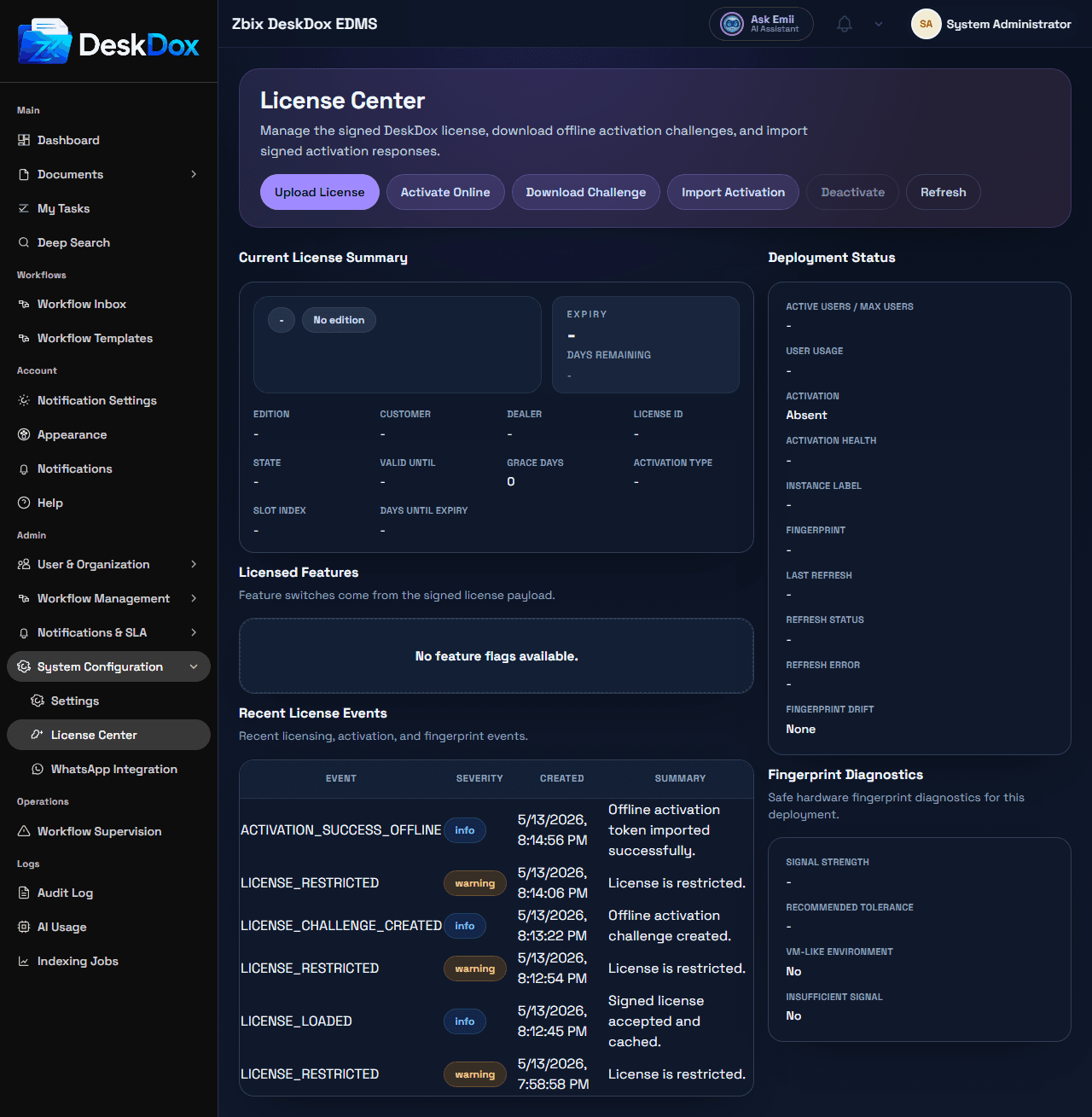
DeskDox licensing may be issued in different editions, such as Standard or Enterprise, depending on the customer agreement. The license screen shows the active edition and validity for the current installation. Feature availability may vary by edition and enabled modules.
The license screen displays the current license status, edition or tier, validity period, activation state, user limits when visible, and activation details available for your installation. Always read the current deployment values from the License Center.
DeskDox includes actions for Upload License, Activate Online or Refresh Online Token, Download Challenge, Import Activation, Deactivate when online activation is present, and Refresh. Offline activation means the deployment uses an offline challenge/response workflow instead of relying only on live online activation. Online and offline actions can fail if files, activation responses, fingerprints, or activation service responses are invalid.
If a feature is locked or disabled, check licensed features, overall license state, expiry or grace status, user limit status, and activation health.