

Create or Edit Business Calendar
Use /app/admin/business-calendars and select New Calendar or Edit to maintain a calendar for SLA timing.
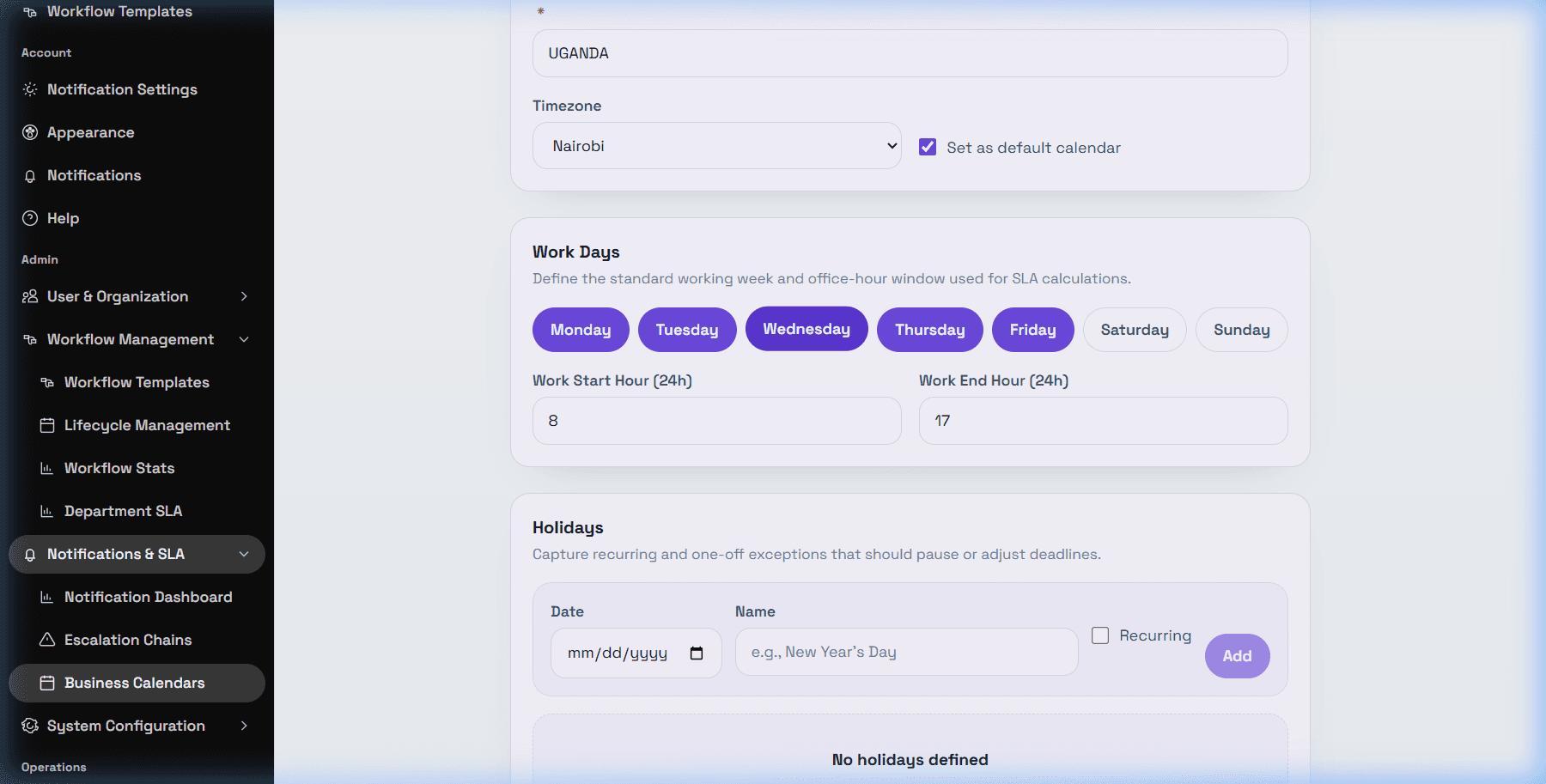
Calendar fields
DeskDox includes Name, Timezone, Set as default calendar, weekday buttons from Monday through Sunday, Work Start Hour (24h), and Work End Hour (24h). Name is required before Save Calendar is enabled.
Holidays
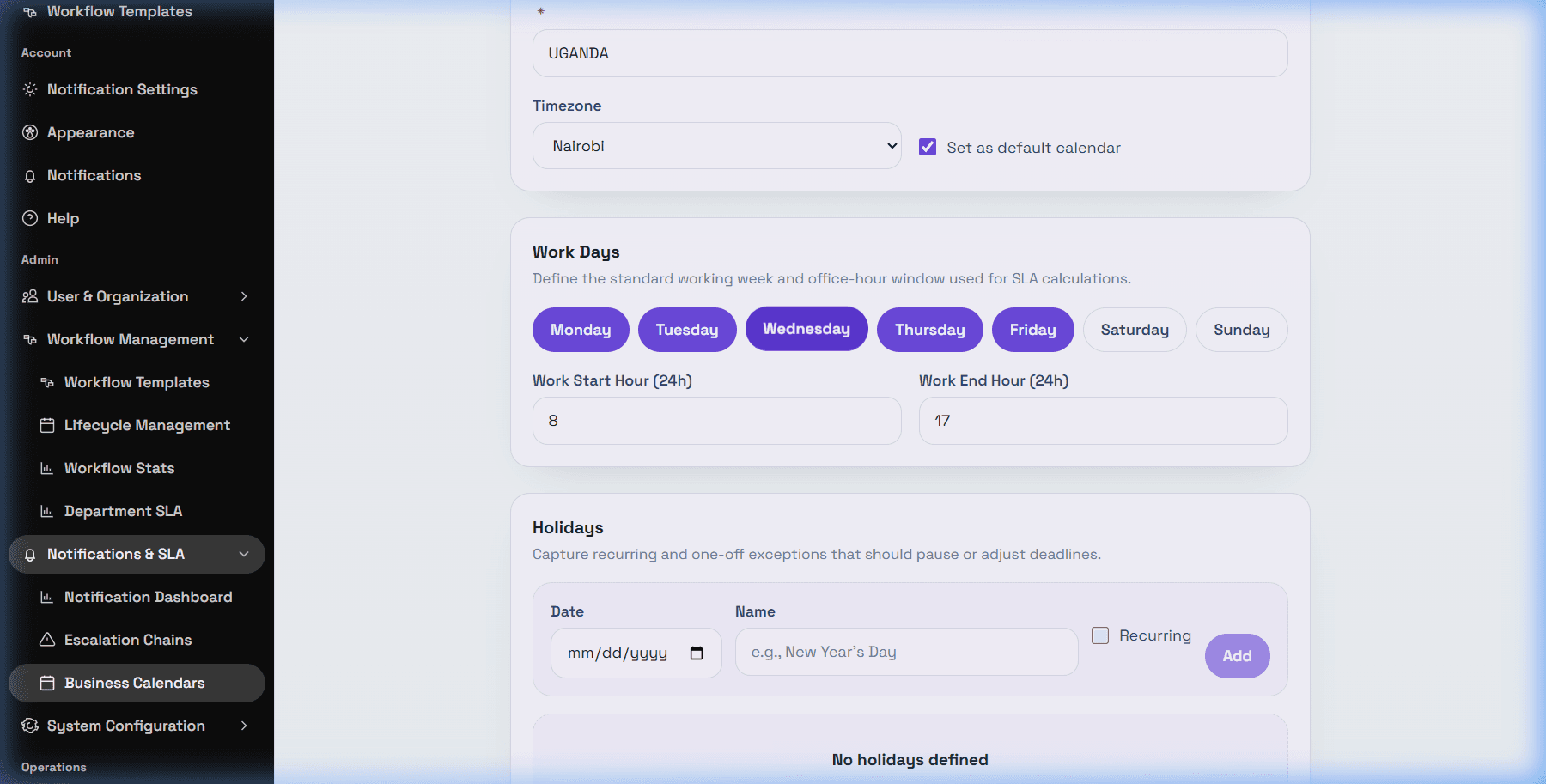
Use the Holidays section to add exception dates. Enter Date, optional Name, choose Recurring when the date repeats yearly, then select Add. Existing holiday rows can be removed with Remove.
Use Cancel to close without saving. Use Save Calendar to persist the calendar.