

My Tasks and Workflow Inbox
What this helps you do
Find assigned workflow work, use visible task filters, and understand why a task may not appear.
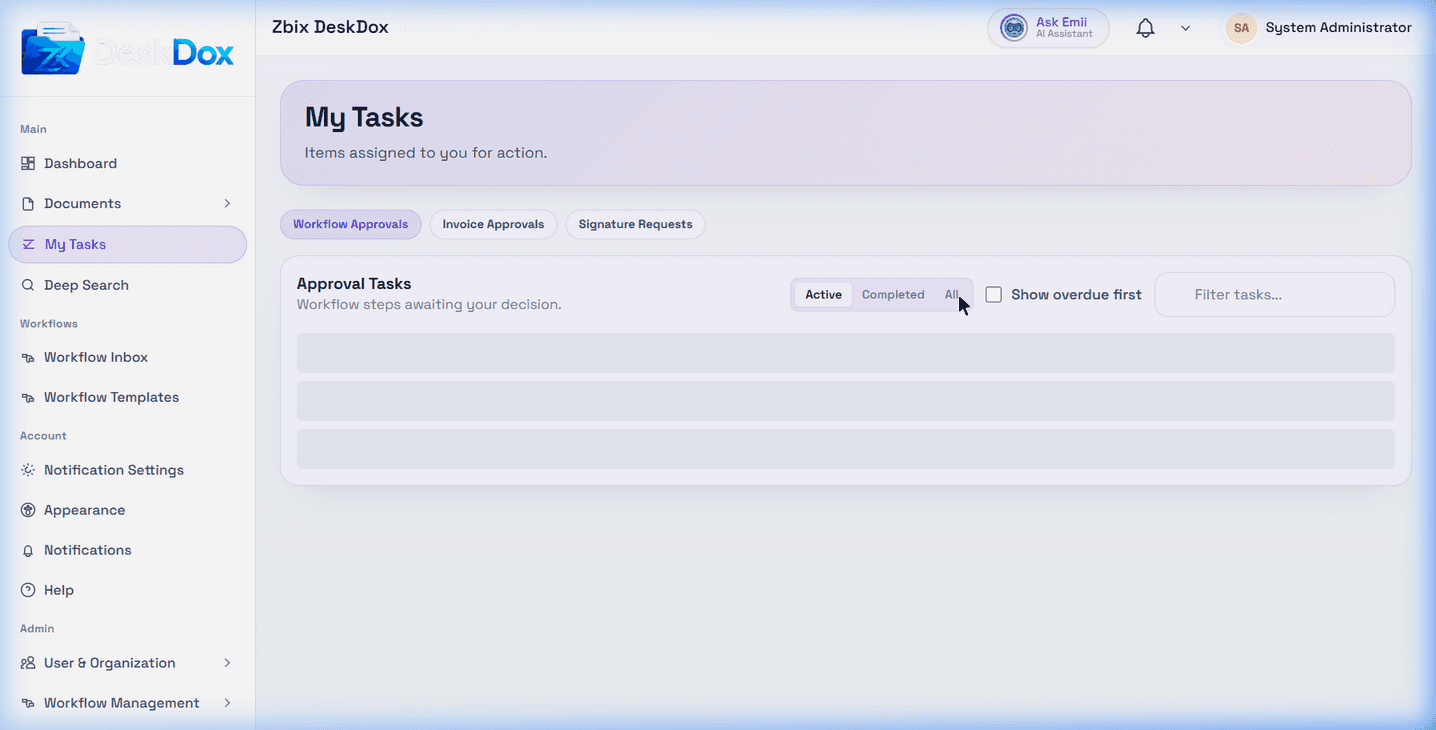
My Tasks
Open My Tasks from the main navigation. The available My Tasks screen showed tabs for Workflow Approvals, Invoice Approvals, and Signature Requests. Use Workflow Approvals for workflow review and approval assignments when that tab is visible.
The task list/table can show workflow items, status, deadline/SLA information, and actions depending on configuration and permissions. The walkthrough observed status and timing labels such as pending, completed, Overdue, Due today, and SLA: X days.
Workflow Inbox
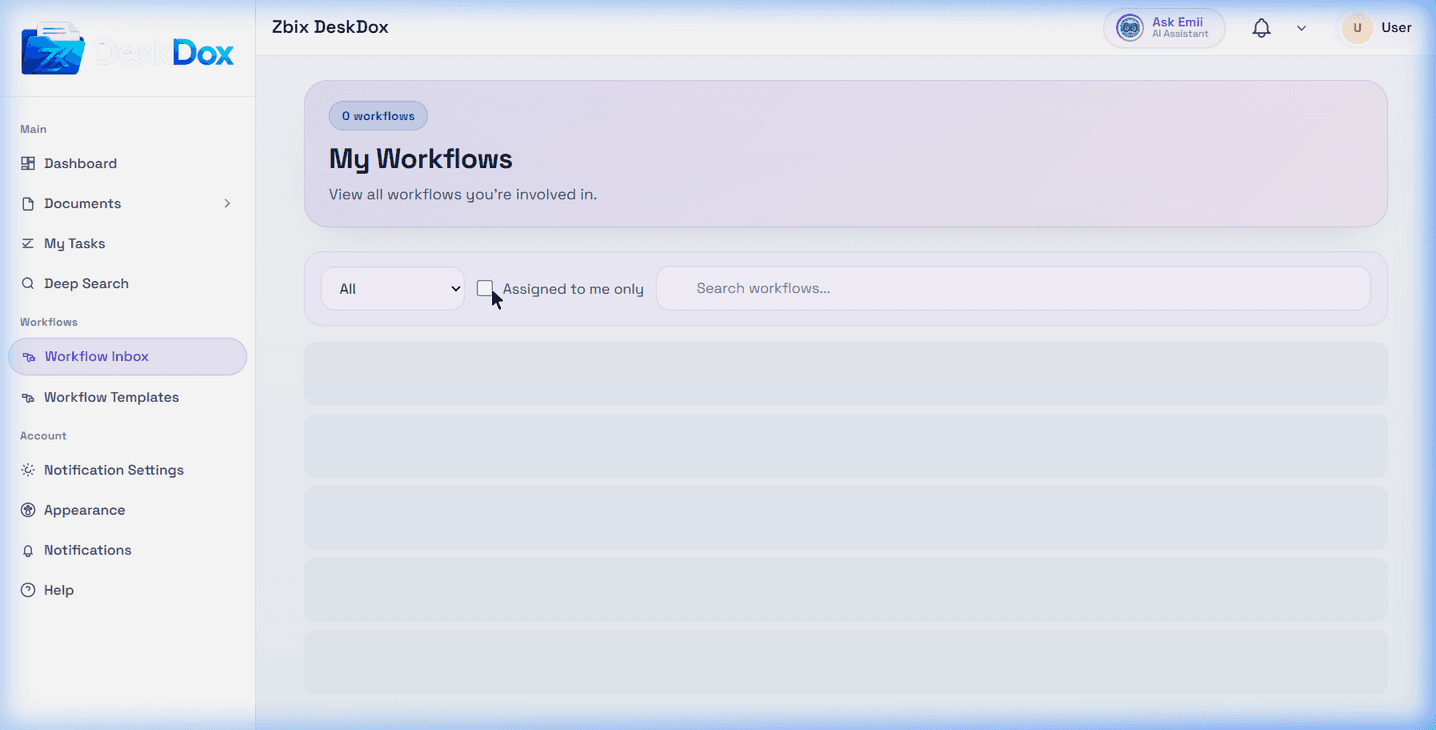
Workflow Inbox was available at /app/workflows/my-workflows when visible in the Workflows area. It is another queue for workflows you are involved in, including assigned or visible workflow items depending on your role and permissions.
If Open is visible for a row, use it to open the task or related workflow item. Administrative actions such as Reassign or menu-based admin actions are permission-dependent.
Filters and status tabs
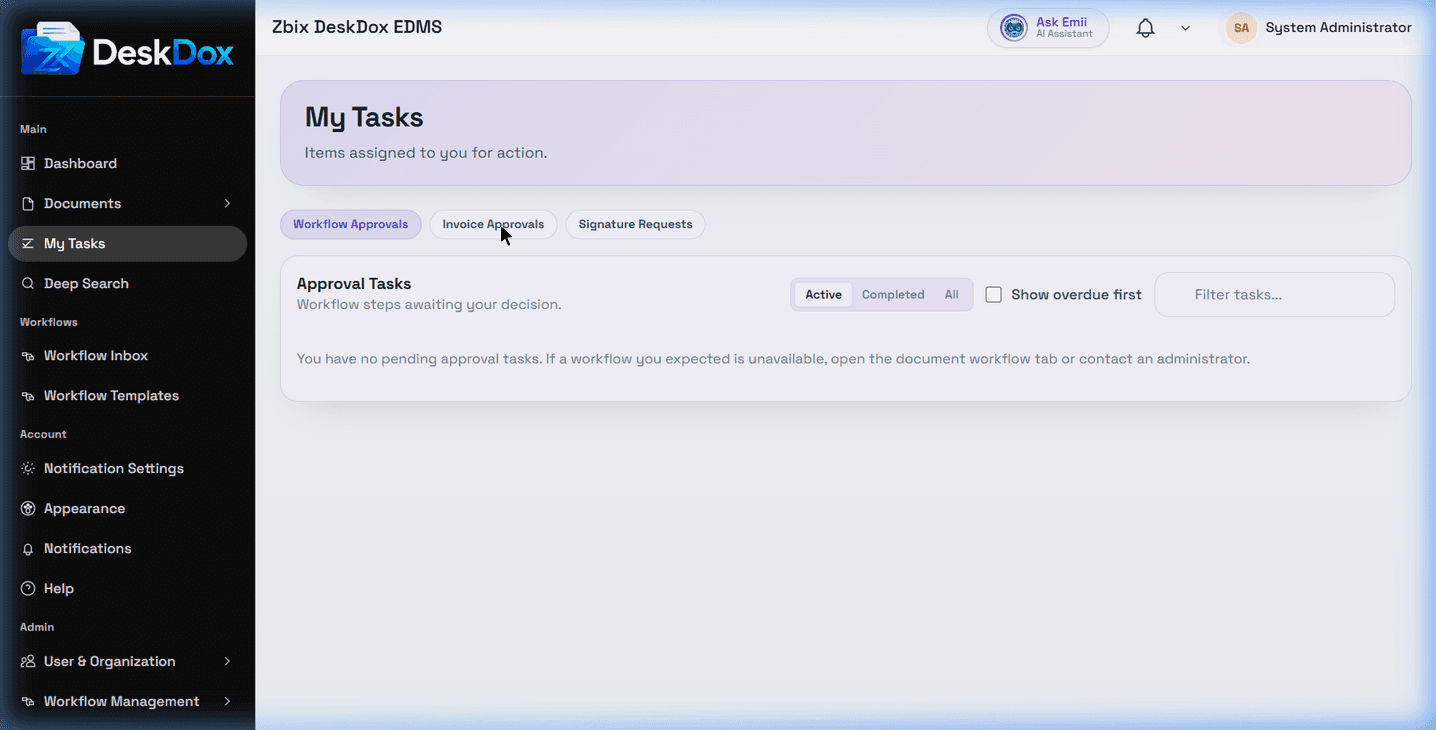
The available workflow approval filters are Active, Completed, and All. Use them to switch between current tasks, completed tasks, and the broader task list when those filters are visible.
Pending means the task is waiting for the assigned user, role, or department to act. Overdue means the visible due date or SLA target has passed. SLA and due-date indicators may be hidden when no due date is configured or your view does not include that column.
Empty state
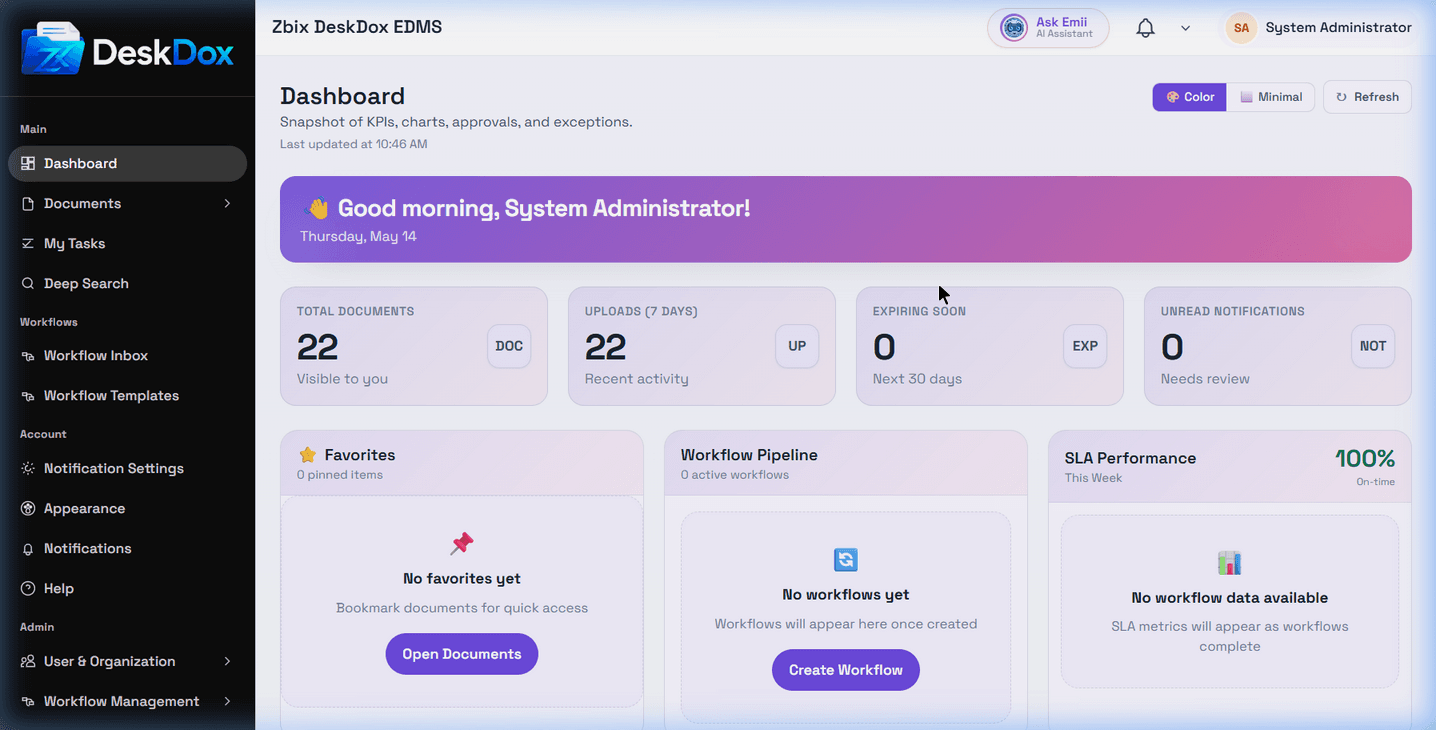
When no approval tasks exist, DeskDox displays: "You have no pending approval tasks. If a workflow you expected is unavailable, open the document workflow tab or contact an administrator."
Why tasks may not appear
A task may be missing because it is assigned to another user, role, or department; your account lacks the required permission; the workflow has not started; the task is already completed, cancelled, skipped, or rejected; a filter is hiding it; or the feature is not enabled in your environment.
After an administrator changes role, department, or permission assignments, refresh the page or sign in again before checking the list.
Related Emii questions
- "Where can I find my tasks?"
- "What is Workflow Inbox?"
- "Why is My Tasks empty?"
- "How do I filter workflow tasks?"
- "What does overdue workflow task mean?"