

Document Workflow Tab
What this helps you do
Use the Document Detail Drawer Workflow tab to check workflow status for a document.
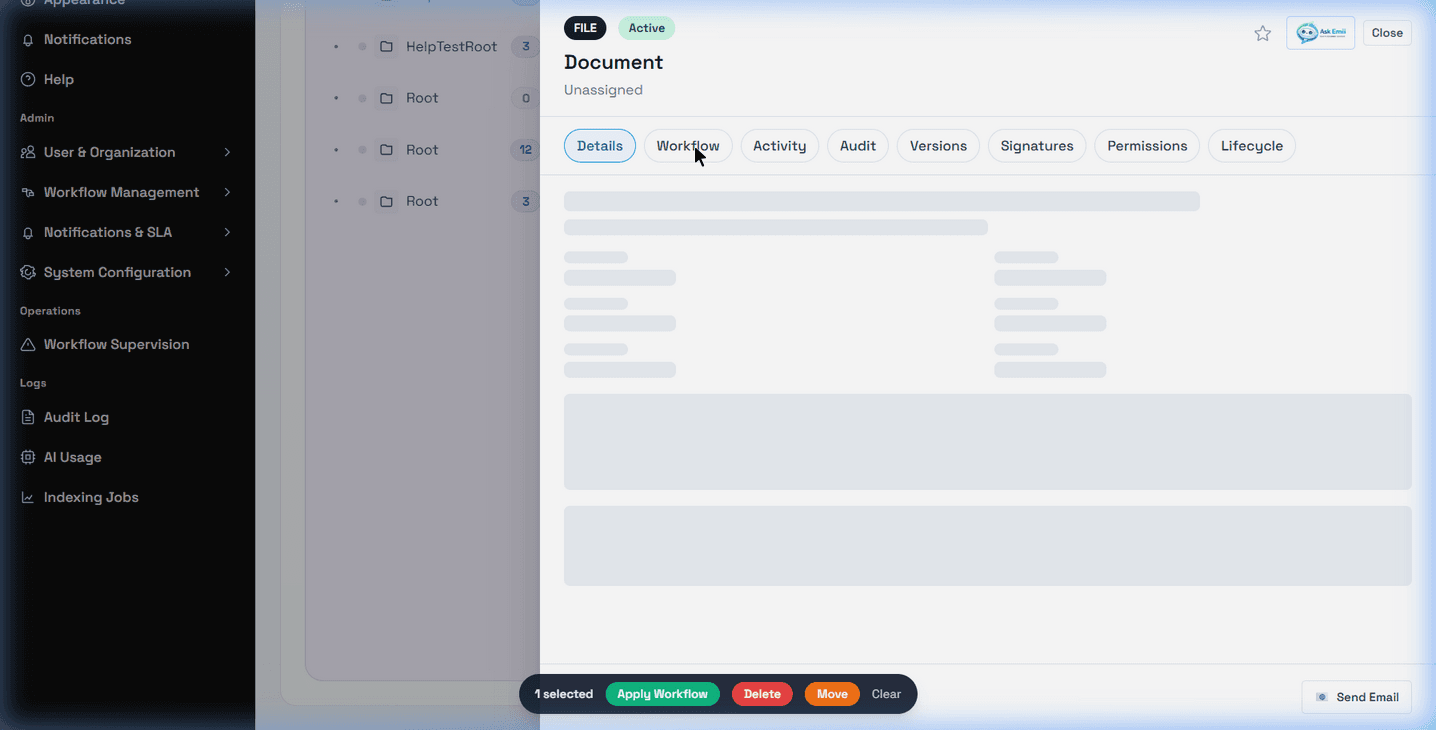
Open workflow details from a document
Open a document, then select the Workflow tab in the Document Detail Drawer when it is visible. The route pattern is /app/documents/:documentId?tab=workflow.
The tab can show the active workflow status, workflow steps, and reviewer or approver assignment details when those fields are visible to your account. The page can show document workflow statuses such as In Progress and Completed.
Relationship with My Tasks and Workflow Inbox
My Tasks and Workflow Inbox show assigned work items. The document Workflow tab shows workflow context from the document side. If a task is missing from My Tasks, the empty-state guidance recommends opening the document workflow tab or contacting an administrator.
Workflow actions from the drawer
The document workflow area can show Start Workflow and Apply Workflow controls in the document workflow area. These controls are permission-dependent and may be intended for users allowed to start or apply workflows.
Approval, rejection, signing, or other task actions may be available from the document drawer only when visible and allowed by your configuration. If action buttons are not visible, open the assigned task from My Tasks or Workflow Inbox.
When no workflow is attached
If no workflow is attached to the document, the tab may show no active workflow or no steps. This can mean the workflow has not been started, no workflow template was applied, the workflow feature is not enabled, or your account cannot view workflow details for that document.
Related Emii questions
- "Where is the Workflow tab on a document?"
- "How do I see workflow status from a document?"
- "Why can't I see the Workflow tab?"
- "Can I approve a workflow from the document drawer?"
- "Why is there no workflow on this document?"