

Document Signatures
What this helps you do
Use the Signatures tab to see signature requests and signing status connected to the selected document.
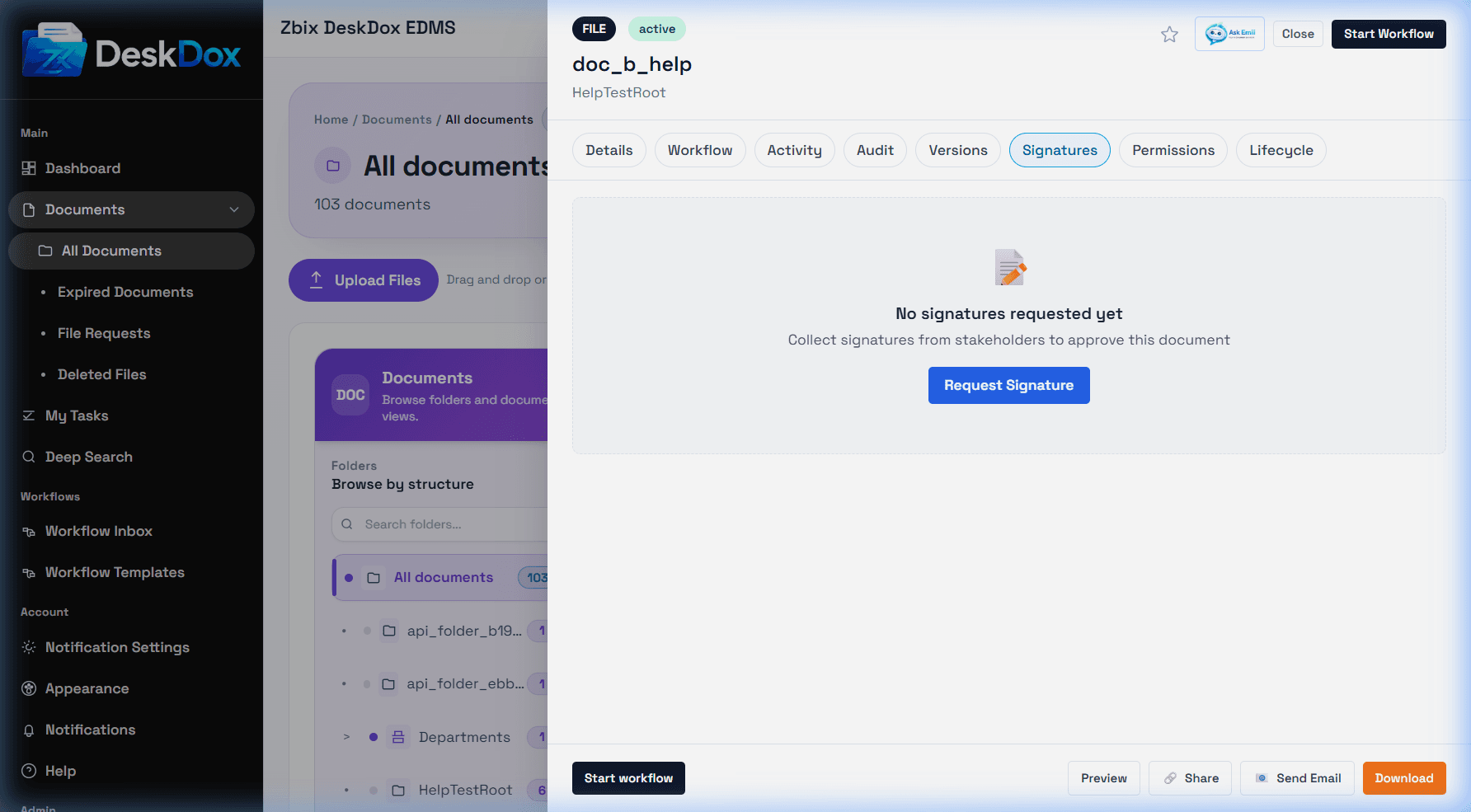
Signature requests
Signature requests are available for supported document types such as PDFs. If the signature action is unavailable, confirm that the document format is supported and that your role has the required permission.
Open the Document Detail Drawer and select Signatures. The tab can show signature requests, participants, statuses, and pending signatures when signature features are enabled. Related tasks may also appear in My Tasks or Signature Requests depending on deployment workflow.
Missing signature status
If signature status is not visible, check whether the document has a signature request, whether signatures are enabled, whether the file type is supported, and whether your role can view signature details. Some users may only see their own pending signing task.