

Access Control Troubleshooting
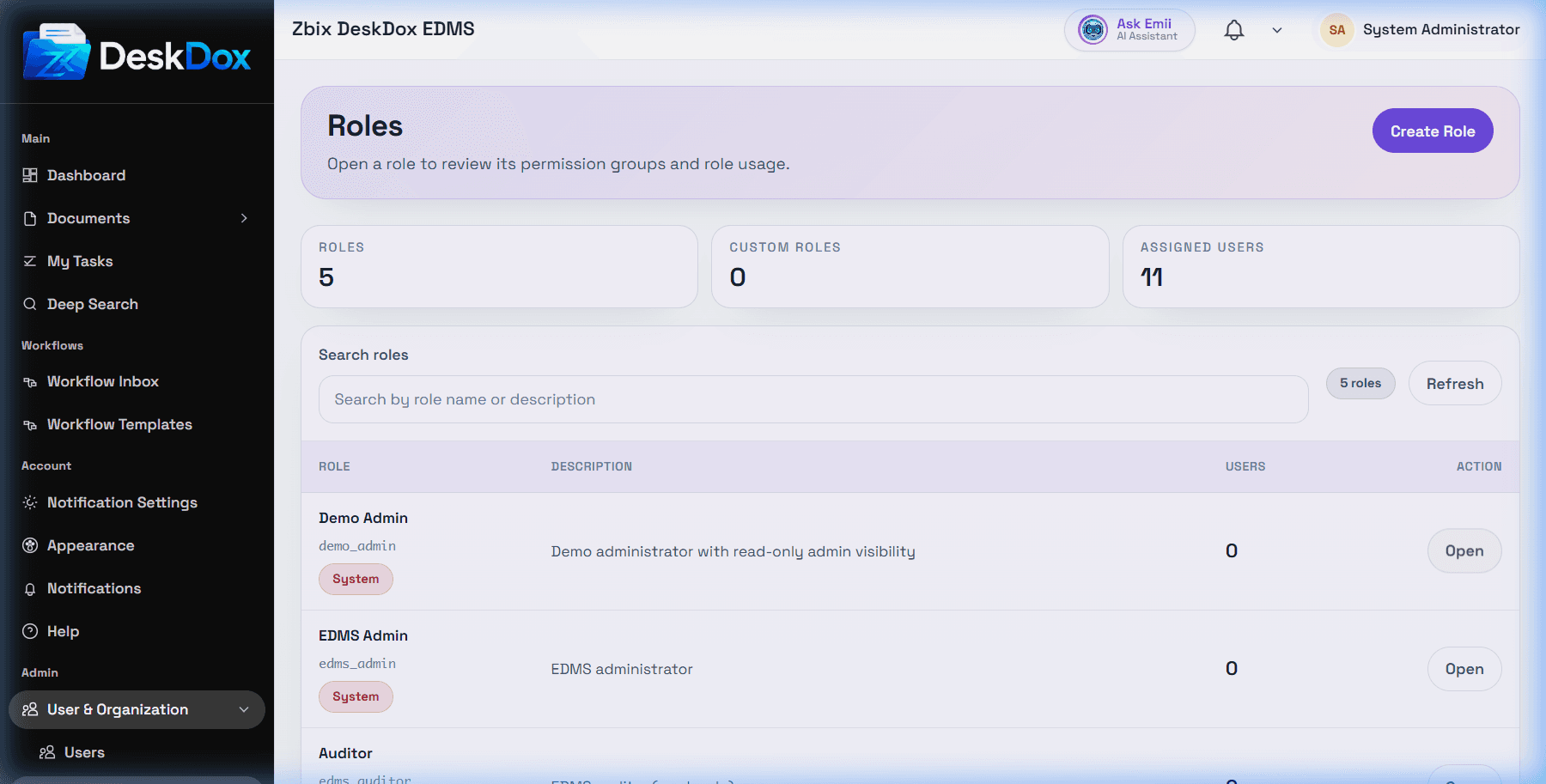
Use this checklist when access does not match expectations.
User cannot access DeskDox
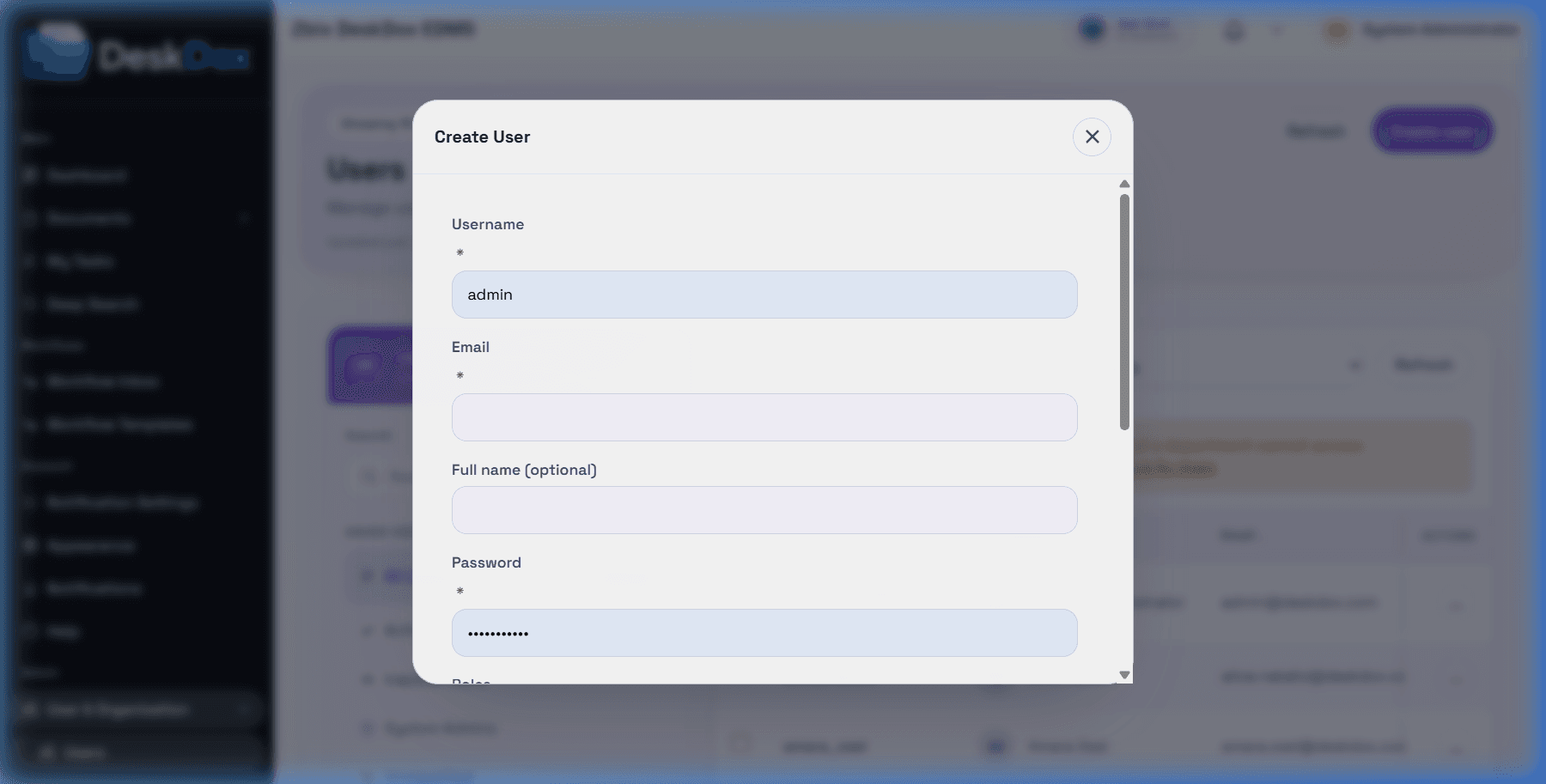
Confirm the user is active, has the correct local username/email and password, is not using stale credentials, and has a department if they are an active normal user. Use Reset Password if needed. Invitation and reset emails depend on configured email service and queue processing.
User cannot see folders or documents
Check the user's department, folder ownership, explicit folder permissions, direct document permissions, document status, workflow assignment, and whether the document was moved, deleted, expired, or archived. A role alone may not grant folder visibility.
User cannot upload
Check that Upload Files is visible, the user has upload permission on the destination folder, the destination folder is selected, required metadata is complete, file rules allow the upload, and any workflow/lifecycle requirements are satisfied.
User cannot approve workflow
Check whether the active workflow task is assigned to the user, the user's role, or the user's department. Also check task status, document access, signature requirements, workflow permissions, and whether the task was already completed.
User cannot manage lifecycle
Check lifecycle admin visibility, workflow/admin permissions, role permission matrix entries, and whether the lifecycle feature is enabled and visible in the current deployment.
Role or permission changes are not working
Confirm the role was saved, the user has the role, the permission is in the correct group, the system allows the action, and department/folder/document scope also allows the action. Ask the user to refresh or sign in again if the screen still shows older permissions.