

Document Detail Drawer
What this helps you do
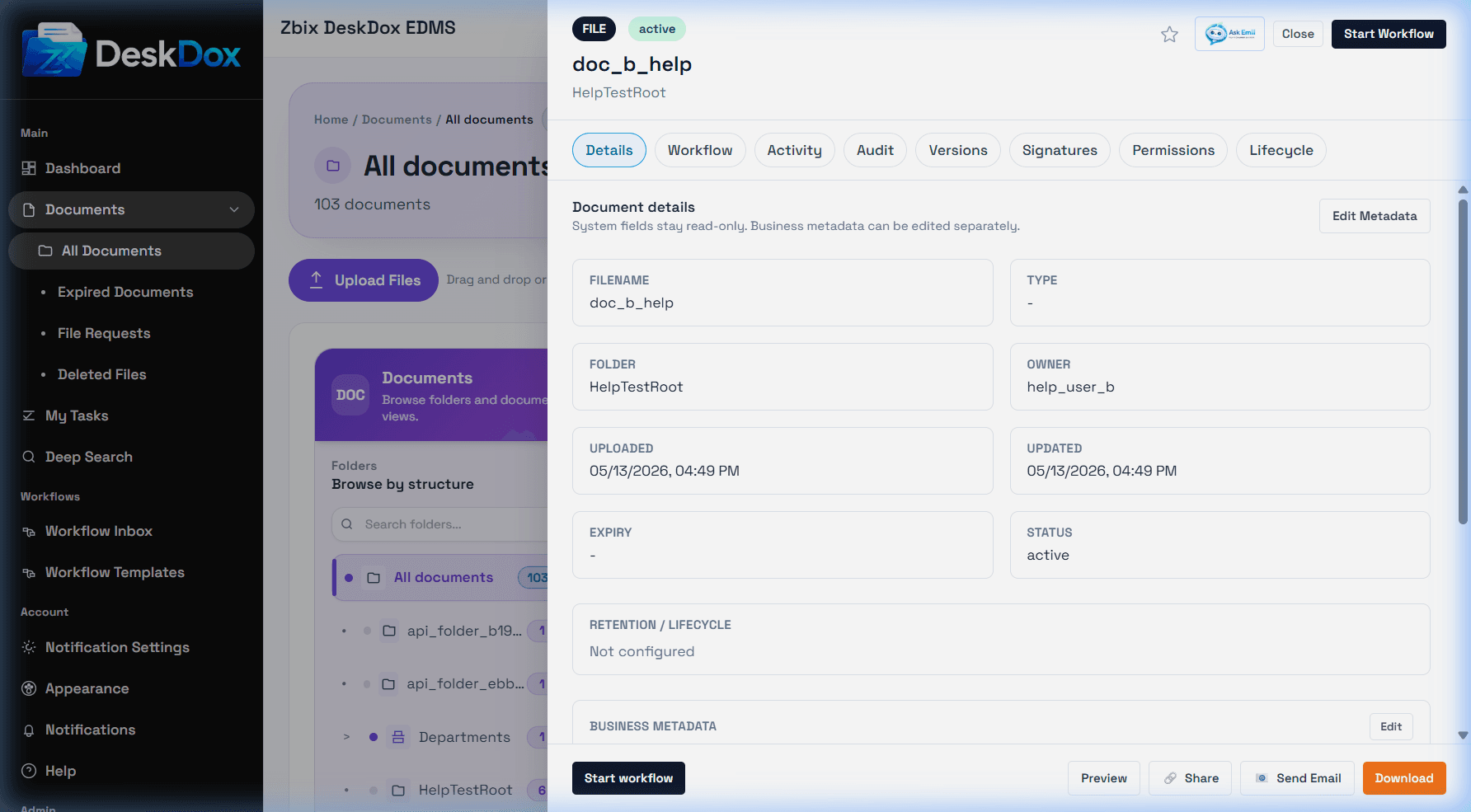
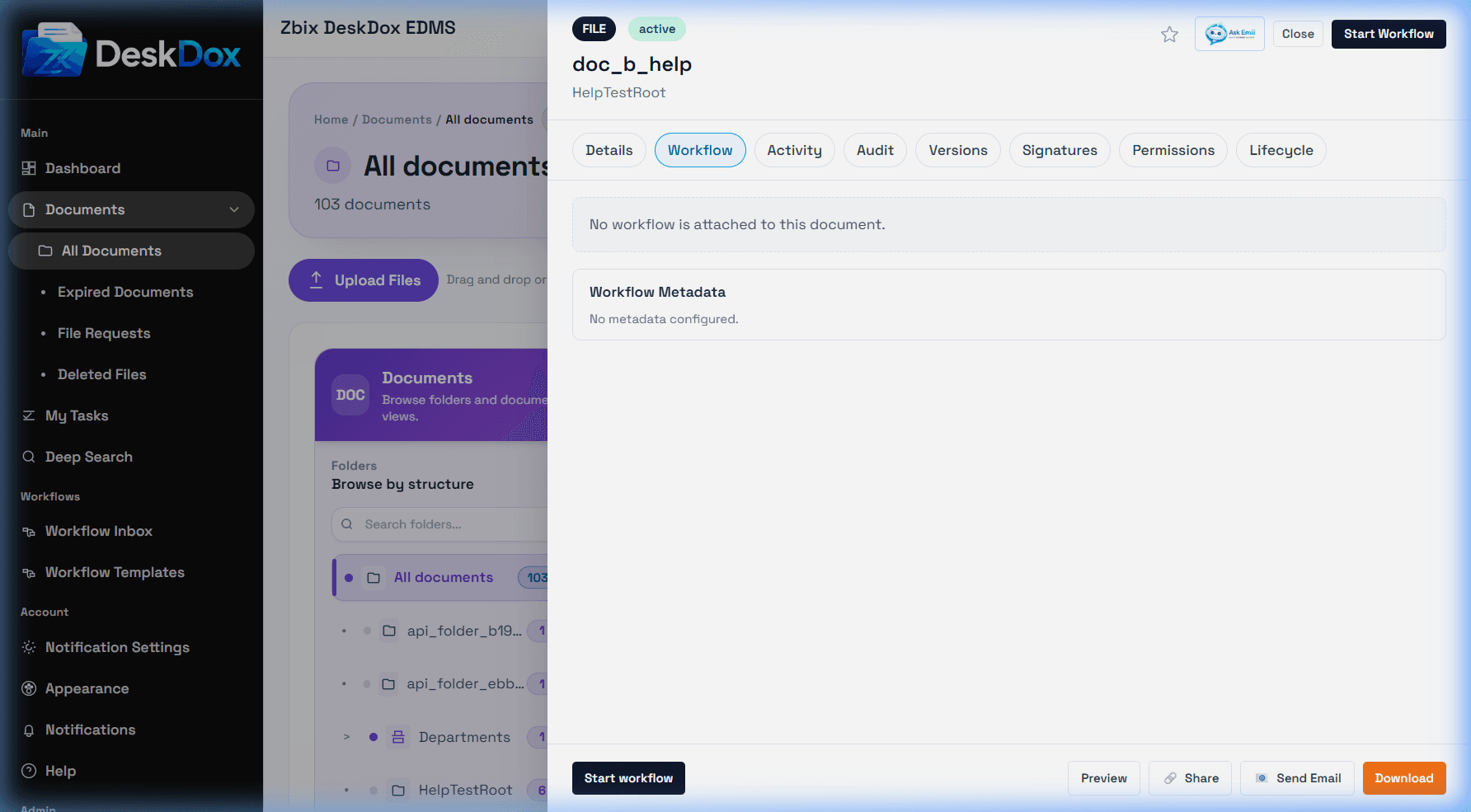
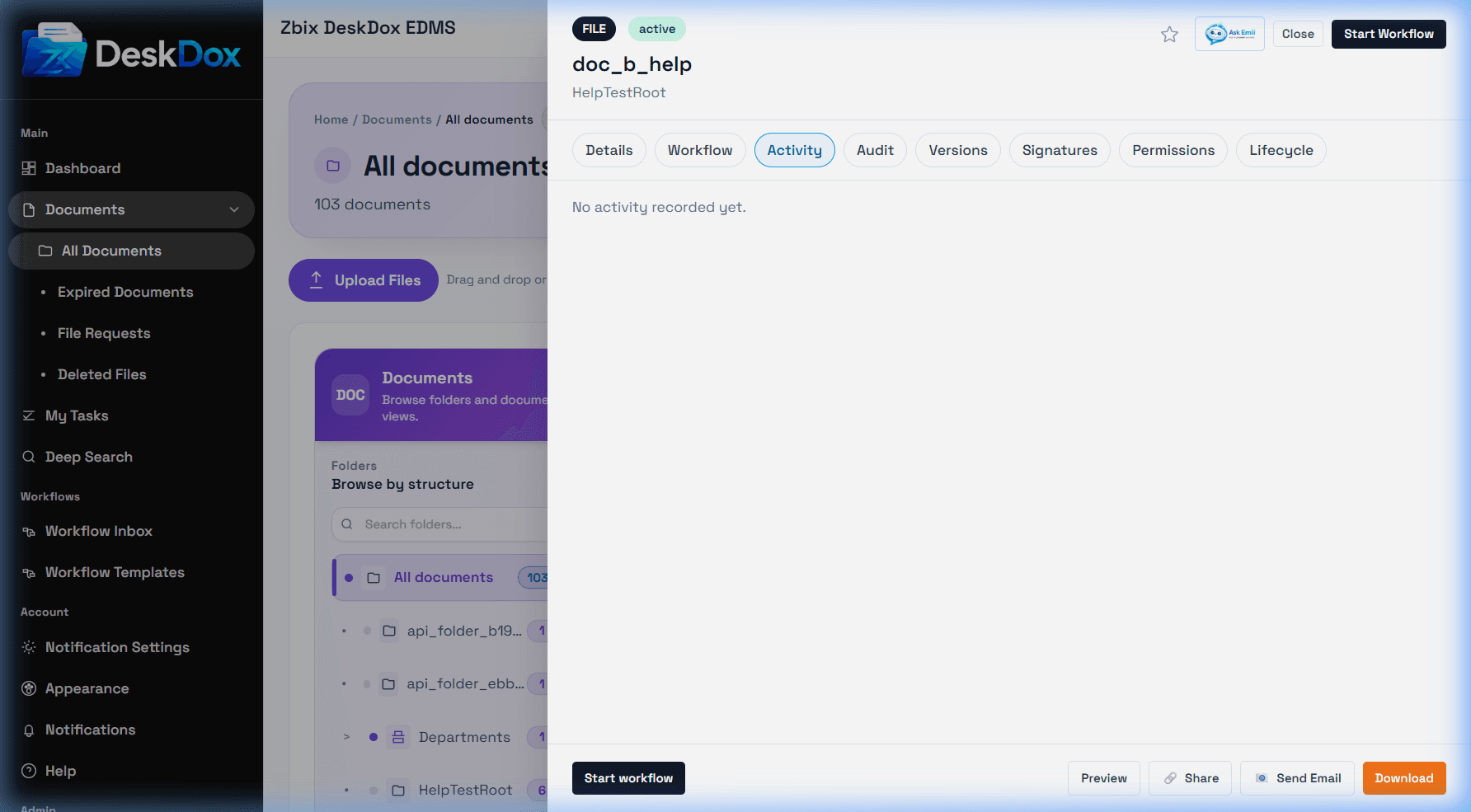
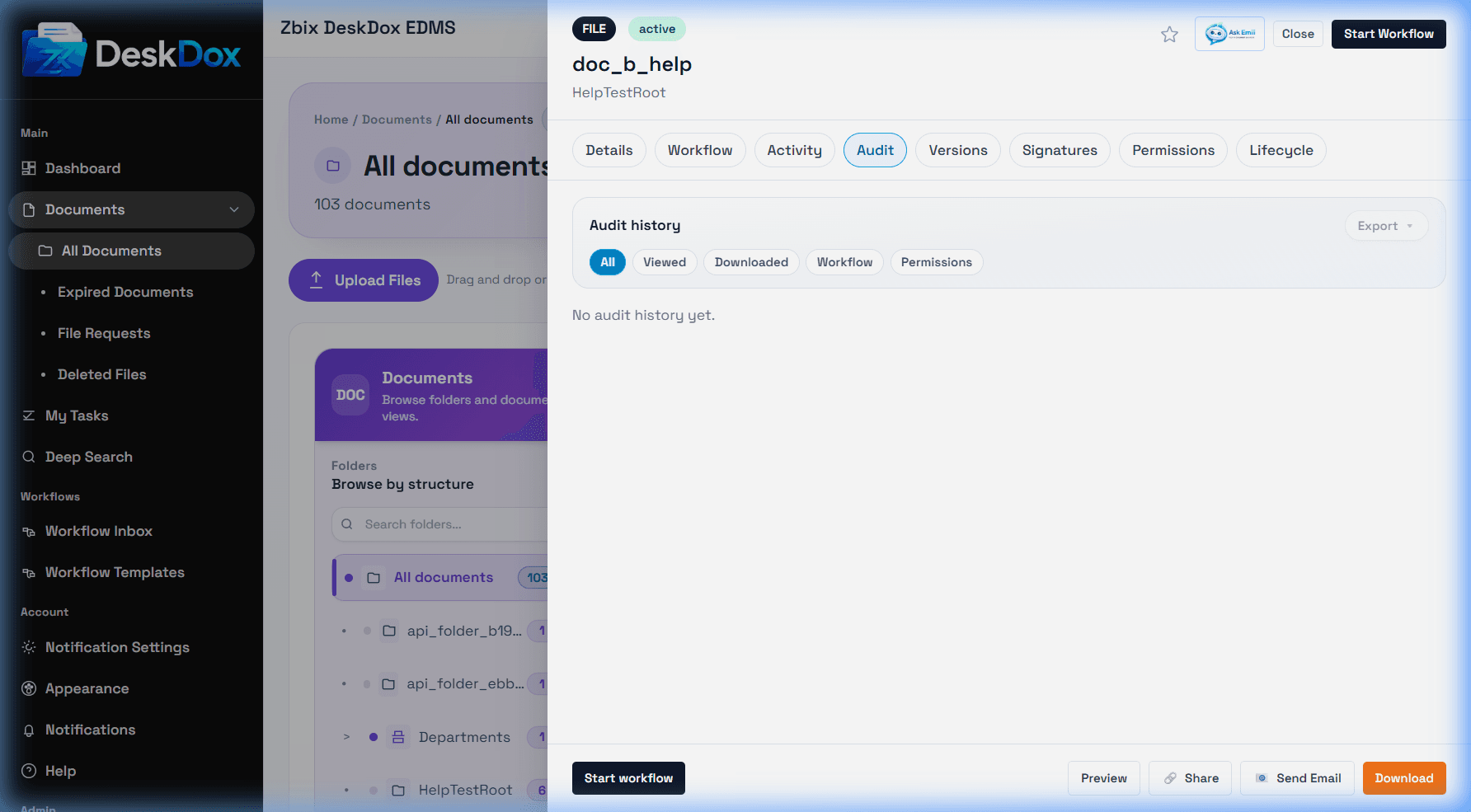
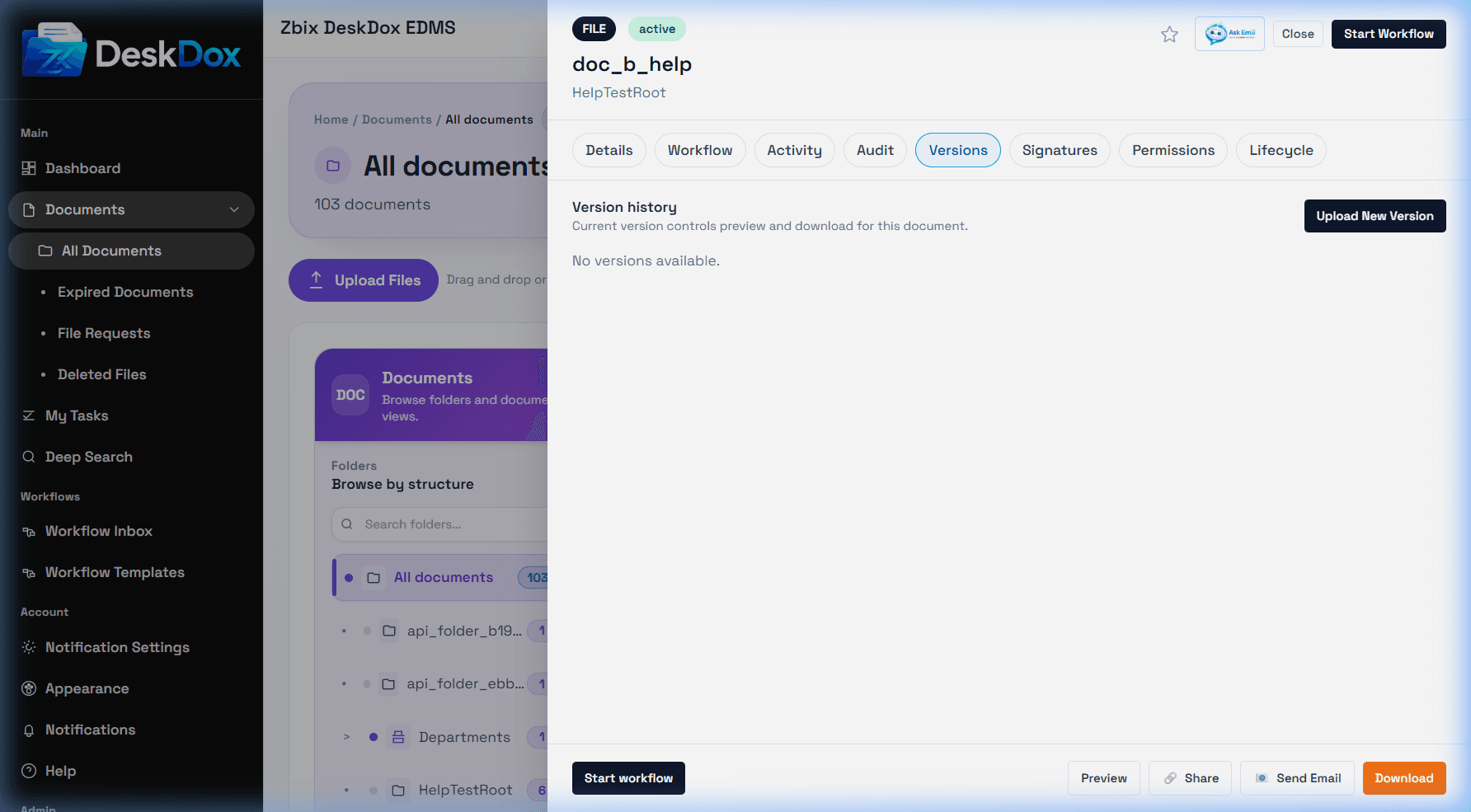
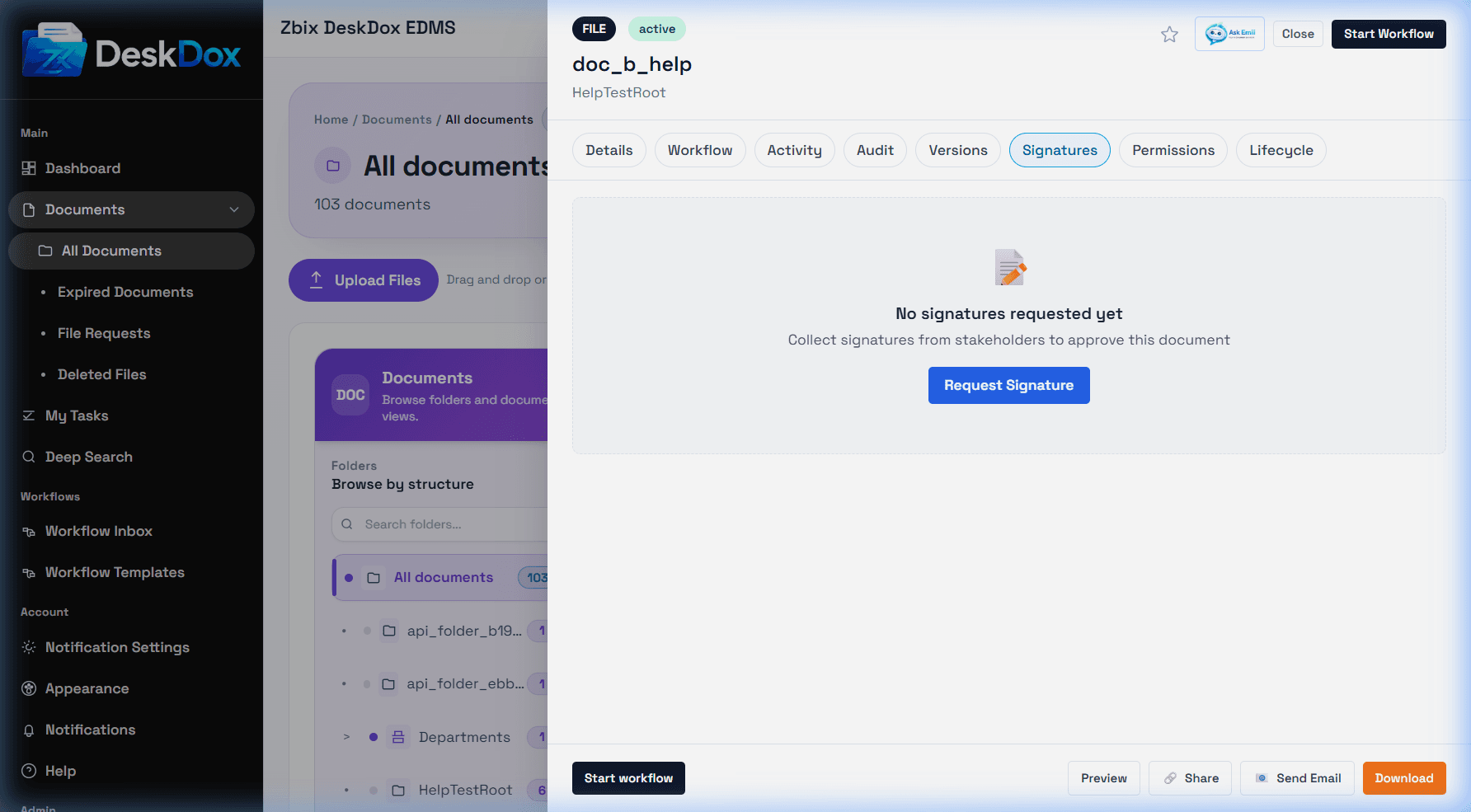
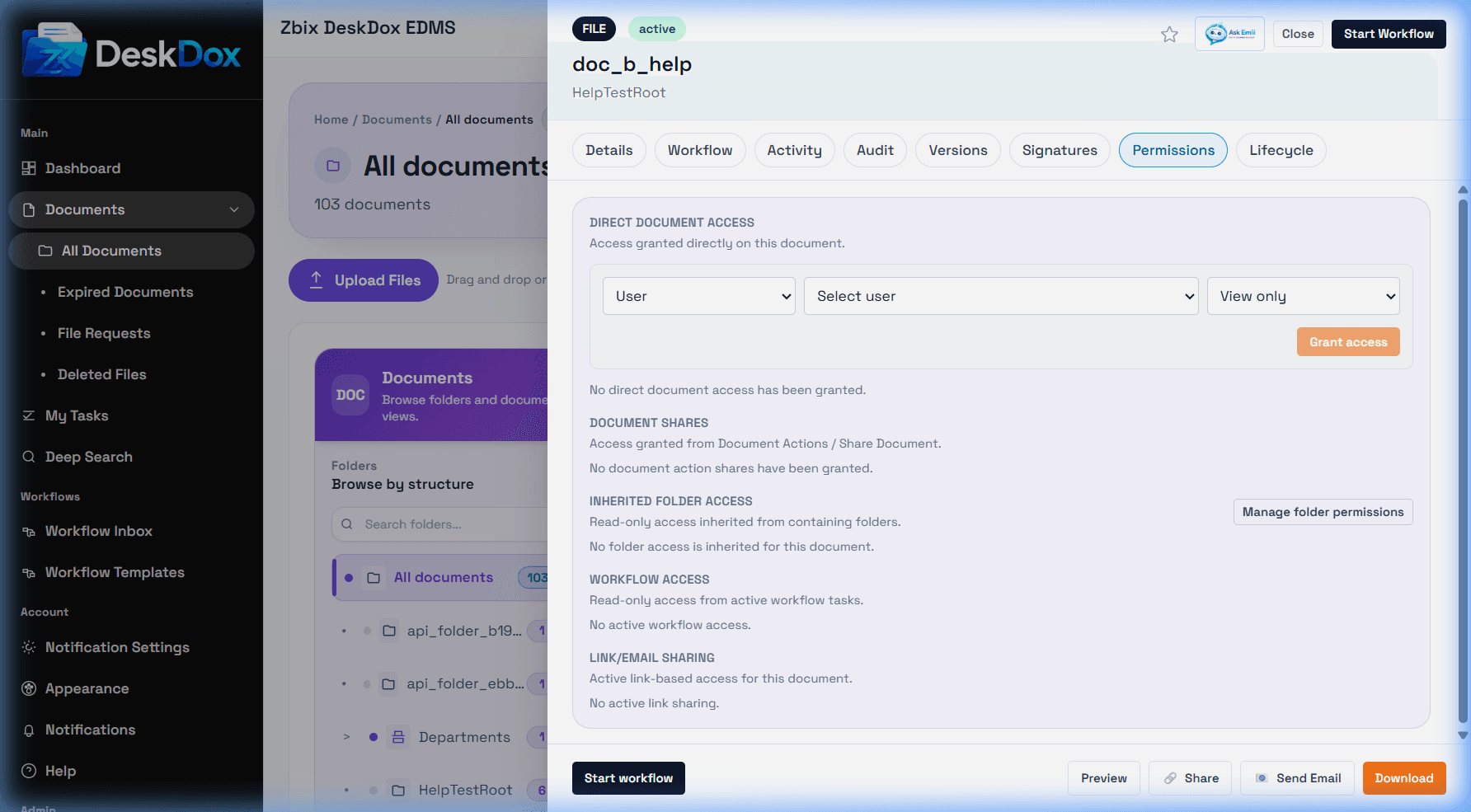
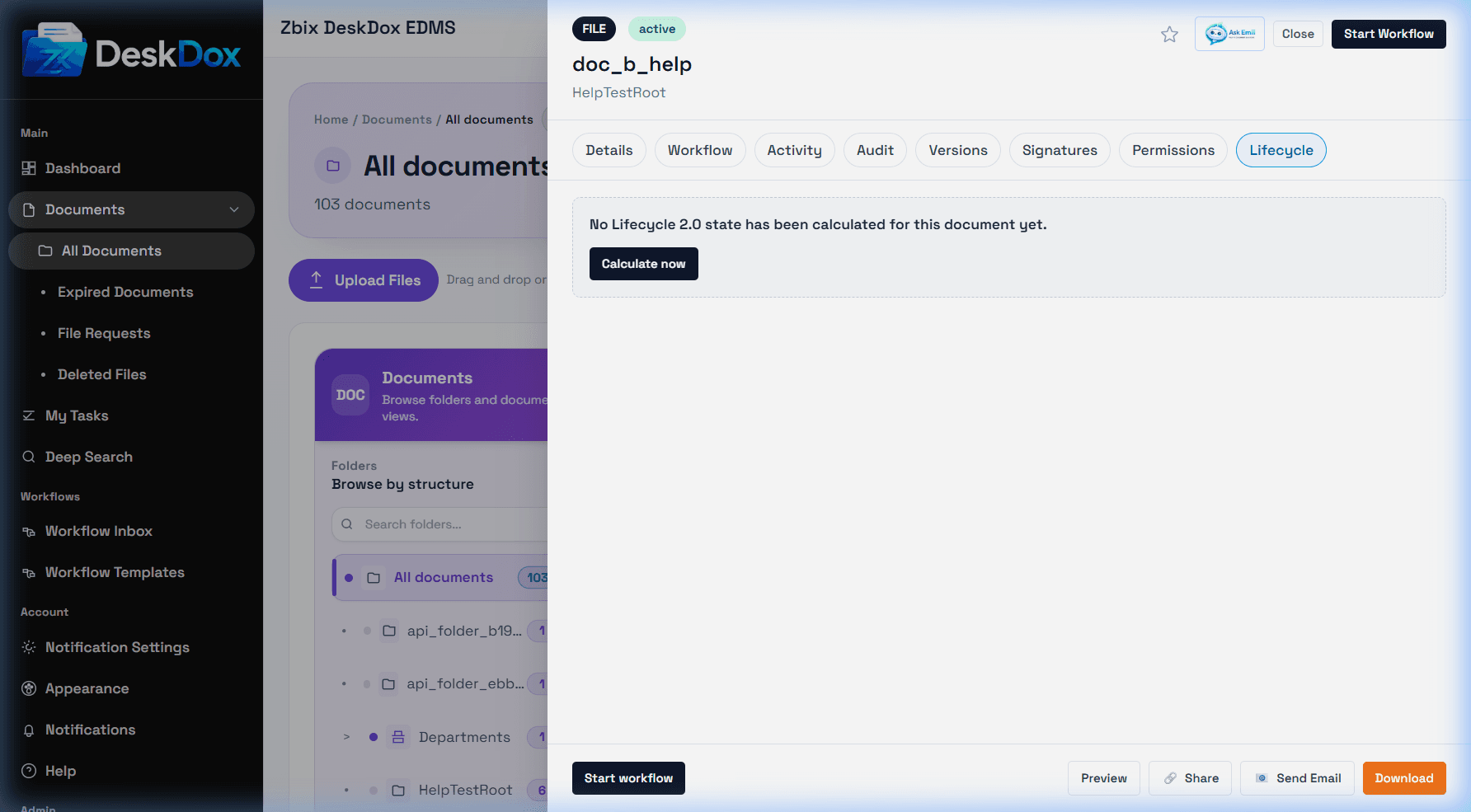
Open the Document Detail Drawer to inspect one document's metadata, workflow, activity, audit trail, versions, signatures, permissions, lifecycle status, and available actions.
Open the drawer
Click a document name in the table. The header shows document identity and badges such as status, workflow, lifecycle, or favorite/star when available. Use Ask Emii to ask about the selected document when Emii is enabled and your access permits it.
Tabs and footer actions
Tabs can include Details, Workflow, Activity, Audit, Versions, Signatures, Permissions, and Lifecycle. The footer can include Start Workflow, Preview, Share, Email, Copy Link, and More actions. Tabs and actions are permission-dependent, so a user may see details but not permissions, audit, lifecycle, email, share, or workflow controls.