

Users List and Search
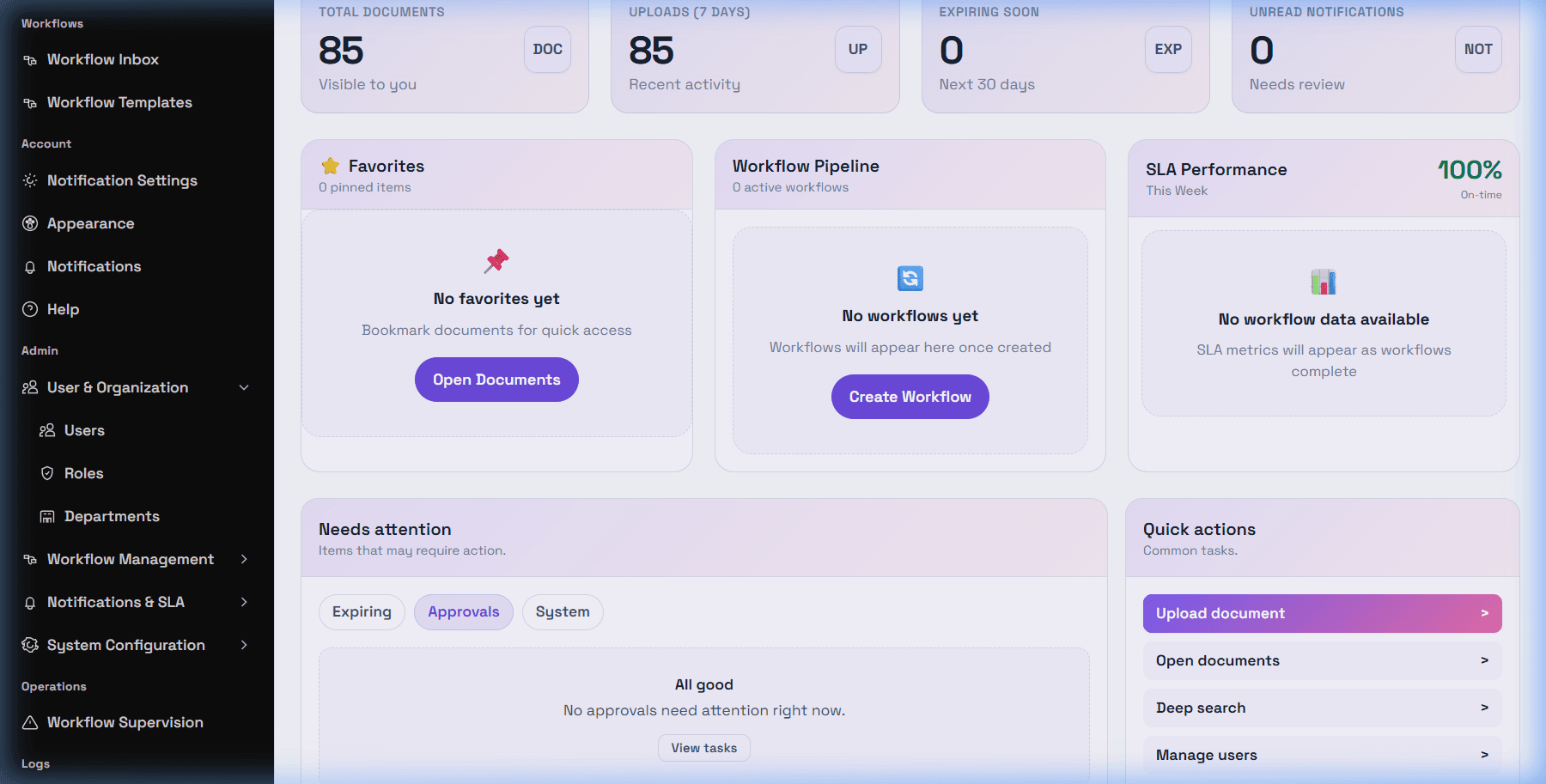
Open /app/admin/users to manage user accounts when your account has admin user visibility. The page lists users with account details such as name, email, status, department, role information, and row actions when available.
The DeskDox uses user search by username, email, or full name. Status filtering is available for active and inactive users. Status filters and row actions are available for managing active and inactive users.
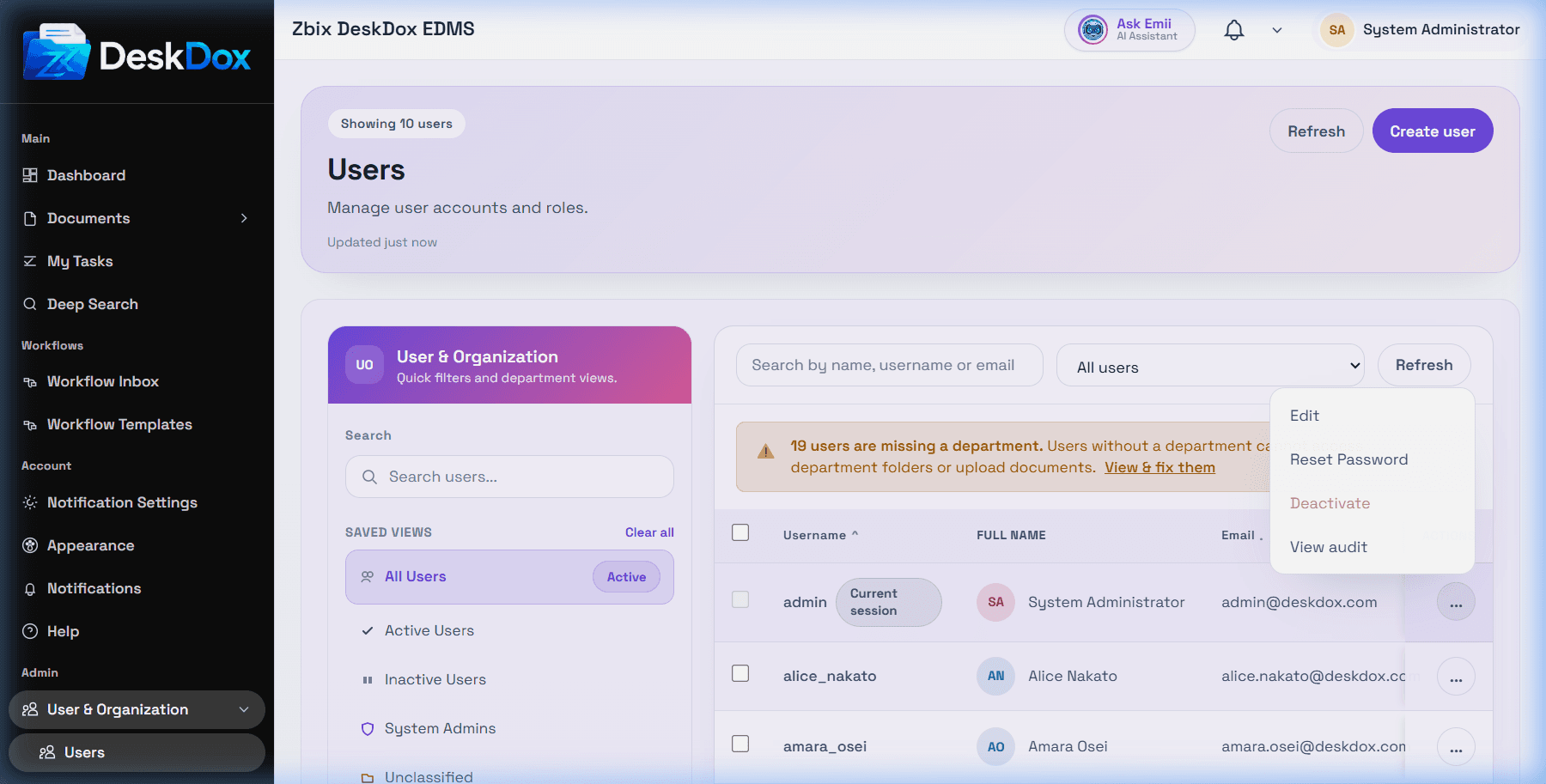
Common actions can include Edit, Reset Password, Deactivate, Activate, and View audit, depending on your permissions and the user safety rules. An inactive user is a user whose account has been deactivated; they may be blocked from normal login or access until reactivated.
If you cannot see the Users page, ask an administrator to confirm your admin role and user-management permission. A visible page with no matching results usually means the current search, department filter, role filter, status filter, or pagination hides the user.