

Workflow Template Metadata
What this helps you do
Configure the fields a workflow template needs for validation, routing, and downstream document handling.
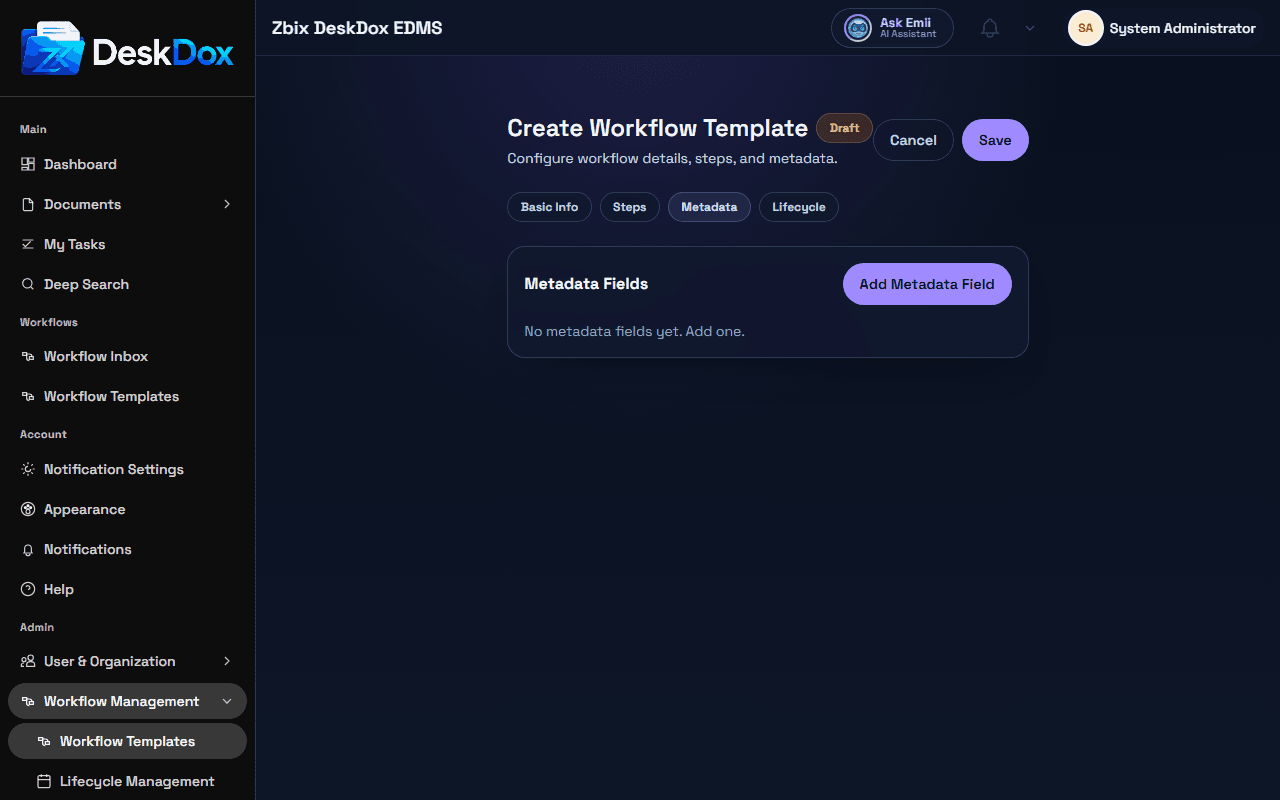
Metadata fields
The Metadata tab contains Metadata Fields and Add Metadata Field. Each field can include Field Key, Label, Field Type, Required, Options (comma separated for select), Default Value, and Help Text.
Field types are text, number, date, select, bool, and email. Options are shown for select and bool fields.
Workflow metadata versus document metadata
Document metadata describes the document and can be used across search, lifecycle, audit, and reporting. Workflow metadata is defined by the workflow template and is collected or used because that workflow process needs it.
The two can overlap. For example, a workflow may require a business field that is also useful as document metadata, or use an email metadata field for Metadata Email assignee routing in workflow steps.
Missing metadata
A workflow may not start or may route incorrectly if a required field is missing, has the wrong type, lacks a valid option, or is needed for metadata-email routing. Required fields must pass validation before the template or workflow can be used successfully. Expiry-related metadata may also affect lifecycle behavior if lifecycle policy uses workflow metadata as a date source.
Admins should keep field keys stable, use clear labels and help text, and test required fields before publishing a template.
Related Emii questions
- "What is workflow metadata?"
- "Why does workflow say metadata is missing?"
- "How do metadata fields affect workflow routing?"