

Lifecycle Policy Versions
What this helps you do
Understand draft, active, and superseded lifecycle versions and what activation changes.
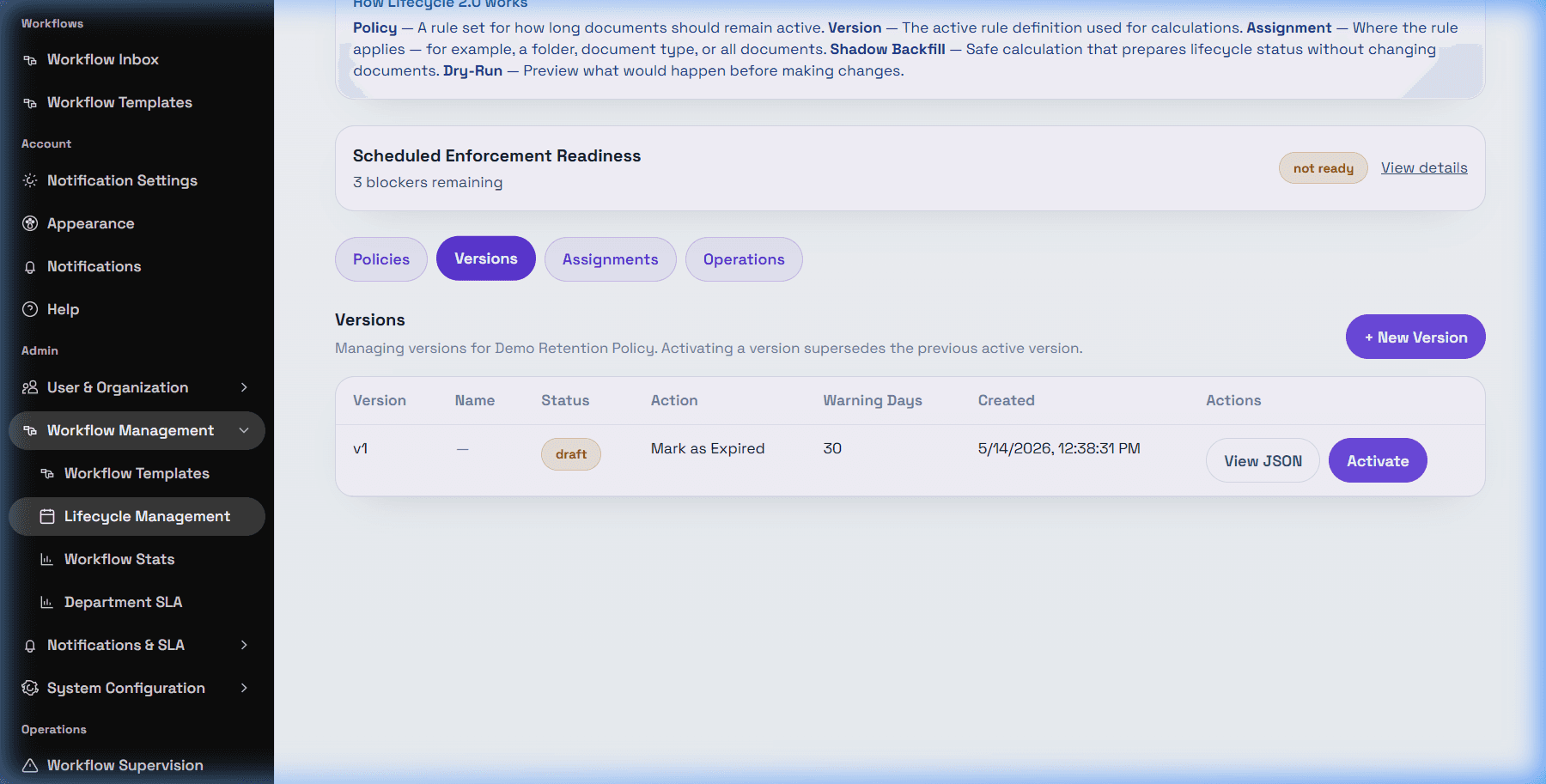
A policy version contains the actual lifecycle rule: date source, date field, warning/retention timing, and on-expiry action. The user list includes Draft, Active, and Superseded version states.
Draft versions let admins prepare rule changes without changing document management. Active is the version used for matching and enforcement. Superseded means the version used to be active but was replaced.
Each policy has one active version. Activating a new version sets it as the current version and supersedes the previous active version for that policy. Existing document lifecycle state may need recalculation or backfill before every affected document reflects the new active version.
Safe versioning practice: create a draft, review date source and action settings, run dry-run after assignment, then activate only after the business owner approves the change.