

Lifecycle Policies List
What this helps you do
Find lifecycle policies, filter the list, understand status labels, and use row actions when your permissions allow them.
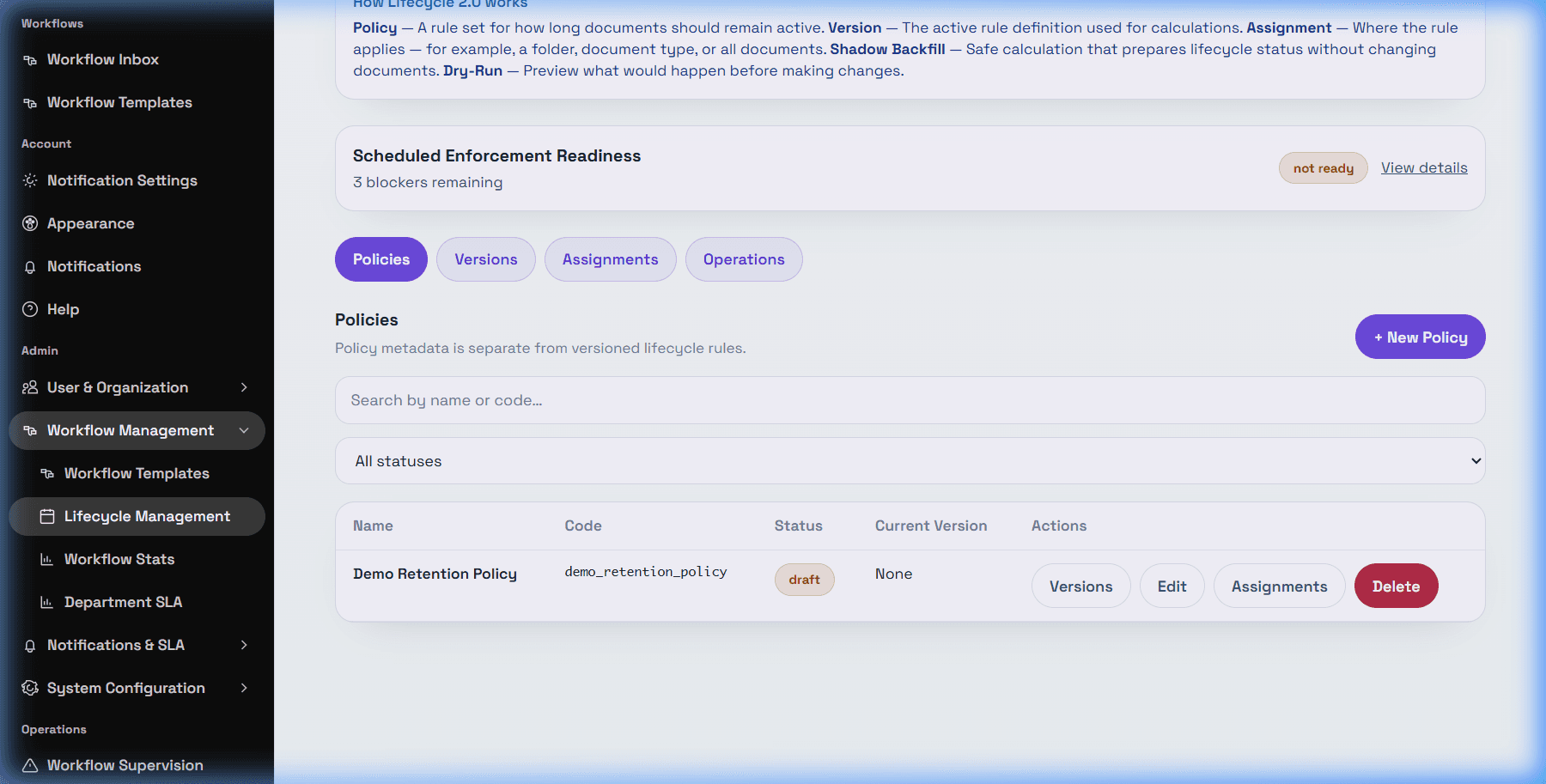
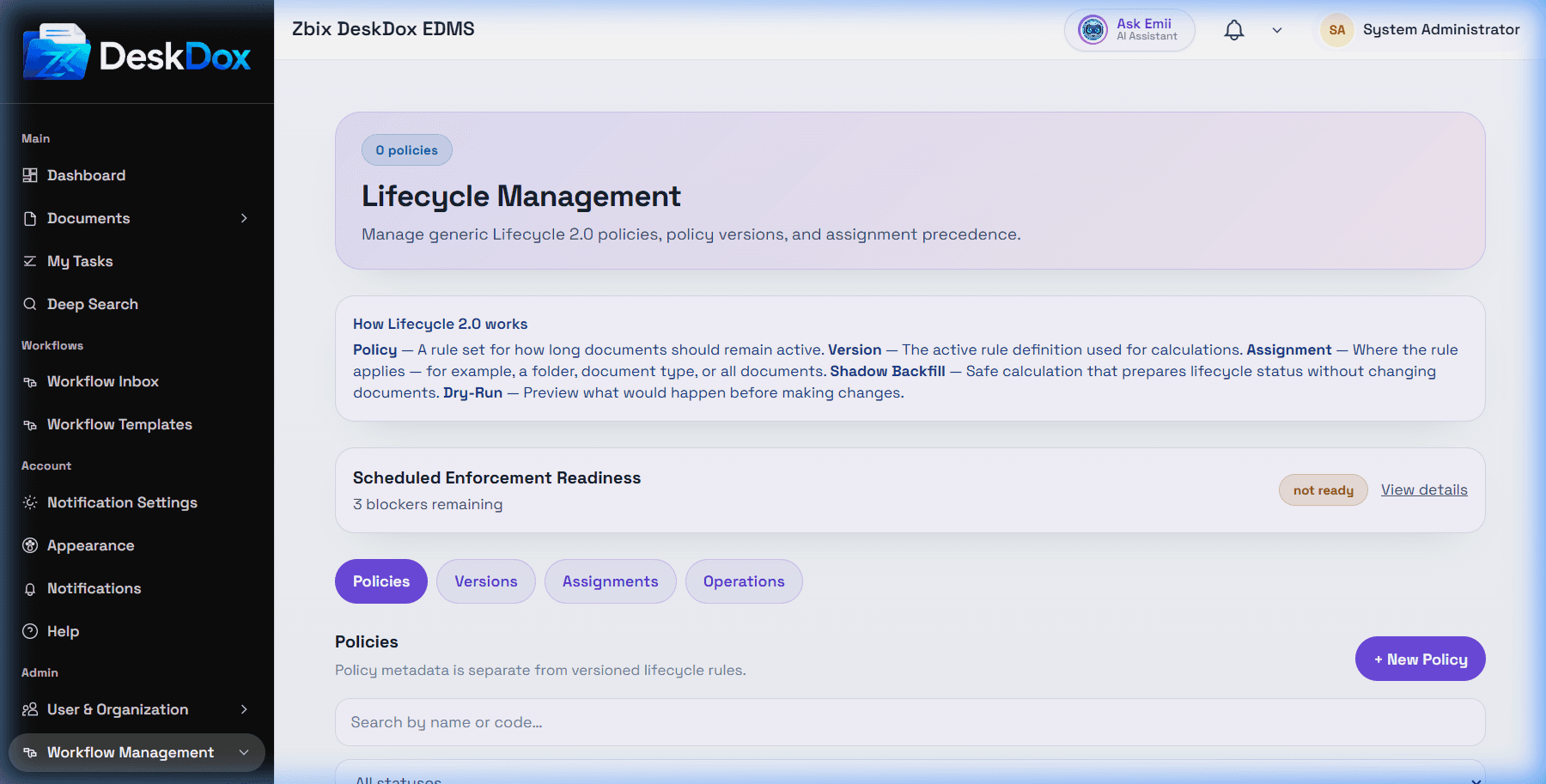
Open Admin > Lifecycle Management to view the Policies tab. The user list includes the list shows lifecycle policies and row actions such as Edit, Versions, and Assignments when available.
Use search to filter by policy name or code. Use the status filter to isolate Draft, Active, or Inactive policies when the filter is visible. If a policy seems missing, clear search text, reset the status filter, refresh, and confirm you are in the correct tenant or environment.
Policies can be active or inactive depending on configuration. A policy still needs an active version and an active assignment before it can match documents. The empty state appears when no policies are available or when filters leave no matching results.
Policy list visibility is permission-dependent. If Lifecycle Management is not in the sidebar or row actions are missing, your account may not have lifecycle administration access.