

Expired Documents and Lifecycle
What this helps you do
Understand how lifecycle-marked expiry relates to the Expired Documents view.
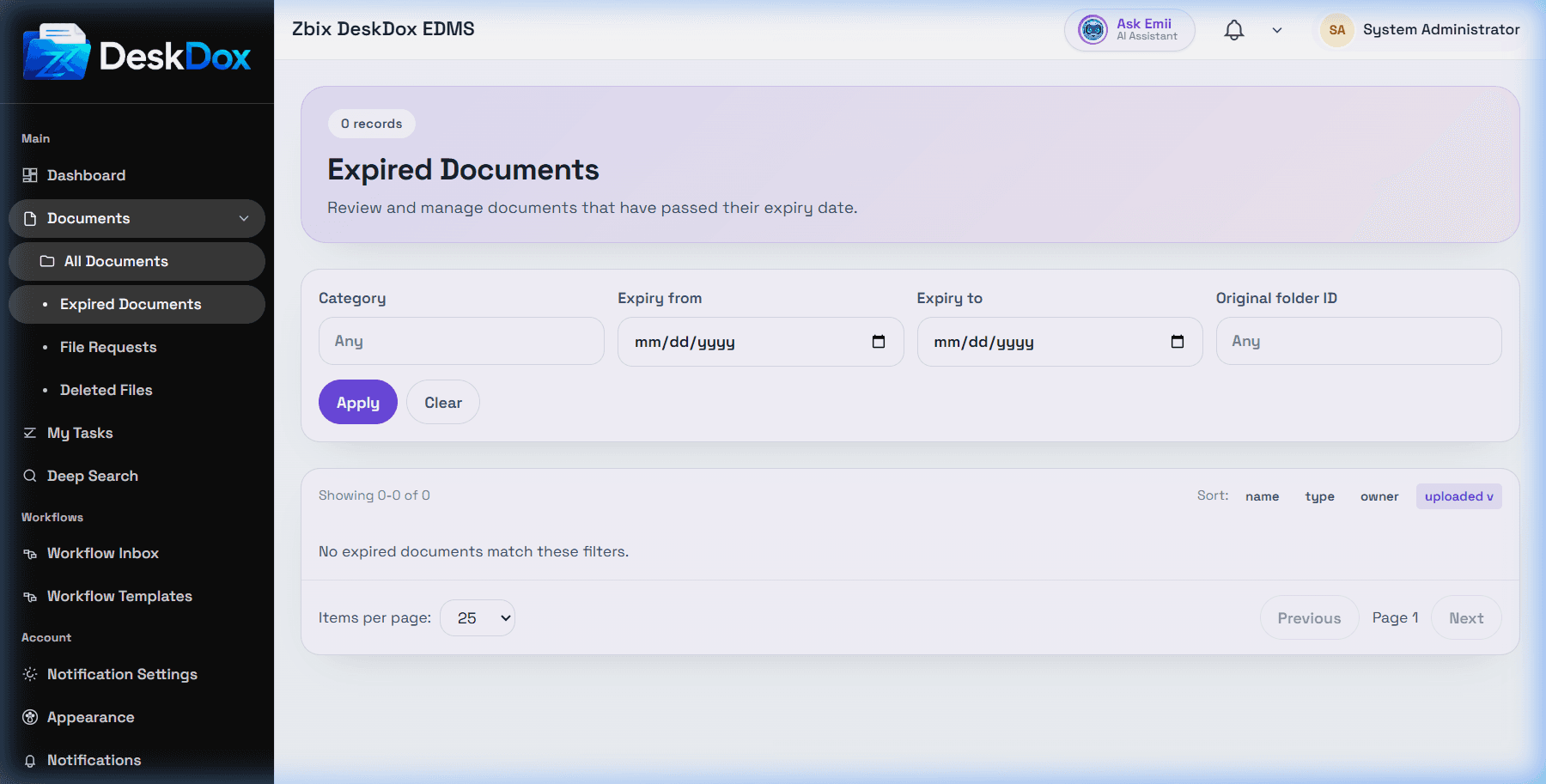
Expired Documents is the user-facing place to review documents that are expired and visible to your account. The user list includes the Expired Documents route and lifecycle relationship.
Documents can appear in Expired Documents when lifecycle or another process marks them expired, or when their expiry status/date is reflected by document fields and filters. Lifecycle actions can mark expired or move a document depending on the active policy version and enforcement.
The view may show an expired badge/status, expired date, and original folder context when available. Original folder is especially useful when a lifecycle action moved the document to another folder.
Restore or reactivation behavior must be treated as permission- and configuration-dependent. Browser discovery saw Restore and Delete actions in the expired view, but Delete is not a supported Lifecycle 2.0 action and Lifecycle does not delete documents. Ask an admin before restoring records governed by retention policy.