

Lifecycle Management Overview
What this helps you do
Understand what Lifecycle Management does, how policies, versions, assignments, rules, and actions fit together, and where document users see lifecycle results.
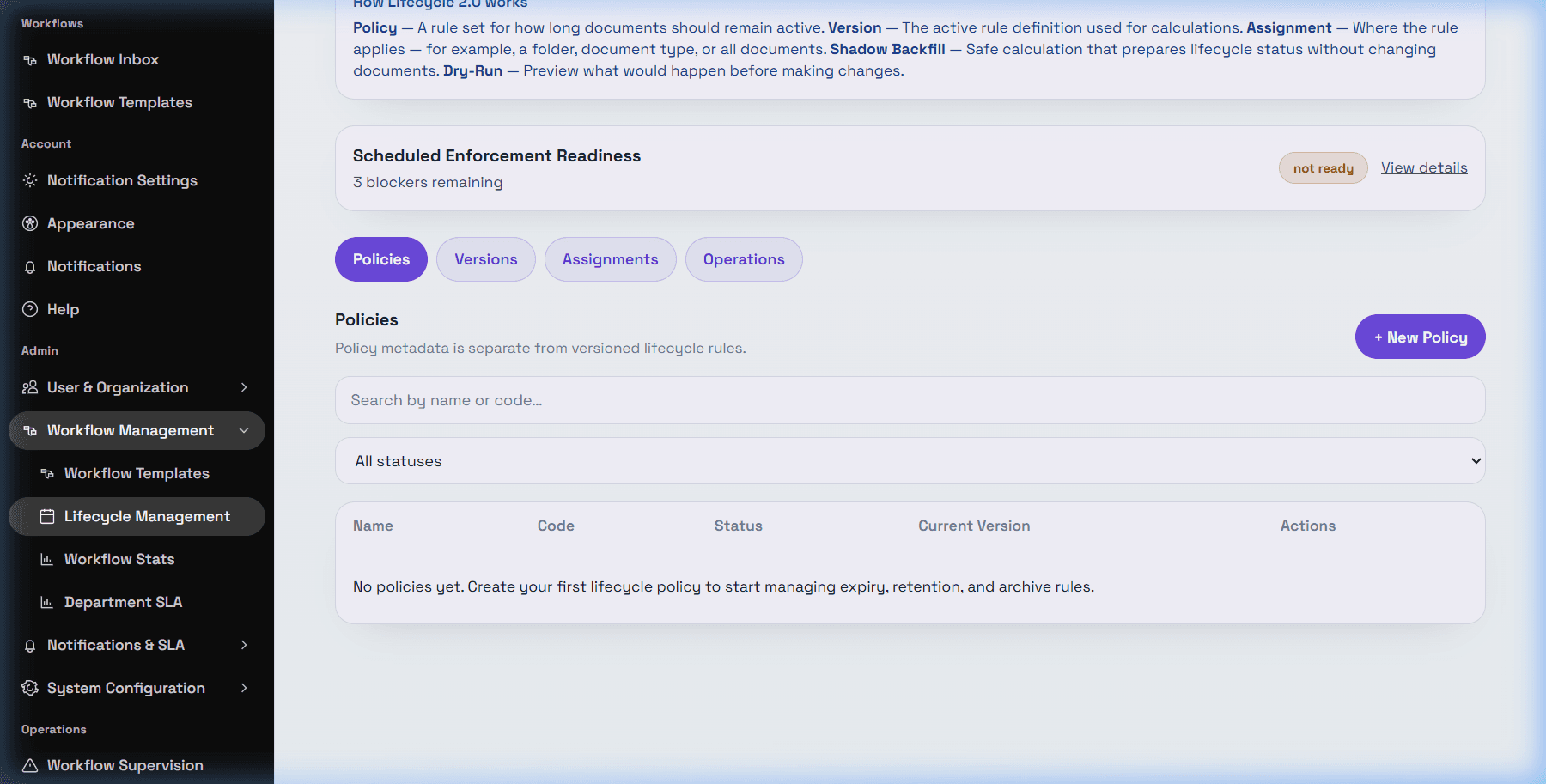
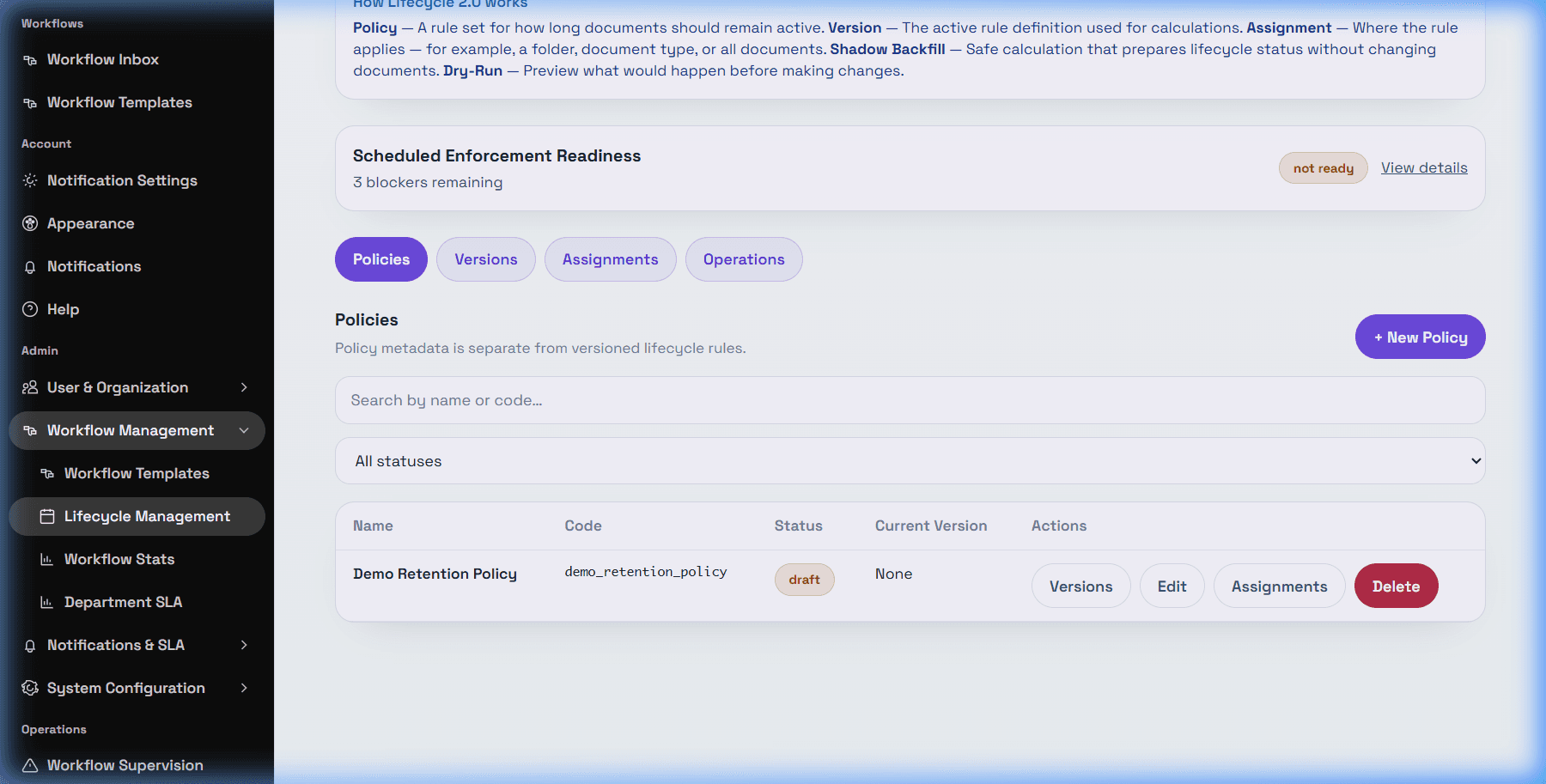
Lifecycle Management is the admin area for document retention and expiry automation. A lifecycle policy is a container. A policy version holds the date source, rule settings, and on-expiry action. An assignment decides which documents the active version applies to. Enforcement is the step that applies an eligible action to matching documents.
Lifecycle is connected to Documents because recalculated lifecycle state can appear on a document, and configured actions can mark a document expired, archive its status, or move it to a target folder. Lifecycle is connected to Expired Documents because documents marked expired can appear there depending on permissions and filters.
Workflow-related behavior is available only as workflow template assignment scope and workflow metadata/date source support. Browser discovery also confirmed workflow-related metadata/date fields. Do not treat this as a true workflow approval, rejection, or completion event trigger unless your technical admin confirms a separate event integration.
Lifecycle Management is admin-only. Standard users may see lifecycle status on the Document Detail Drawer or Expired Documents when those screens and permissions are available.
Safety note: Lifecycle does not delete documents. Supported Lifecycle 2.0 actions are none, mark_expired, move_to_folder, and archive. Archive is status-only; it does not delete storage or change permissions.