

Send a Document by Email
What this helps you do
Use the Email Document modal to send a document notification, secure link, or attachment behavior supported by your DeskDox configuration.
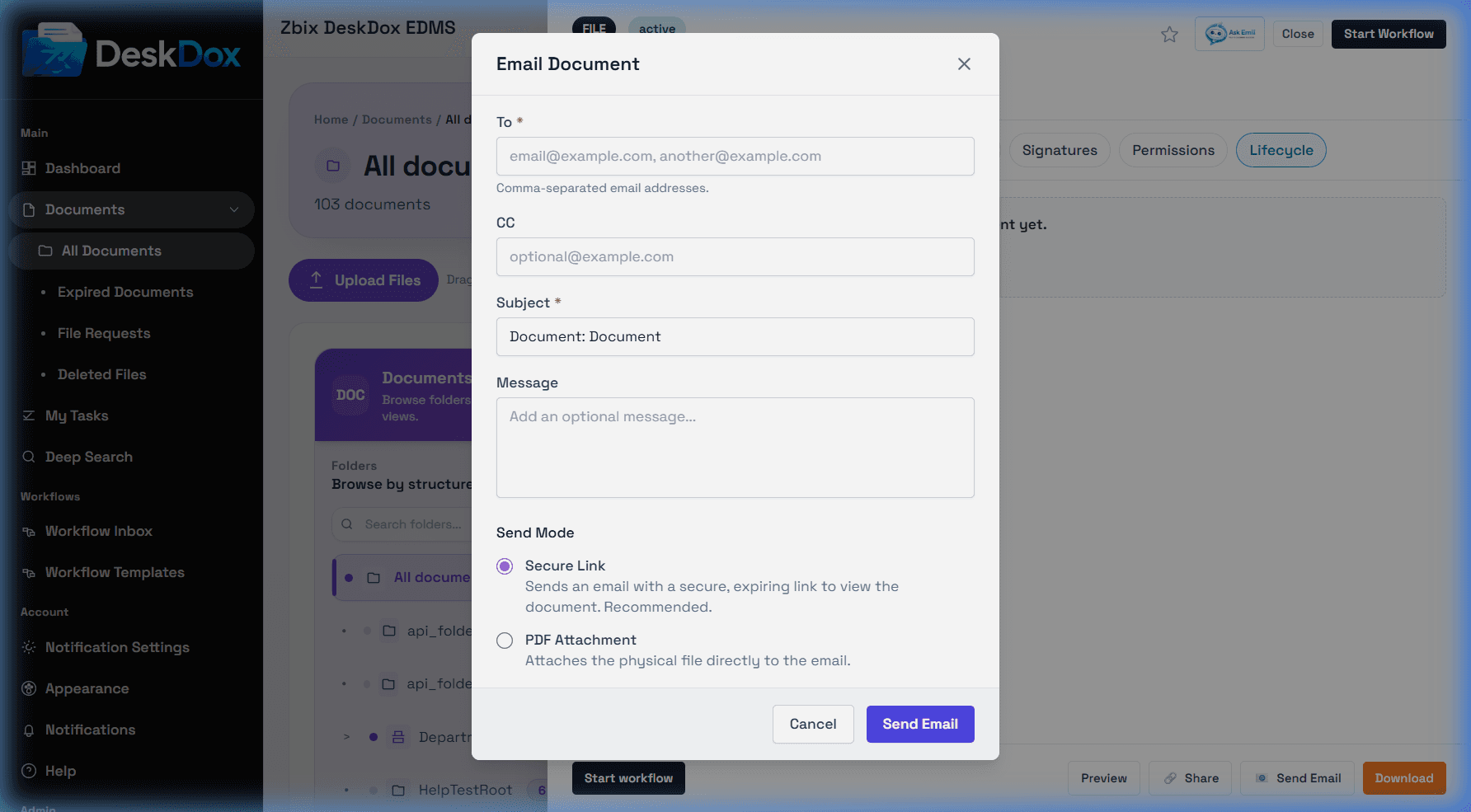
Send email
Open the document row action menu or Document Detail Drawer and choose Email or Send Email. Enter the recipient, subject, and body/message, then send. Depending on configuration, the email may include a secure/public link rather than attaching the original file.
Your DeskDox configuration determines whether document email sends a secure/public link, an attachment, or another approved delivery method. If you are unsure which mode is enabled, check with your administrator before sending sensitive documents.
Link and mail dependencies
If email uses secure links, the public/secure link feature must be available and valid. If sending fails or times out, check recipient address, link status, link expiry, SMTP/mail server configuration, and whether the document is still accessible. Email send attempts and access changes can appear in audit history.