

File Requests
What this helps you do
Use File Requests to collect documents from people outside your organization or from users who need a guided upload link.
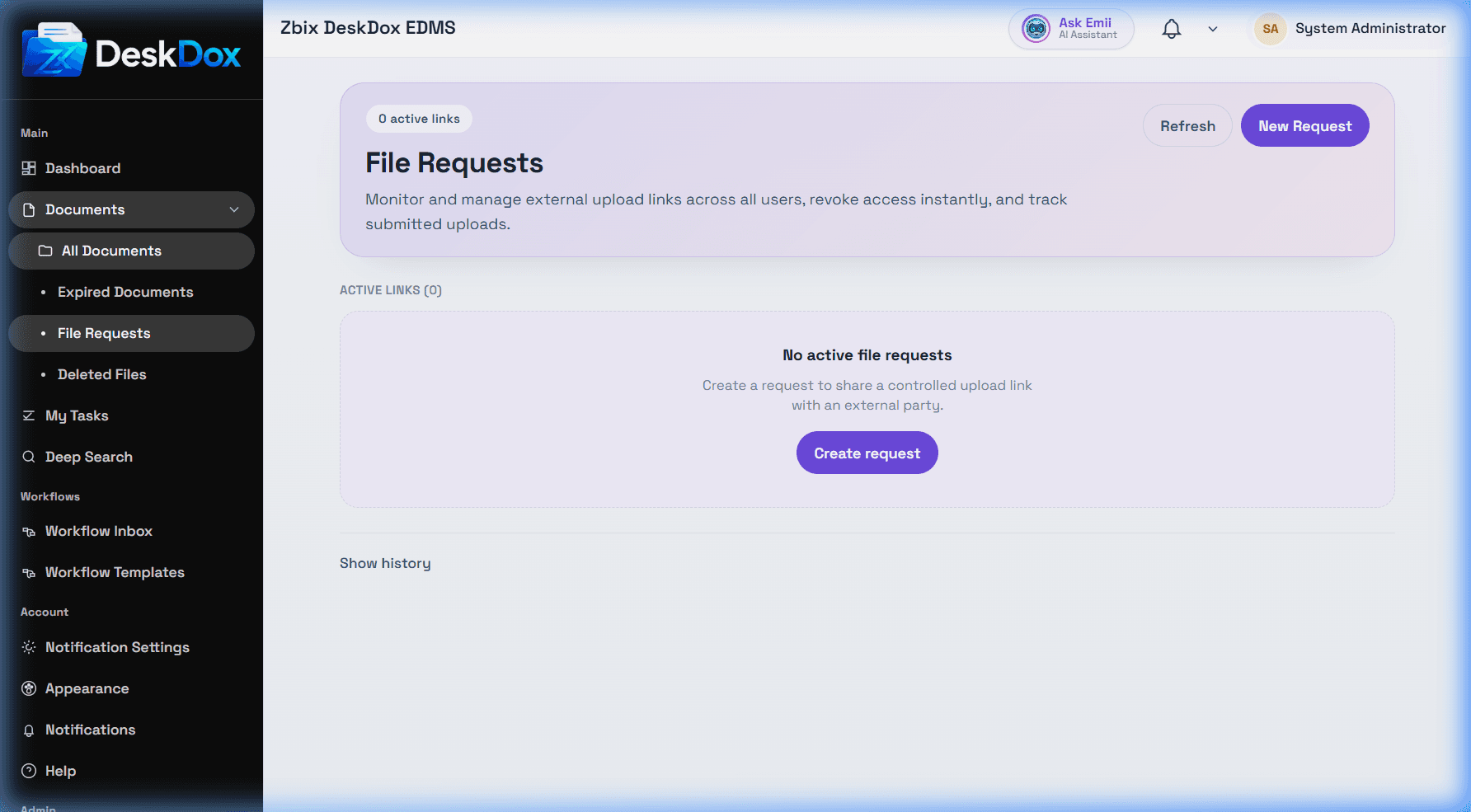
Create and send a request
Open Documents > File Requests, click Create Request, enter the request details, and generate the request link. Send the link to the requester or external user using your approved communication channel.
Upload and tracking flow
The recipient opens the request link and uploads the requested files. Track submissions from the File Requests page and open request details or uploads when available. If expected files are missing, check whether the link expired, was revoked, was copied correctly, or failed during upload.
Security notes
Use file requests for controlled external collection. Set expiry and destination folder carefully, and revoke links when collection is complete or the wrong recipient received the link.