

Workflow Supervision Console
What this helps you do
Monitor active workflow tasks, find overdue or stuck workflows, and use admin actions when permissions and policy allow them.
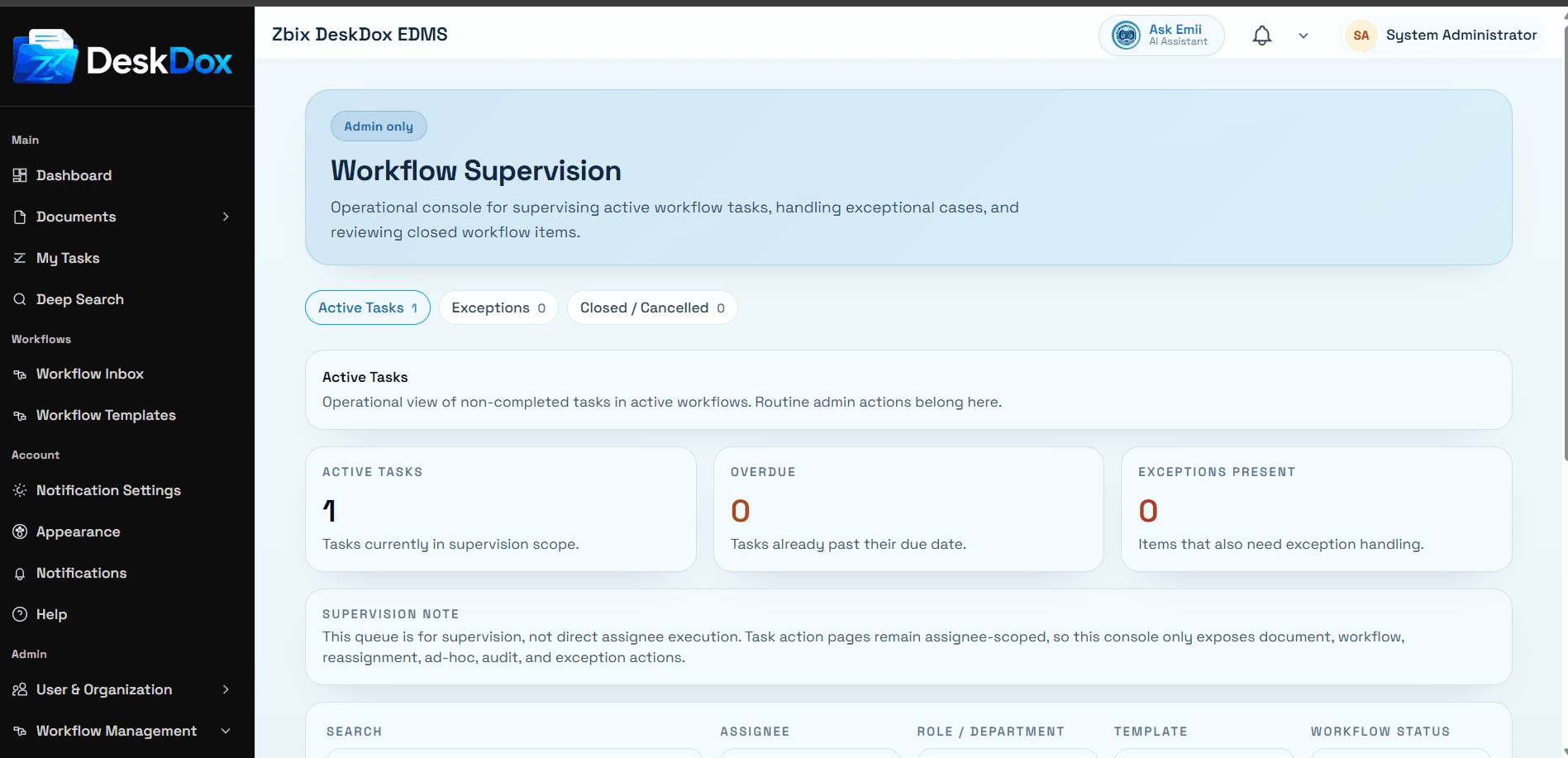
Purpose and tabs
Workflow Supervision is an operational admin console. Tabs are Active Tasks, Exceptions, and Closed / Cancelled.
The page includes a note that the queue is for supervision, not direct assignee execution. Use it to investigate workflow health before intervening.
Filters and lists
Filters include Search, Assignee, Role/Department, Template, Workflow Status, Task Status, Due State, Exception State, Due From, Due To, and Clear Filters.
The active task table can show task, document/workflow, step/assignment, status, due/age, flags, and actions. Flags may include exception, overdue, escalated, ad-hoc, SLA breached, or Overdue.
Admin actions
Actions include Open, Reassign, and More options such as Open Document, View Audit, Add Step, and Review Exception. Reassignment requires New assignee and Reason, and remains auditable. Ad-hoc step creation can include Step name, Assignee, Due date, and Administrative note.
Exception actions can include Review, Restore, Resync, and Cancel depending on suggested actions. Use these only after checking the document, current step, audit trail, assignee, metadata, and whether normal routing can resume.
Permissions
Workflow Supervision requires workflow task administration capability. Visibility is permission-based, so users without supervision rights may not see the page or may see a limited queue. If the page is empty, check filters, active versus closed tabs, workflow status, permissions, and whether the environment currently has active or exceptional workflows.
Related Emii questions
- "What is Workflow Supervision?"
- "Where can I see stuck workflows?"
- "Can an admin reassign or intervene in a workflow?"