

Topbar Overview
What this helps you do
Use the authenticated topbar to open Emii, check notifications, and reach account settings from the current page.
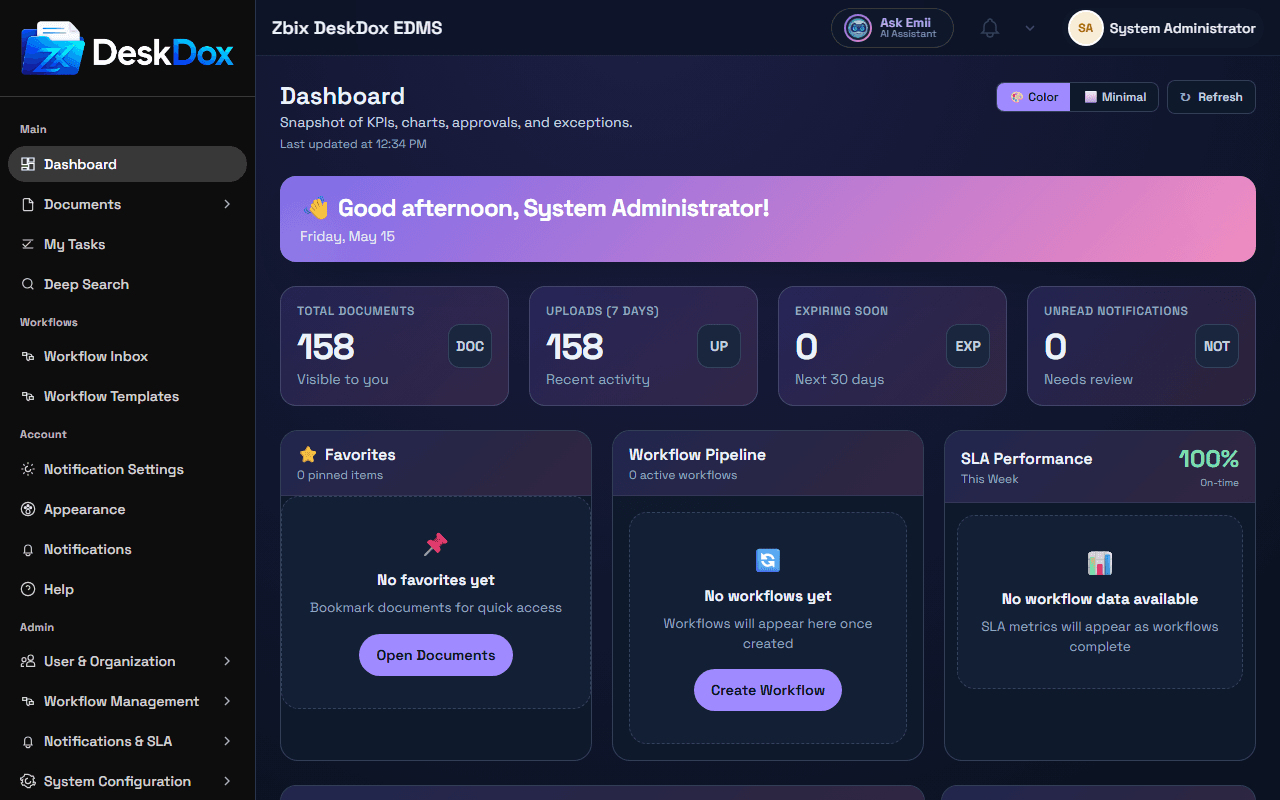
Topbar areas
The topbar includes the DeskDox logo area, global search or page search controls when available, the Ask Emii AI Assistant button, Help access, notifications bell, and the profile entry point.
Use search to find documents or Help Center information from the current context when that control is visible. Use Ask Emii AI Assistant to open Emii when available. Use Help to open guidance resources. Use the bell icon to open notifications. Use the profile initials or name to open account options such as Account, Appearance, and Logout when those menu items are visible.
Missing buttons
A topbar button can be missing because of permissions, feature configuration, license state, screen size, or a deployment setting. Use the topbar options shown in your account to access the available actions.
On smaller screens, topbar controls may move, collapse, or require opening a menu depending on the responsive layout.