

Ask Emii from the Topbar
What this helps you do
Open Emii from the authenticated topbar and choose the right kind of question.
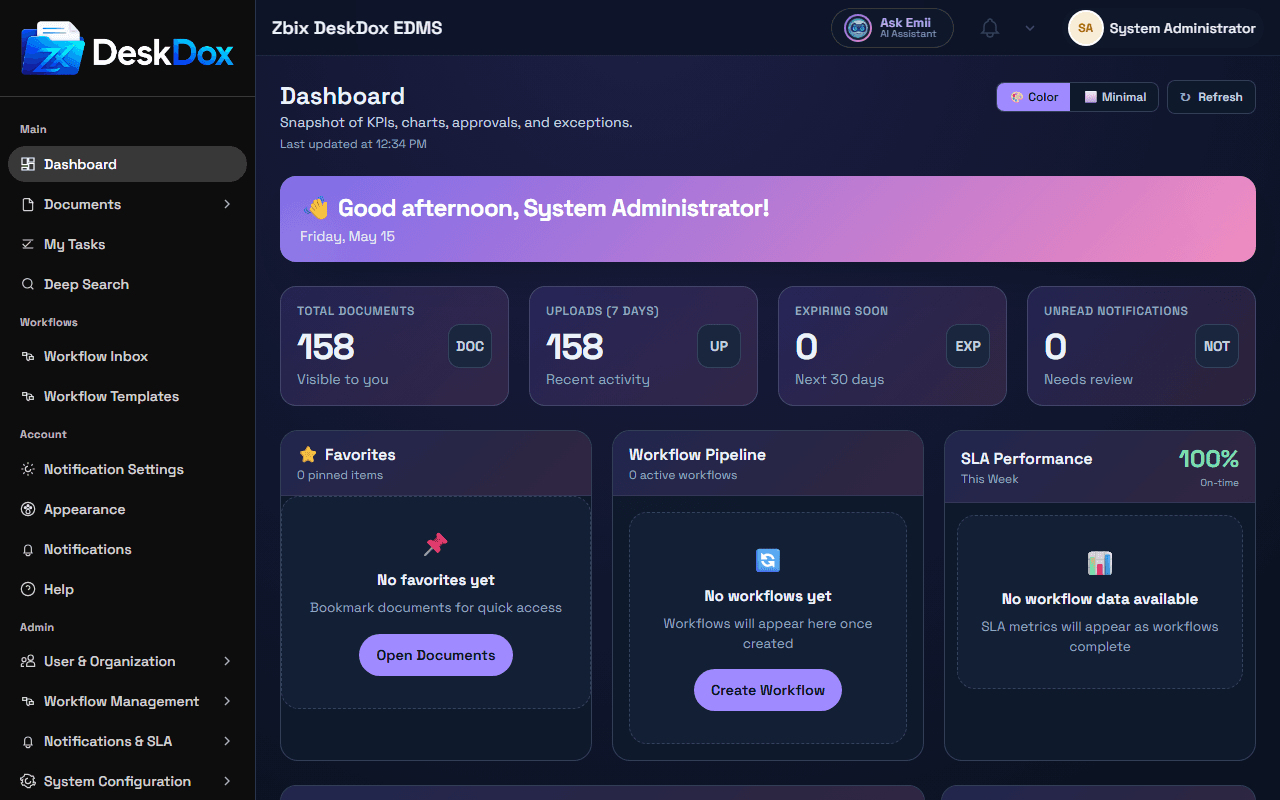
Open Emii
Click Ask Emii AI Assistant in the topbar when it is visible. The assistant panel opens from the topbar when the feature is available to your account. Panel layout, query type selection, advisory notes, and New chat controls may vary by configuration.
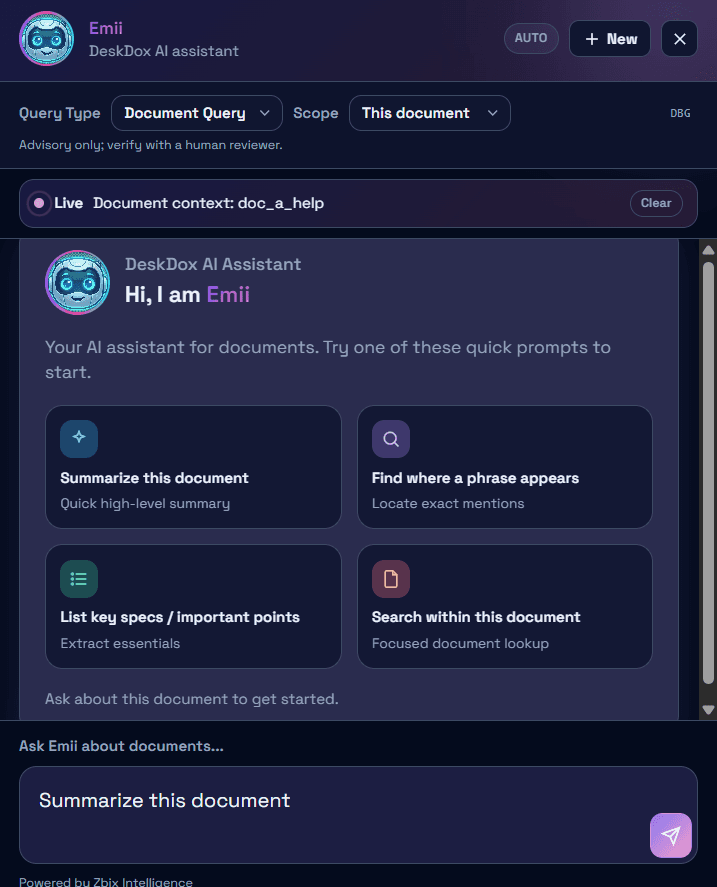
Help / Guidance vs document questions
Use Help / Guidance for DeskDox product questions such as how to use the Dashboard, where notifications appear, or how to change theme settings. Help / Guidance answers from available Help Center content and cites the article it used when a source is available.
Use document questions when you want Emii to answer from uploaded document content. Document answers depend on the documents your account is permitted to access, whether the content has been indexed, and whether document AI is enabled for your deployment.
Citations and advisory notes
When Emii answers from Help Center content, citations show the source article or section. Treat Emii as guidance, not approval authority. If an advisory note is visible, read it before acting on high-impact decisions.
Emii follows DeskDox access controls. It should not use Help Center articles or document content that are unavailable to your account. If an answer is incomplete, refine the question, check whether the relevant help article or document exists, and confirm that you have permission to view it.