

How to Use WhatsApp Integration
Purpose
WhatsApp integration lets administrators configure WhatsApp-related communication options when the feature is enabled for the deployment.
WhatsApp integration is available only when the feature is enabled and configured for the deployment. Available options may vary by license edition and environment configuration.
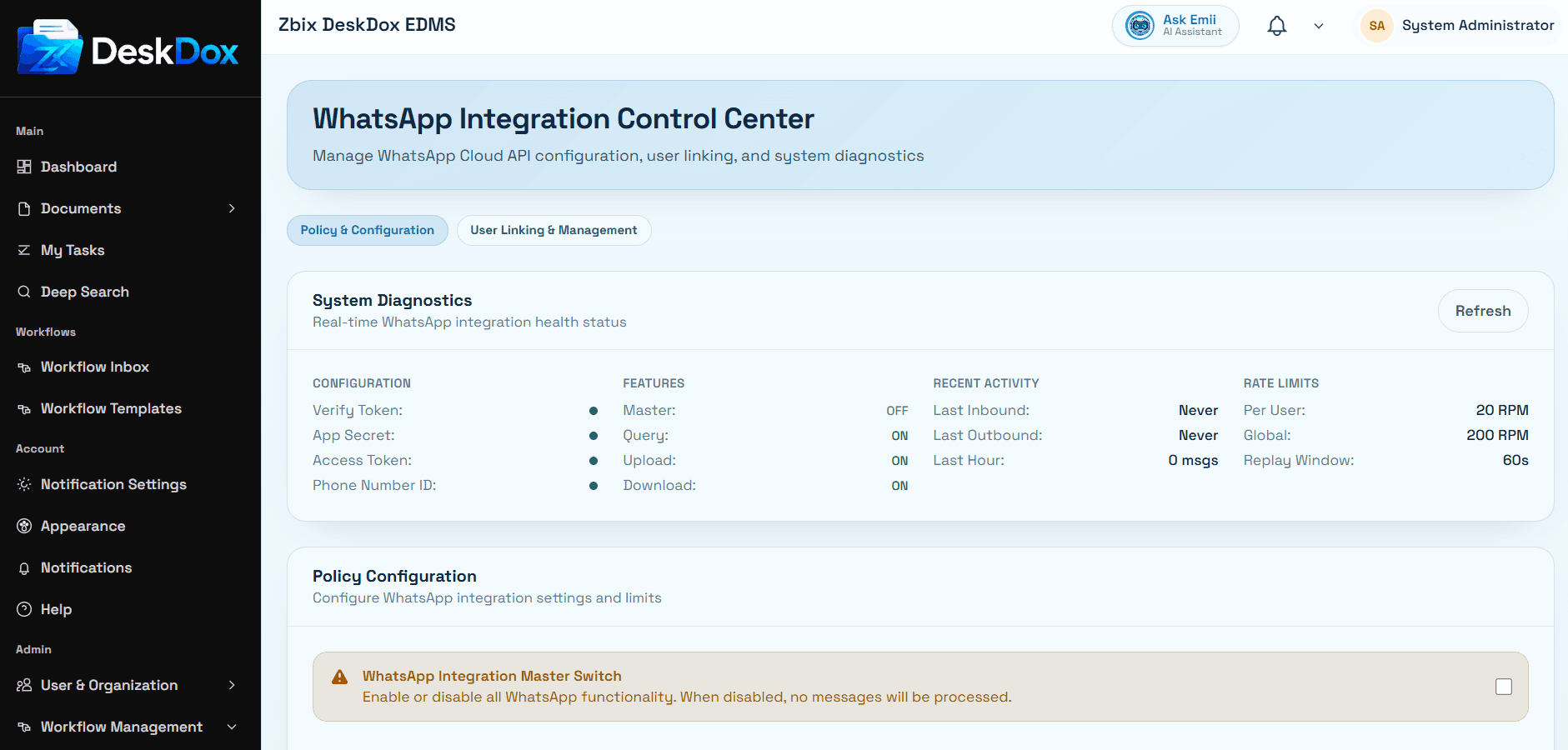
Configure WhatsApp
Administrators can open the WhatsApp settings area when it is visible in the admin menu. The setup screen can include enablement controls, provider or connection settings, phone or sender details, webhook or callback values, and testing or save actions depending on the deployment.
Review every visible field before saving. Use any available test action to confirm the configuration after changes.
Troubleshooting
- WhatsApp settings missing: confirm the feature is enabled for your license and deployment.
- Save or test action unavailable: confirm your administrator role and required configuration values.
- Messages not available: confirm provider setup, deployment configuration, and any license or module requirements.